
What a Adyen integration gives you.
Adyen handles all cardholder data; your platform never touches raw PAN, CVC or track data. Compliance scope shrinks and audit costs fall.
Funds are authorised at checkout and captured after dispatch, reducing fraud risk and refund volume because authorisations expire if orders do not ship.
Daily reconciliation files from Adyen are parsed and posted to ERP as customer credits and cash adjustments, eliminating manual GL entries.
Adyen acquires payments in dozens of currencies and payment methods; your team adds new regions without redeploying payment logic.
A payment journey is visible from checkout through settlement, with exception queues for failed captures, declined refunds and chargebacks requiring action.
Where a Adyen integration earns its place.
If two or more of these are true, the integration usually pays for itself quickly.
Where off-the-shelf connectors fall short.
Vendor connectors are fine for simple cases. Here's where the real ones need more.
Most Adyen integrations do not auto-capture on order creation; a manual or rule-based step in the OMS is required to send capture requests after goods are packed or shipped. Without explicit process design, captures can lag, delaying settlement.
Adyen sends back 3DS challenge URLs that must be displayed to the shopper mid-checkout. Standard commerce platform payment forms may not handle the challenge redirect and result polling smoothly, requiring custom JavaScript or native integration code.
Settlement and chargeback events arrive in daily or batch reports from Adyen, not real-time webhooks. ERP reconciliation lags by 1-2 days, and chargebacks may appear weeks later, creating temporary cash posting gaps.
Adyen-stored tokens (vaulted cards) require careful mapping if you replatform. Tokens from one merchant account may not port to another, and old token formats may break on commerce platform updates.
If you operate multiple brands or currencies, routing payments to the correct Adyen merchant account and choosing the correct acquiring scheme is not automated; incorrect routing can delay settlement or trigger compliance failures.
The gap between payment authorisation and capture, and the lag in chargeback visibility, exposes governance risks that vanish if payment state changes are logged, exception handling is explicit, and finance reconciliation is daily rather than monthly.
Where this integration sits in your estate.
Adyen holds the commercial record. The iWeb integration layer manages the rules, mappings, monitoring and exceptions. The commerce platform presents the customer-facing experience. The estate map helps agree ownership before anything is built.
Built for your platform, not a specific one. Adyen integrates with any ecommerce core through the same contract.
- Payment method availability and rules
- Authorisation decision and fraud screening
- Capture and settlement execution
- Tokenisation and stored card security
- Daily settlement and chargeback reporting
- Checkout form and payment intent assembly
- 3DS challenge display and result polling
- Order state after auth success or failure
- Refund initiation from OMS
- Display of saved payment methods to returning shoppers
Systems this integration usually sits next to.
Examples, not a closed list. iWeb is platform-agnostic on both sides: we wire this integration into whatever ecommerce platform and surrounding systems your estate already runs.
- Adobe Commerce
- Magento Open Source
- Shopify Plus
- BigCommerce
- Other storefronts
- Order Management System
- Enterprise Resource Planning
- Product Information Management
- Warehouse Management System
- Marketing and CRM platform
- Business Intelligence and reporting
- Tax and compliance engine
Not sure if this works with your stack?
Tell us what you’re using and what needs to connect. We’ll give you a straight view on what’s possible, what might be awkward, and the safest way to approach it.
The data flows we wire.
Each flow has a direction and an owner. We agree both before a line of code is written.
How iWeb configures the integration around your business.
Same method on every integration. The decisions come before the code.
- 01Design payment and capture timing
We map when auth happens at checkout, when capture should fire (on order confirmation or dispatch), and how your OMS triggers captures in Adyen. We define fallback behaviour if capture is delayed or fails.
- 02Build 3DS and SCA handling
We implement challenge redirect logic, polling for challenge results, and fallback to non-3DS auth if the challenge times out. We test with real Adyen test cards in your target region.
- 03Configure tokenisation and vaulting
We enable saved payment methods so returning shoppers skip card entry, and we ensure tokens are stored in Adyen and referenced securely from your commerce platform. We design token refresh and expiry handling.
- 04Integrate refund and chargeback workflows
We expose refund buttons in your OMS with real-time Adyen status feedback. We parse chargeback notifications from Adyen and trigger credit-hold or investigation workflows in your ERP.
- 05Establish reconciliation and reporting
We extract settlement, refund and dispute reports from Adyen daily and post them to ERP as GL entries and customer credit notes. We build dashboards showing payment health, settlement lag and exception volumes.
Who owns what.
The single most important table in any integration. One system owns each field; everything else reads it.
Built this before
iWeb has integrated Adyen across dozens of commerce estates spanning B2C retail, B2B marketplaces and subscription services. We understand how payment state changes align with order capture, refund and ERP reconciliation cycles, and where governance gaps expose teams to reconciliation drift and chargeback surprises.
What we test before launch.
Every one of these is rehearsed before a customer ever sees the integration.
Common risks and where they bite.
We name these on day one. A risk written down is a risk you can plan around.
If your OMS or dispatch logic does not send capture requests within Adyen's expiry window (typically 7-30 days depending on scheme), authorisations expire and funds are released. Orders appear paid but capture fails on fulfillment.
If your checkout does not keep the shopper's session alive during a 3DS challenge poll, or if the challenge modal is closed, the auth hangs and the order fails even though Adyen approved the transaction. Shoppers do not know what happened.
If your system sends refunds to the wrong Adyen merchant account or against an expired token, Adyen rejects the refund. The customer credit is not posted and reconciliation gaps grow.
A chargeback can appear in Adyen's report weeks after the order shipped and the invoice was paid. If your team does not match the chargeback back to the original order and customer, credit becomes unreconciled and aged debt grows.
Adyen's daily settlement report may arrive late or skip a merchant account during system outages. If your ERP reconciliation is manual, month-end can be delayed waiting for missing settlement data.
If you move to a new commerce platform or switch Adyen merchant accounts, old tokens become invalid. Saved payment methods stop working for existing customers and repeat checkout becomes friction-heavy.
Relevant services and sectors.
Common questions about Adyen integrations.
How do we handle the gap between authorisation and capture? Can we authorise at checkout and capture weeks later?
Most card schemes allow 7-30 days between auth and capture. iWeb typically designs auth-on-checkout and capture-on-dispatch, keeping the window tight. If you need longer holds (e.g. made-to-order items), Adyen can extend the window, but your team must trigger captures before expiry or funds are released.
What happens if a capture request fails after the shopper has paid?
If capture fails, the authorisation still holds but funds are not settled. Your OMS should flag the order as 'capture pending' and retry. If retries fail, your payments team investigates with Adyen to see if the transaction expired or if there was a scheme rejection. iWeb builds retry queues and escalation alerts.
How do we handle 3D Secure and Strong Customer Authentication?
Adyen detects when 3DS is required based on scheme rules and shopper risk profile. If needed, Adyen returns a challenge URL and your checkout redirects the shopper to the issuing bank's challenge page. Once the shopper completes the challenge, your checkout polls Adyen for the result and completes the auth. iWeb implements the redirect, polling and timeout logic.
Can we save payment methods so returning shoppers don't re-enter card details?
Yes. Adyen tokenises cards on first purchase if the shopper opts in. On repeat visits, your checkout loads the saved token and uses it for auth without re-entry. iWeb ensures tokens are stored securely and expired tokens are refreshed or removed from the saved list.
How do refunds flow from our OMS back to Adyen and the customer's bank?
Your OMS sends a refund request to Adyen with the original transaction reference and refund amount. Adyen validates the refund and sends it to the customer's issuing bank. Most refunds appear in 3-5 business days. iWeb tracks refund status in your order record and alerts your team if a refund is declined.
When do we receive settlement funds in our bank account?
Adyen settles captured transactions on a daily or weekly schedule depending on your contract and risk profile. Settlement arrives 1-3 days after capture. Adyen's daily settlement report tells you which transactions settled and which fees were deducted. Your ERP team matches the report to bank deposits.
How do chargebacks work and when do we find out?
A chargeback happens when a customer disputes a charge with their bank, typically weeks or months after the transaction. Adyen notifies you via email and includes the chargeback in your settlement report. Your team must investigate the original order and provide evidence to Adyen or accept the chargeback loss. iWeb links chargebacks back to orders in your system.
What if Adyen goes down during checkout? Do we have a fallback?
Adyen has 99.99% uptime, but outages happen. Most commerce platforms can fall back to an alternative payment gateway or offer a pay-by-invoice option. iWeb helps you design a fallback flow (e.g. email invoice with payment instructions) so orders don't fail silently.
How do we reconcile Adyen settlements to our ERP cash receipts?
Adyen publishes a daily settlement report listing transactions, refunds, chargebacks and fees. Your ERP finance team imports this report and posts a single GL entry for the net settlement amount. Refunds and chargebacks post as customer credits. iWeb automates the import and matching logic.
Can we operate multiple Adyen merchant accounts (e.g. for different brands or currencies)?
Yes. iWeb configures your checkout to route payments to the correct merchant account based on brand, currency or customer location. Each account has its own settlement, reporting and reconciliation. Your team must monitor each account separately.
What happens to saved payment methods if we replatform or change Adyen merchant accounts?
Tokens are locked to the merchant account they were created in. If you switch accounts, old tokens become invalid and returning shoppers must re-enter card details. iWeb helps you plan token migration strategies (e.g. pre-migrate tokens to the new account before go-live) to minimise disruption.
How do we monitor payment health and spot failures in real time?
iWeb builds dashboards showing auth success rates, capture lag, refund status and exception volumes. Failed captures and chargebacks trigger alerts so your team responds before customer impact. Logs and payment records are retained for audit and chargeback investigations.
Do we need PCI compliance certification if Adyen handles card data?
Adyen handles all raw card data, so your commerce platform scope shrinks dramatically. You still need basic PCI controls (encrypted checkout, HTTPS, secure token handling), but full SAQ-D certification is not required. Adyen's hosting and tokenisation reduce your compliance burden significantly.
How do we handle declined or failed transactions?
Adyen returns a decline reason (insufficient funds, blocked by issuer, expired card, etc.). Your checkout displays the reason to the shopper and offers retry or alternative payment method. iWeb logs decline reasons for fraud analysis and customer service.
Projects with a similar shape.

A made-to-measure blinds platform rebuilt around configuration, sampling and mobile-first buying.
Home buyers supported through faster configuration, sample requests and mobile-first checkout.
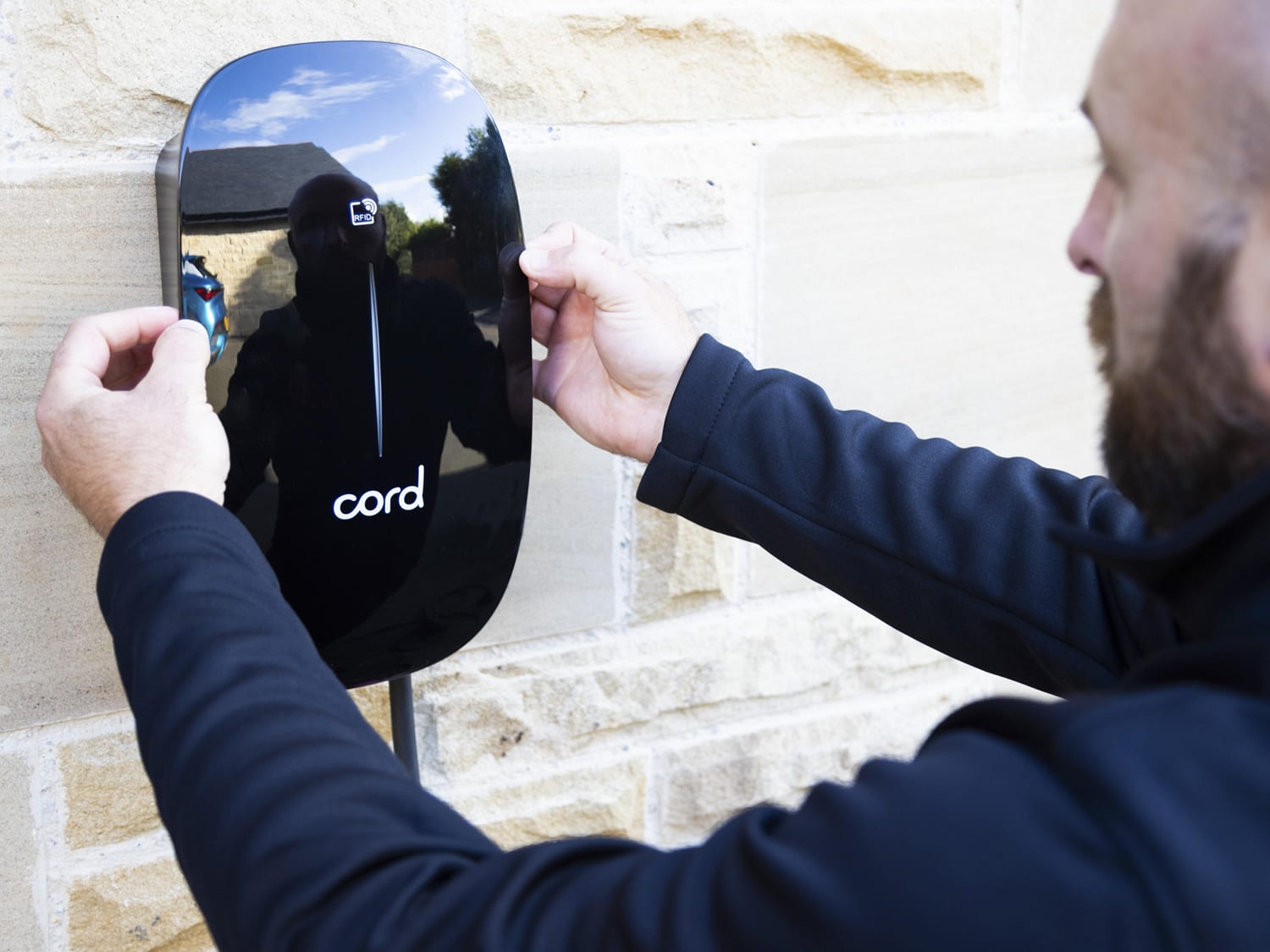
An EV charger commerce experience rebuilt around product choice, installation and customer checkout journeys.
EV charger sales supported by updated trading, traffic activity and a clearer customer experience.

An outdoor clothing PIM project built around product data, assets and retail catalogue control.
Outdoor retail teams supported by stronger product governance and better digital asset management.