
What a Algolia integration gives you.
The catalogue feed into Algolia reflects the governed product model, so facets, filters and relevance ranking behave predictably. Merchandisers can manage rules and synonyms without developer tickets, and changes apply immediately.
Query performance budgets are monitored, and slow queries are surfaced before they degrade the shopper experience. The integration scales with seasonal peaks and catalogue growth without manual tuning.
Product attribute changes, pricing updates and new SKUs flow into the Algolia index in real time or on schedule. Exceptions are logged and routed to the ecommerce or PIM team, so stale search results do not linger.
If the Algolia API is slow or unavailable, the storefront falls back to the commerce platform's native search or a cached result set. Shoppers can still find products, and the operations team is alerted to restore the primary search.
When a query returns no results, the integration suggests synonyms, alternative queries or relevant category pages. Analytics track zero-results patterns, so merchandisers can refine the synonym dictionary and ranking rules.
Facet configuration, synonym dictionary, redirect rules and merchandising logic have named owners. Rule changes are tested before going live, and conflicting rules are resolved through a defined workflow, not ad-hoc dashboard edits.
Where a Algolia integration earns its place.
If two or more of these are true, the integration usually pays for itself quickly.
Where off-the-shelf connectors fall short.
Vendor connectors are fine for simple cases. Here's where the real ones need more.
Standard Algolia connectors index whatever data structure you supply but do not enforce attribute modelling, completeness rules or channel-specific field requirements. You must design the feed to match how facets, filters and relevance ranking should behave.
If a catalogue feed breaks or a product update fails to index, the default integration may not surface the error to the ecommerce or PIM team. Shoppers see stale search results until someone manually checks the index status.
Algolia provides a rules UI, but the integration does not define who is allowed to publish rules, how rule changes are tested, or how conflicting rules are resolved. Without governance, merchandising logic can drift or break during campaigns.
If the Algolia API is slow or unavailable, the storefront may show a blank search page or a generic error. The integration rarely includes a fallback to the commerce platform's native search or a cached result set.
Algolia is fast, but query complexity, large result sets or poorly configured facets can slow response times. The integration does not monitor search performance budgets or alert when queries exceed acceptable latency.
When a query returns no results, the default integration shows a static message. It does not trigger synonym suggestions, alternative queries, or fallback category pages to keep the shopper engaged.
Merchandisers want to manage search rules without developer tickets, but standard integrations rarely define who owns the synonym dictionary, how conflicting rules are resolved, or what happens when the index rebuild breaks facets.
Where this integration sits in your estate.
Algolia holds the commercial record. The iWeb integration layer manages the rules, mappings, monitoring and exceptions. The commerce platform presents the customer-facing experience. The estate map helps agree ownership before anything is built.
Built for your platform, not a specific one. Algolia integrates with any ecommerce core through the same contract.
- Search index and relevance ranking
- Facet configuration and filterable attributes
- Synonym dictionary and redirect rules
- Merchandising rules (boosting, burying, pinning)
- Query analytics and A/B testing
- Personalisation signals and recommendations
- Product catalogue structure and attributes
- Search result display and UX
- Storefront performance and caching
- Shopper journey and conversion tracking
- Checkout and cart behaviour
- Customer accounts and order history
Systems this integration usually sits next to.
Examples, not a closed list. iWeb is platform-agnostic on both sides: we wire this integration into whatever ecommerce platform and surrounding systems your estate already runs.
- Adobe Commerce
- Magento Open Source
- Shopify Plus
- BigCommerce
- Headless commerce frameworks
- Other storefronts
- PIM (Akeneo, Pimcore, inRiver)
- ERP (Sage, Microsoft Dynamics, SAP)
- OMS (Fluent Commerce, Kibo, custom)
- Headless CMS (Contentful, Contentstack, Storyblok)
- CDP (Segment, mParticle, Tealium)
- Analytics (Google Analytics, Adobe Analytics, Amplitude)
- Personalisation engines (Dynamic Yield, Nosto, Coveo)
- Marketing automation (Klaviyo, Braze, Emarsys)
Not sure if this works with your stack?
Tell us what you’re using and what needs to connect. We’ll give you a straight view on what’s possible, what might be awkward, and the safest way to approach it.
The data flows we wire.
Each flow has a direction and an owner. We agree both before a line of code is written.
How iWeb configures the integration around your business.
Same method on every integration. The decisions come before the code.
- 01Catalogue-feed design and indexing pipeline
iWeb maps the product model from commerce, PIM or headless CMS into the Algolia index schema, defining which attributes are searchable, facetable and filterable. The feed pipeline enforces completeness rules and handles incremental updates, full reindexes and schema migrations without breaking facets.
- 02Facet, synonym and redirect governance
iWeb works with merchandising and ecommerce teams to define who owns facet labels, synonym dictionaries and redirect rules. Changes are tested in a staging index before applying to production, and conflicting rules are surfaced before they go live.
- 03Merchandising rule workflows
iWeb configures Algolia's rules UI and API so merchandisers can boost, bury, pin and personalise results without developer intervention. Rule changes are logged, and the integration surfaces exceptions if a rule breaks relevance or query performance.
- 04Exception handling and monitoring
iWeb builds monitoring for index update failures, rebuild errors, query performance budgets and zero-results patterns. Exceptions are routed to the ecommerce, PIM or search team through Slack, email or ticketing systems, so stale search results are fixed before shoppers notice.
- 05Fallback and zero-results handling
iWeb designs fallback behaviour when Algolia is unreachable, either through the commerce platform's native search or a cached result set. Zero-results queries trigger synonym suggestions, alternative queries or category fallback pages to keep shoppers engaged.
- 06Performance budgets and query optimisation
iWeb sets query performance budgets and monitors response times under traffic spikes. Slow queries, large result sets or poorly configured facets are identified and optimised before they degrade the shopper experience.
Who owns what.
The single most important table in any integration. One system owns each field; everything else reads it.
Built this before
iWeb has integrated Algolia into commerce estates where search sits alongside PIM-governed catalogues, ERP pricing and stock, and OMS fulfilment. We understand how facets must stay in sync with the product model, how merchandising rules need governance to avoid drift, and how zero-results handling keeps shoppers engaged.
What we test before launch.
Every one of these is rehearsed before a customer ever sees the integration.
Common risks and where they bite.
We name these on day one. A risk written down is a risk you can plan around.
If the catalogue feed breaks or a product update fails to index, shoppers see outdated search results. The ecommerce or PIM team may not notice until customers complain or a merchandiser checks the search manually.
When the product model changes—new attributes, renamed fields, or restructured categories—the Algolia index schema must be updated in sync. If the facet configuration drifts, filters break and shoppers cannot narrow results.
Algolia's rules UI is accessible to anyone with dashboard access, but without governance, multiple teams may publish conflicting rules. Boosting and burying logic can drift, and nobody knows which rule applies or why.
When a query returns no results, the default integration shows a static message. Shoppers bounce, and the merchandising team has no visibility into which queries are failing or how to improve the synonym dictionary.
If the Algolia API is slow or unavailable, the storefront may show a blank search page. Without fallback behaviour, shoppers cannot search the catalogue, and revenue drops until the API is restored.
Algolia is fast, but poorly configured facets, large result sets or complex ranking rules can slow response times. If query performance is not monitored, search degrades during traffic spikes or catalogue growth.
Relevant services and sectors.
Common questions about Algolia integrations.
How does Algolia integrate with my commerce platform?
Algolia indexes product data from your commerce platform, PIM or headless CMS through a catalogue feed. The integration pushes product attributes, SKU, title, description, categories, images, pricing and stock into the Algolia index in real time or on schedule. Search queries run against the Algolia API, and results are displayed on your storefront. iWeb designs the feed pipeline to match your product model, enforce completeness rules and handle schema changes without breaking facets.
Who owns the search relevance and ranking rules?
Merchandising and search teams typically own relevance tuning, synonym dictionaries, redirect rules and ranking logic through the Algolia dashboard or rules API. The ecommerce or PIM team owns the product attributes and catalogue structure that feed the index. iWeb defines governance so rule changes are tested before production, and conflicting rules are resolved through a clear workflow.
How do I know if the Algolia index is stale?
The integration monitors index update jobs, logs failures and routes exceptions to the ecommerce, PIM or search team. If a catalogue update does not reach the index within the expected window, the operations team is alerted. iWeb also builds dashboards showing last-indexed timestamp, update frequency and any recent exceptions, so you can spot drift before shoppers notice.
What happens if Algolia is unavailable?
Without fallback behaviour, the storefront shows a blank search page or generic error if the Algolia API is slow or unavailable. iWeb designs fallback logic to use the commerce platform's native search or a cached result set, so shoppers can still find products during an outage. The operations team is alerted to restore the primary search as soon as possible.
How do facets stay in sync when the product model changes?
When attributes are added, renamed or removed in the commerce platform or PIM, the Algolia index schema must be updated in sync. The integration includes schema migration logic to rebuild facets, update filterable fields and test the new configuration in a staging index before applying to production. iWeb works with the ecommerce and merchandising teams to schedule schema changes and avoid breaking filters.
Can merchandisers manage search rules without developer help?
Yes. Algolia provides a rules UI and API for boosting, burying, pinning and personalising results. iWeb configures governance so merchandisers can publish rule changes directly, rule changes apply immediately to the live index, and conflicting rules are surfaced before they break relevance. Rule changes are logged and can be rolled back if needed.
How do I handle zero-results queries?
The integration can trigger synonym suggestions, alternative queries or category fallback pages when a query returns no results. Analytics track zero-results patterns, so merchandisers can refine the synonym dictionary and improve relevance. iWeb designs the zero-results workflow to keep shoppers engaged and reduce bounce.
How is search performance monitored?
The integration monitors query latency, slow facets and large result sets against defined performance budgets. If a query exceeds acceptable response times, the operations or search team is alerted. iWeb also tracks query complexity, index size and traffic patterns to identify optimisation opportunities before performance degrades.
Can I run A/B tests on search relevance?
Yes. Algolia supports A/B testing for ranking rules, merchandising logic and personalisation. The integration sends query and conversion events back to Algolia analytics, so you can measure the impact of rule changes on conversion and revenue. iWeb helps design A/B test workflows and interpret results.
What data flows into the Algolia index?
Product SKU, title, description, attributes, categories, images, pricing and stock availability flow from the commerce platform, PIM or headless CMS. Custom attributes, product relationships and channel-specific fields can also be indexed if needed. iWeb maps the product model to the Algolia schema and enforces completeness rules before indexing.
How does Algolia handle multi-channel search?
Algolia can maintain separate indexes for each channel or a shared index with channel-specific filters and ranking rules. The integration feeds catalogue data for each channel and applies channel-specific completeness checks. iWeb designs the indexing strategy to match your channel model and ensures each channel's search experience reflects its merchandising rules.
What happens when the index rebuilds?
Index rebuilds are triggered when the product model changes or the schema is updated. The integration monitors rebuild progress, logs failures and surfaces exceptions if the new schema breaks facets or ranking. iWeb schedules rebuilds during low-traffic windows and tests the new index in staging before switching production traffic.
How does iWeb support Algolia integrations after launch?
iWeb provides ongoing support for monitoring, exception handling, performance tuning and schema migrations. We help merchandising teams refine relevance rules, troubleshoot zero-results queries and optimise facet configuration. Support also covers index rebuild scheduling, fallback testing and Algolia API updates that may require integration changes.
Projects with a similar shape.
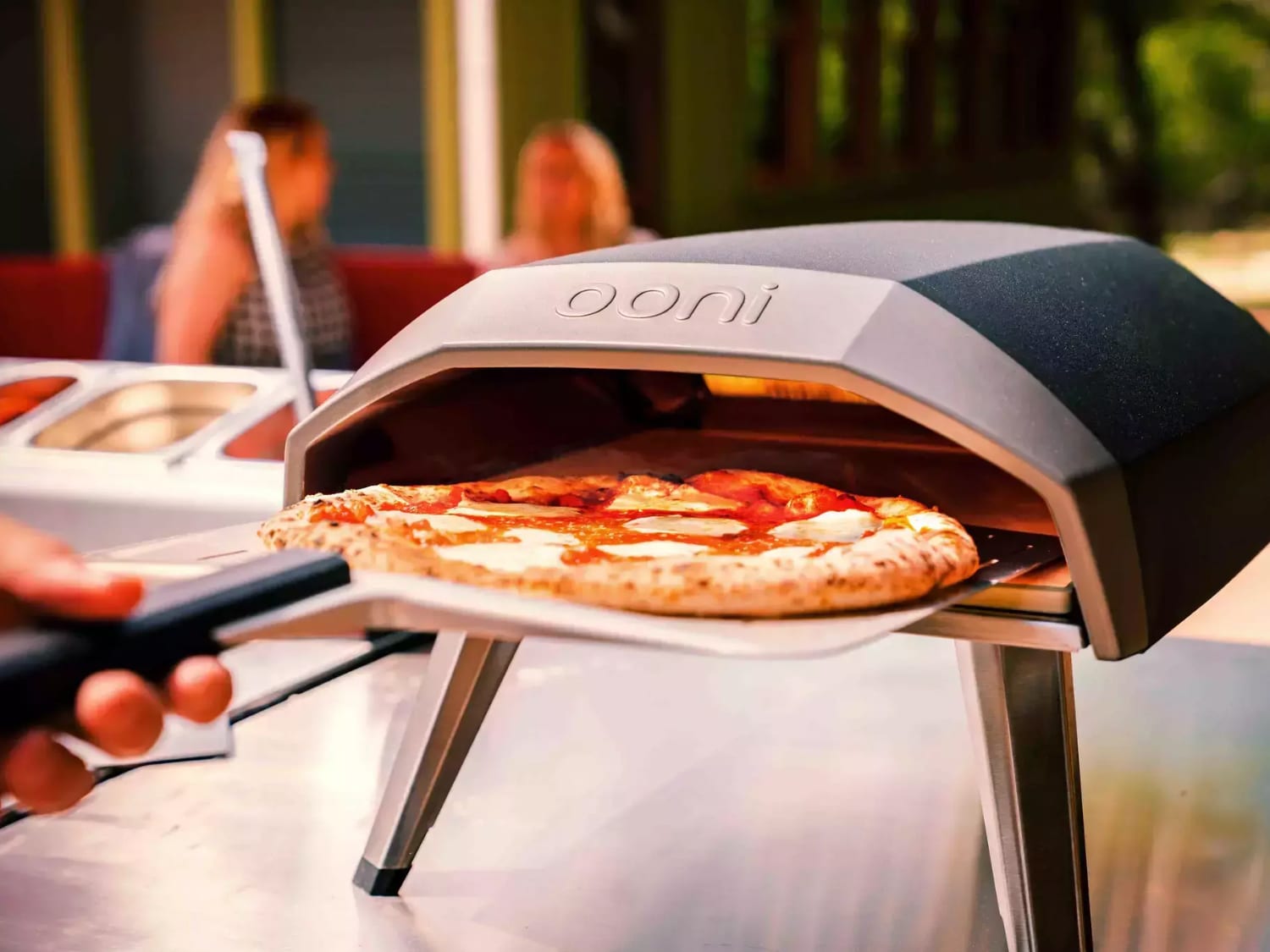
A pizza oven PIM project built around product accuracy, digital assets and international retail activity.
Product data quality updated across a fast-growing outdoor cooking catalogue.

A product data platform shaped around catalogue accuracy and downstream commerce.
Chilled foodservice wholesale supported by Akeneo PIM, Adobe Commerce and Aptean ERP integration.

A global parts commerce platform rebuilt around dealers, availability and aftermarket ordering.
Aftermarket parts ordering supported across dealer networks, availability data and global fulfilment.