
What a Custom branch systems integration gives you.
Ecommerce orders destined for a branch or local-delivery zone arrive automatically with pick lists, customer names and expected collection times. Staff no longer rely on email or phone calls.
Customers choose a branch and collection slot online. Orders route to the correct branch, pick confirmations trigger customer notification, and staff know when the shopper is coming.
A product held in branch stock does not show as available online somewhere else. Stock counts reconcile between the till, branch system and ecommerce, reducing oversells and cancellations.
Trade accounts see their negotiated pricing on the ecommerce storefront, credit limits are enforced consistently, and invoices and statements work the same way for online and branch purchases.
A shopper's account, order history, loyalty and recent transactions are visible whether they bought online, at the till or via a trade portal. Call centre can service any channel without friction.
Where a Custom branch systems integration earns its place.
If two or more of these are true, the integration usually pays for itself quickly.
Where off-the-shelf connectors fall short.
Vendor connectors are fine for simple cases. Here's where the real ones need more.
Standard branch systems do not automatically handle online orders marked for in-store collection, pick-and-notify workflows, or time-slot management. Custom logic or a manual queue is needed.
Branch systems typically export stock at set intervals (hourly, daily). Real-time stock visibility on ecommerce requires a custom feed or an intermediate cache layer.
Branch systems may hold trade pricing but do not automatically publish it to online storefronts or enforce it on web orders without customisation and customer-account linking.
A branch system may track in-store orders locally but does not natively expose status, tracking or fulfilment events back to online customers or call centres without integration.
In-store refunds and exchanges may not automatically flow back to the correct order ledger, ERP or ecommerce account, leaving reconciliation manual and error-prone.
Many retailers build branch systems in isolation from ecommerce, then spend months trying to untangle stock syncs, order routing and customer records when they launch online channels.
Where this integration sits in your estate.
Custom branch systems holds the commercial record. The iWeb integration layer manages the rules, mappings, monitoring and exceptions. The commerce platform presents the customer-facing experience. The estate map helps agree ownership before anything is built.
Storefront independent. Custom branch systems feeds stock, pricing, orders and customer data into your chosen platform.
- Till transactions and in-store orders
- Branch stock levels and local reorder quantities
- Trade-account customer interactions and cash handling
- In-store customer registration and identification
- Local pricing overrides and promotional adjustments
- Online shopping experience and checkout
- Product catalogue and merchandising
- Order placement and customer account records
- Online customer identity and communication
- Online click-and-collect workflow and notification
Systems this integration usually sits next to.
Examples, not a closed list. iWeb is platform-agnostic on both sides: we wire this integration into whatever ecommerce platform and surrounding systems your estate already runs.
- Adobe Commerce
- Magento Open Source
- Shopify Plus
- BigCommerce
- Other storefronts
- ERP (stock, pricing, trade accounts, general ledger)
- Order management system (order routing, split fulfillment)
- Customer master or identity system (account linking, SSO)
- Warehouse or inventory system (replenishment, stock adjustments)
- Till or POS system (in-store sales capture, refunds)
- Fulfillment or WMS (dispatch, tracking, returns)
- Analytics and reporting (multi-channel sales visibility)
Not sure if this works with your stack?
Tell us what you’re using and what needs to connect. We’ll give you a straight view on what’s possible, what might be awkward, and the safest way to approach it.
The data flows we wire.
Each flow has a direction and an owner. We agree both before a line of code is written.
How iWeb configures the integration around your business.
Same method on every integration. The decisions come before the code.
- 01Integration architecture and ownership
iWeb defines which system owns branch stock, trade-account pricing, customer records and order routing. This clarity prevents duplication, silent failures and finger-pointing when data diverges.
- 02Click-and-collect and local delivery
iWeb designs the workflow from online order selection through branch pick confirmation, customer notification and handoff. Exceptions like out-of-stock or unavailable time slots are routed back to the customer.
- 03Stock sync, caching and freshness
iWeb builds the feed or API that moves branch stock to ecommerce, decides the refresh cadence (real-time, 15-min, hourly), and handles branch-offline scenarios without crashing ecommerce availability features.
- 04Trade-account pricing and credit
iWeb syncs trade customer records, negotiated pricing and credit limits between the branch system and ERP so both channels enforce the same rules. Online orders respect branch-negotiated rates.
- 05Returns, refunds and reconciliation
iWeb routes in-store refunds back to the correct order, customer account and ERP ledger so returns are accurate whether the original purchase was online or in-branch.
- 06Observability and exception handling
iWeb builds monitoring so you see when stock sync stalls, click-and-collect orders get stuck, or trade-account pricing diverges. Exception queues are owned and SLAs are met.
Who owns what.
The single most important table in any integration. One system owns each field; everything else reads it.
Built multi-channel retail branch integration
iWeb has designed and built branch-and-ecommerce integrations for retailers and trade merchants where till operations, local stock, trade accounts and customer identity have to work seamlessly across physical and online channels. We understand the operational tensions: branch staff need orders and stock visibility, ecommerce needs accurate availability and trade pricing, and customers expect a unified experience.
What we test before launch.
Every one of these is rehearsed before a customer ever sees the integration.
Common risks and where they bite.
We name these on day one. A risk written down is a risk you can plan around.
Online orders marked for collection arrive at the branch but no one confirms the customer collected or the order expires. The stock is held, the customer is never notified, and the order sits in limbo.
The branch system holds accurate stock, but the feed to ecommerce is manual, offline or unmonitored. Ecommerce shows items as unavailable when they are in stock, costing sales. Alternatively, ecommerce shows availability when the branch has already sold it, leading to cancellations.
A trade customer negotiates a price at the branch but the same account on ecommerce shows a different rate. The customer is confused, prices are disputed, and the sale is soured.
Branch staff process a refund for an online order, but the refund does not flow back to ERP or the customer's ecommerce account. Inventory is stuck, the customer's account is wrong, and reconciliation is manual.
A customer registers online, makes a purchase at the branch with a different email, and later tries to see their full history. The two accounts are not linked. Loyalty credits go to one account, invoices to another.
Till stock counts are correct but the branch system does not reconcile with ecommerce automatically. Over time, the published stock count drifts unnoticed, leading to sudden oversells and expensive reconciliation.
Relevant services and sectors.
Common questions about Custom branch systems integrations.
How does a customer order placed online for branch collection get to the branch?
The customer selects a branch and collection time on ecommerce. The order is routed to an order management system or the branch system with customer details, item list and expected time. Branch staff are notified via till or a pick-list screen. When the order is picked and ready, the branch confirms and the customer receives a notification. At collection, staff hand over the parcel and mark it complete.
What happens if the item is out of stock at the requested branch?
The integration checks real-time or near-real-time stock in the branch system before letting the customer complete the order. If the branch is out of stock, ecommerce either blocks the branch as an option or offers the customer an alternative branch with stock or a standard shipping option. If the branch goes out of stock between order placement and pick confirmation, the branch system flags the exception and the order is re-routed (to another branch, held for restock, or cancelled with customer notification).
How does branch stock stay in sync with ecommerce?
Stock moves from the branch system to ecommerce either via real-time API, a cached feed refreshed every 15-60 minutes, or a batch export at set intervals. The refresh rate depends on your throughput and freshness tolerance. iWeb defines the cadence and builds fallback logic: if the branch system is offline, ecommerce either shows stock as unavailable for that branch or keeps the last-known-good snapshot temporarily. A monitoring dashboard alerts you if the stock feed stalls.
How do trade customers buy online with branch-negotiated pricing?
Trade-account records and their negotiated pricing are held in ERP and replicated to the branch system. The branch staff can view the account balance and outstanding invoices at the till. When a trade customer logs into ecommerce, their account is linked to the ERP record, and ecommerce applies their negotiated pricing and credit limit. Online orders from trade accounts post to the same ERP ledger as till sales, so invoices and credit are unified.
What if a trade customer has a different price negotiated for online versus in-store?
This should not happen if ecommerce and the branch system share a single ERP source for trade-account pricing. During design, iWeb clarifies whether trade pricing is negotiated per-channel or per-account. If per-account (recommended), the same price applies everywhere. If per-channel (more complex), the integration enforces channel-specific pricing rules and avoids confusion by being explicit in the online catalog or at cart time.
How do in-store customer registrations link to online accounts?
When branch staff register a customer at the till (name, email, phone), that record is sent to a customer master system or ecommerce. If the same email or phone already exists in ecommerce, the accounts are linked. If new, a record is created and synced back to the branch system. From that point on, the customer has one account across both channels with unified loyalty, purchase history and preferences.
How do returns and refunds work if the customer bought online but returns at the branch?
Branch staff scan or look up the online order at the till. The system pulls up the original transaction, confirms the returned item, and processes the refund. The refund is logged against the correct online order and the customer's ecommerce account is credited. The item is returned to stock and the till receipt is updated. The integration ensures the return flows back to ERP and ecommerce accounting is consistent.
What happens if the branch system goes offline?
This depends on what is offline: if ecommerce loses connection to the branch stock feed, it stops showing that branch as an option for click-and-collect until the feed returns. If the till goes offline, branch staff can usually continue selling with a local cache (if configured) and reconcile transactions back when the system comes online. iWeb defines the fallback behaviour upfront so there is no guessing when something breaks.
How is stock reconciled between the till, branch system and ecommerce?
Stock is the single source of truth in the branch system. The till updates it in real time as items are sold. Ecommerce consumes the branch stock snapshot via API or feed. At regular intervals (daily or weekly), your team runs a reconciliation check: do the three systems agree? If not, you investigate (lost till transaction, incomplete feed, manual adjustment at the branch) and correct the master record. iWeb builds observability so reconciliation gaps are visible.
Can a customer start a transaction online and complete it in-store, or vice versa?
This depends on how much you want to invest. Simple scenario: a customer adds items to cart online, saves the cart, then walks into the branch and staff recalls the cart at the till to complete the sale. Complex scenario: a customer's online basket is automatically synced to the till and they can pay either channel. iWeb can build this, but it requires shared cart architecture and real-time customer identity. Discuss your use case during discovery.
How does the integration handle time-of-day rules, like branch closing times or collection slots?
Ecommerce needs to know branch hours and the collection-slot availability (e.g., 9am-5pm, slots every 30 mins). This is usually configured as a reference table in ecommerce or a hosted service that both systems query. The branch system may also push updates if hours change for a day (e.g., early close on public holidays). During checkout, ecommerce offers only available collection slots; the integration ensures the slot is still free when the order is confirmed.
What metrics and monitoring should we set up to know if the branch integration is working?
iWeb recommends monitoring: branch stock feed freshness (is the last update recent?), click-and-collect order latency (time from online order to branch notification), in-store transaction posting time to ERP, customer account reconciliation (are online and till records matching?), and exception queues (how many orders, refunds or stock adjustments are stuck waiting for manual intervention?). You should also track whether branch fulfillment SLAs are being met (e.g., 90% of collection orders ready within 2 hours).
How do we migrate existing branch customer records to link with ecommerce?
This is usually a one-time effort before launch. iWeb exports the branch customer base (name, email, phone, trade-account ID if applicable), de-duplicates and matches against any existing ecommerce customers. Matches are linked. New records are created in ecommerce for any branch-only customers. You may run a preview to validate the matches before committing. Once linked, future registrations are auto-linked via email or phone.
Projects with a similar shape.

A gardening commerce platform rebuilt around seasonal catalogue depth, search and checkout journeys.
Garden retail trading supported by stronger search activity and updated add-to-cart activity.

A builders' merchant commerce platform rebuilt around trade ordering and product availability.
Merchant trading updated through stronger product availability and faster catalogue workflows.
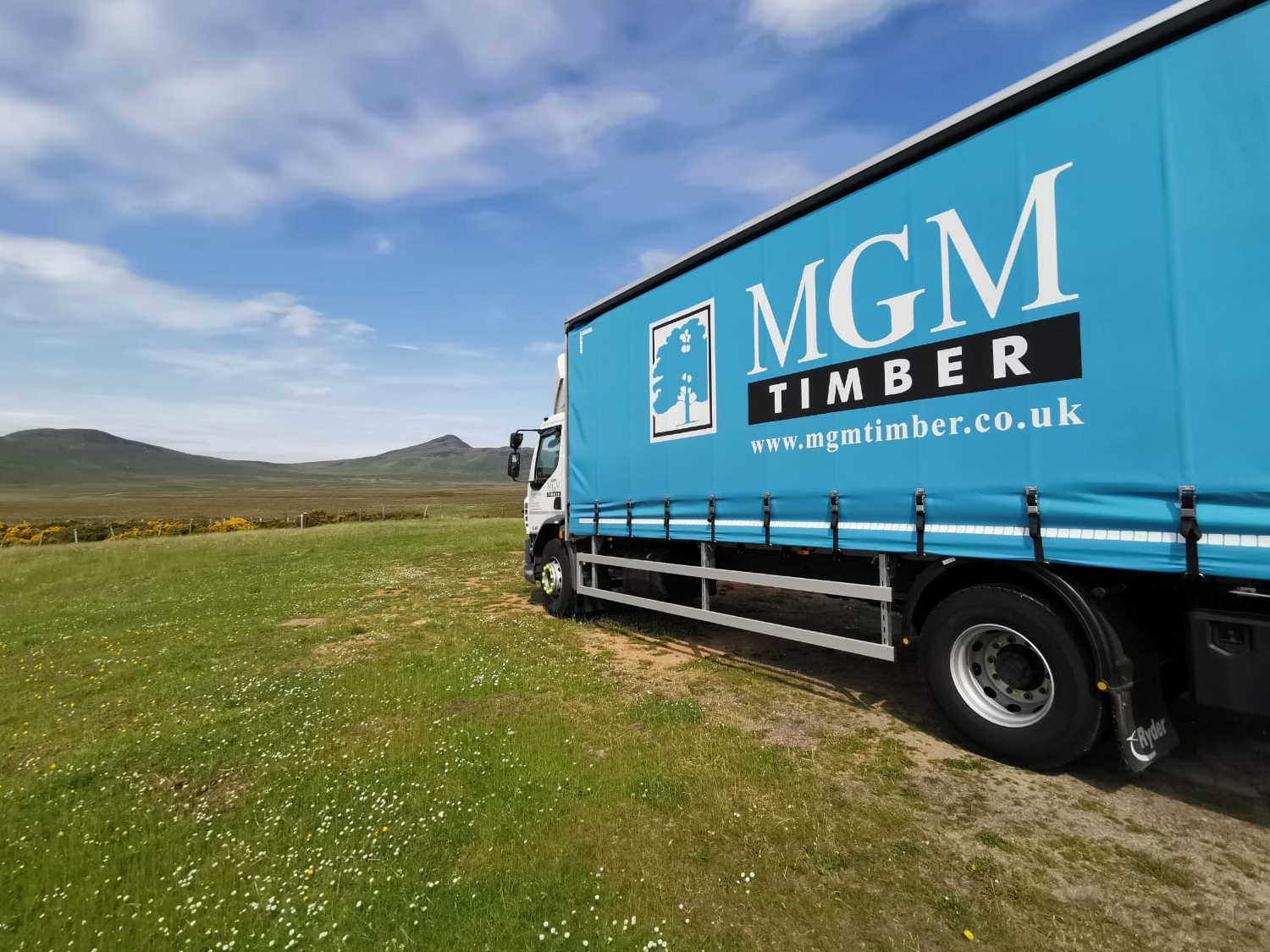
A timber merchant platform rebuilt around branch stock, trade accounts and product data.
Timber merchant trading supported by updated journeys, mobile engagement and faster catalogue workflows.