
What a eBay integration gives you.
Every eBay order is captured with correct shipping address, buyer communication preferences and item specifics. No orders are lost or duplicated, and your warehouse receives dispatch instructions without delay.
Inventory is updated from a single source of truth and published to eBay on a controlled cadence. Stock buffers and reservation logic prevent the same unit being sold on eBay and your direct site simultaneously.
Dispatch confirmations and carrier tracking flow back to eBay within minutes of WMS handoff. Buyer receives SMS or eBay notification, reducing support burden.
eBay return requests are routed into your RMA workflow, matched against orders and stock adjustments. Refunds are issued from ERP and status updates flow back to eBay, keeping the buyer informed throughout.
If you operate several eBay accounts (regional, promotional, bulk), inventory is correctly pooled and each account publishes only its assigned stock without collision or gaps.
Where a eBay integration earns its place.
If two or more of these are true, the integration usually pays for itself quickly.
Where off-the-shelf connectors fall short.
Vendor connectors are fine for simple cases. Here's where the real ones need more.
eBay does not natively share inventory across multiple seller accounts. If you operate multiple eBay accounts (regional, brand-specific, bulk vs collectibles), you must manually govern which inventory feeds to which account, or build custom pooling rules outside the platform.
eBay's item-specific and variation model differs from most ecommerce platforms. Mapping colour, size and material variants to eBay item specifics requires careful configuration; templates must be maintained separately for each category, and changes can break listings.
eBay's API updates inventory asynchronously. There is no guarantee that stock changes propagate instantly to live listings; delays of minutes to hours are common, especially during peak selling periods.
eBay's returns portal captures buyer initiation, but refund processing and RMA workflow are manual. The integration can ingest the return case, but approving, issuing refunds and closing cases in eBay still requires human action.
eBay messages and resolution centre cases do not flow into your commerce platform by default. Customer service teams must log into eBay separately to respond to buyer enquiries, creating visibility gaps.
Stock synchronisation to marketplaces introduces asynchronous delays and caching behaviour that pure inventory platforms do not account for; oversell protection requires deliberate buffering and reconciliation, not just API polling.
Where this integration sits in your estate.
eBay holds the commercial record. The iWeb integration layer manages the rules, mappings, monitoring and exceptions. The commerce platform presents the customer-facing experience. The estate map helps agree ownership before anything is built.
Storefront independent. eBay feeds stock, pricing, orders and customer data into your chosen platform.
- eBay listing publication and synchronisation
- Order case creation and tracking display
- Return case workflow and refund capture
- Channel-specific item specifics and attributes
- Product SKUs, variants and base attributes
- Channel-specific pricing rules
- Order acknowledgement and dispatch instruction
- Stock levels and allocation across channels
- Refund and return processing
Systems this integration usually sits next to.
Examples, not a closed list. iWeb is platform-agnostic on both sides: we wire this integration into whatever ecommerce platform and surrounding systems your estate already runs.
- Adobe Commerce
- Magento Open Source
- Shopify Plus
- BigCommerce
- Other storefronts
- ERP (inventory, orders, refunds)
- WMS or 3PL (dispatch and tracking)
- PIM (product attributes, variants)
- OMS (order routing and hold logic)
- Finance system (refund reconciliation)
- Shipping and label provider (tracking capture)
Not sure if this works with your stack?
Tell us what you’re using and what needs to connect. We’ll give you a straight view on what’s possible, what might be awkward, and the safest way to approach it.
The data flows we wire.
Each flow has a direction and an owner. We agree both before a line of code is written.
How iWeb configures the integration around your business.
Same method on every integration. The decisions come before the code.
- 01Design channel-aware stock rules
We define inventory buffers, hold queues and fallback behaviour specific to eBay. If sync stalls, your system does not oversell; instead, orders queue until stock is confirmed.
- 02Map product structure to eBay requirements
We translate your product taxonomy, variants and attributes into eBay item specifics and category requirements. Templates are version-controlled, so changes propagate without breaking listings.
- 03Build order acknowledgement and fulfilment workflows
eBay orders are captured, de-duplicated and routed to your ERP with correct order status, payment confirmation and shipping address. Fulfilment instructions reach your WMS without manual intervention.
- 04Automate tracking and returns sync
We integrate your WMS or 3PL carrier API so dispatch confirmations and tracking numbers flow back to eBay within minutes. Return requests are ingested and routed to your RMA process.
- 05Monitor and alert on channel health
We build observability so you see listing sync status, stock update lag, order ingestion rates and exception queues in real-time. Alerts trigger when sync drifts or orders backlog.
Who owns what.
The single most important table in any integration. One system owns each field; everything else reads it.
Built this before
We have designed and supported eBay integrations for sellers ranging from regional retailers to high-volume collectibles and B2C brands. We understand the operational patterns, common failure modes and governance challenges that arise when connecting eBay to your commerce estate.
What we test before launch.
Every one of these is rehearsed before a customer ever sees the integration.
Common risks and where they bite.
We name these on day one. A risk written down is a risk you can plan around.
If inventory updates to eBay lag behind direct-channel sales, or if eBay caches old stock levels, a single unit can be sold twice. This happens frequently during flash sales or when inventory is volatile. Resolution requires manual order cancellation and buyer refund.
If the order feed from eBay to commerce is not idempotent, network retries or eBay API quirks can cause orders to be ingested twice, or orders can fall into exception queues and never reach the warehouse. Buyers think their order is processing when it is actually stuck.
If your WMS integration does not push tracking to eBay in real-time, or if tracking is pushed but eBay API rate limits cause delays, buyers do not receive shipment notification for days. This triggers support escalations and return requests.
eBay returns can flow into your system, but if RMA approval or refund logic in ERP is slow or manual, the return case sits open in eBay. Buyers dispute, and resolution centre cases pile up.
If you operate multiple eBay accounts and inventory pooling is not correctly configured, one account over-sells while another is empty, or stock is published to the wrong account, leading to channel imbalance and order routing errors.
If eBay category rules or item-specific requirements change and your mapping templates are not updated, new listings fail to publish or existing listings become invalid, blocking sales on the channel.
Relevant services and sectors.
Common questions about eBay integrations.
How often does inventory sync to eBay?
Inventory can be pushed to eBay on a scheduled cadence (typically every 15-60 minutes depending on volatility) or on-demand when stock changes above a threshold. There is always a lag; eBay does not guarantee immediate propagation to live listings. During peak selling, assume 5-15 minute delays.
How do we prevent oversell across eBay and our direct site?
Stock is managed from a single source of record (usually ERP). Before publishing to eBay, we apply channel-specific buffer rules (e.g. reserve 10% for direct orders). If inventory is volatile, we implement a hold queue so eBay orders wait for stock confirmation before being acknowledged.
What happens if an order is placed on eBay but stock is no longer available?
If we detect an oversell after order ingestion, the order is flagged for manual review. We can either cancel the order in eBay (triggering an automatic refund) and notify the buyer, or move the order to a backorder queue if you offer that service.
How long does it take for tracking to appear on the eBay buyer view?
Tracking is sent to eBay as soon as your WMS or logistics partner confirms dispatch. eBay typically reflects it within 5-10 minutes, but the buyer may see it after a short additional delay. We monitor this latency and alert if pushes are failing.
Can we operate multiple eBay accounts from the same inventory pool?
Yes. We implement account-level routing rules so each account receives only its designated inventory. This requires clear governance of which product SKUs feed to which account and reservation logic to prevent one account starving another.
How are eBay returns processed end-to-end?
Return cases are ingested from eBay and matched to the original order. Once matched, the return is routed to your RMA workflow. Once you issue a refund in ERP, we push the refund status back to eBay so the case can be closed and the buyer is notified.
What if our ERP is down? Do eBay orders still arrive?
Orders are captured from eBay independently of ERP. If ERP is unavailable, orders queue in the integration platform until ERP is back online. This means orders do not get lost, but they will not be acknowledged to eBay until the queue is flushed.
How do we handle eBay item specifics (size, colour, condition)?
Product attributes from your commerce platform are mapped to eBay item-specific fields using templates. Templates are version-controlled so changes to size ranges or condition codes can be deployed without breaking existing listings. Mismatches are logged as exceptions.
What happens if eBay category rules or requirements change?
eBay periodically updates category-specific item specifics or prohibited attributes. We monitor these changes and alert you. You update your attribute mapping templates and re-publish affected listings. Without active governance, old listings may become non-compliant.
How are refunds reconciled between eBay and our finance system?
Refunds issued in ERP are sent to eBay with a reference. We match refund confirmations from eBay against ERP refund records so finance can reconcile. Mismatches (e.g. a refund sent to eBay but not recorded in ERP) are logged for investigation.
Do we get alerts if orders stop arriving from eBay?
Yes. We monitor the order feed rate and alert if ingestion stalls for more than a defined threshold (typically 30 minutes). This catches API outages, authentication failures or feed breaks so you can escalate to eBay support quickly.
Can we see which orders came from eBay vs our direct site?
Yes. Every order ingested from eBay is tagged with the channel source in your commerce platform and ERP. This allows you to run eBay-specific reports, SLAs and fulfillment rules.
How do we handle eBay promotional pricing or sales?
If you run a flash sale or promotional pricing on eBay, it is typically configured at the listing level within eBay's promotional tools. Your base price feeds from the commerce platform, but eBay-specific promotions are managed separately. We ensure inventory buffers account for expected volume spikes.
What observability do we have into the integration?
We provide real-time dashboards showing inventory sync status, order ingestion rates, tracking push latency and exception queues. Alerts are configured for failures, delays and anomalies. Logs are retained for troubleshooting and audit.
Projects with a similar shape.
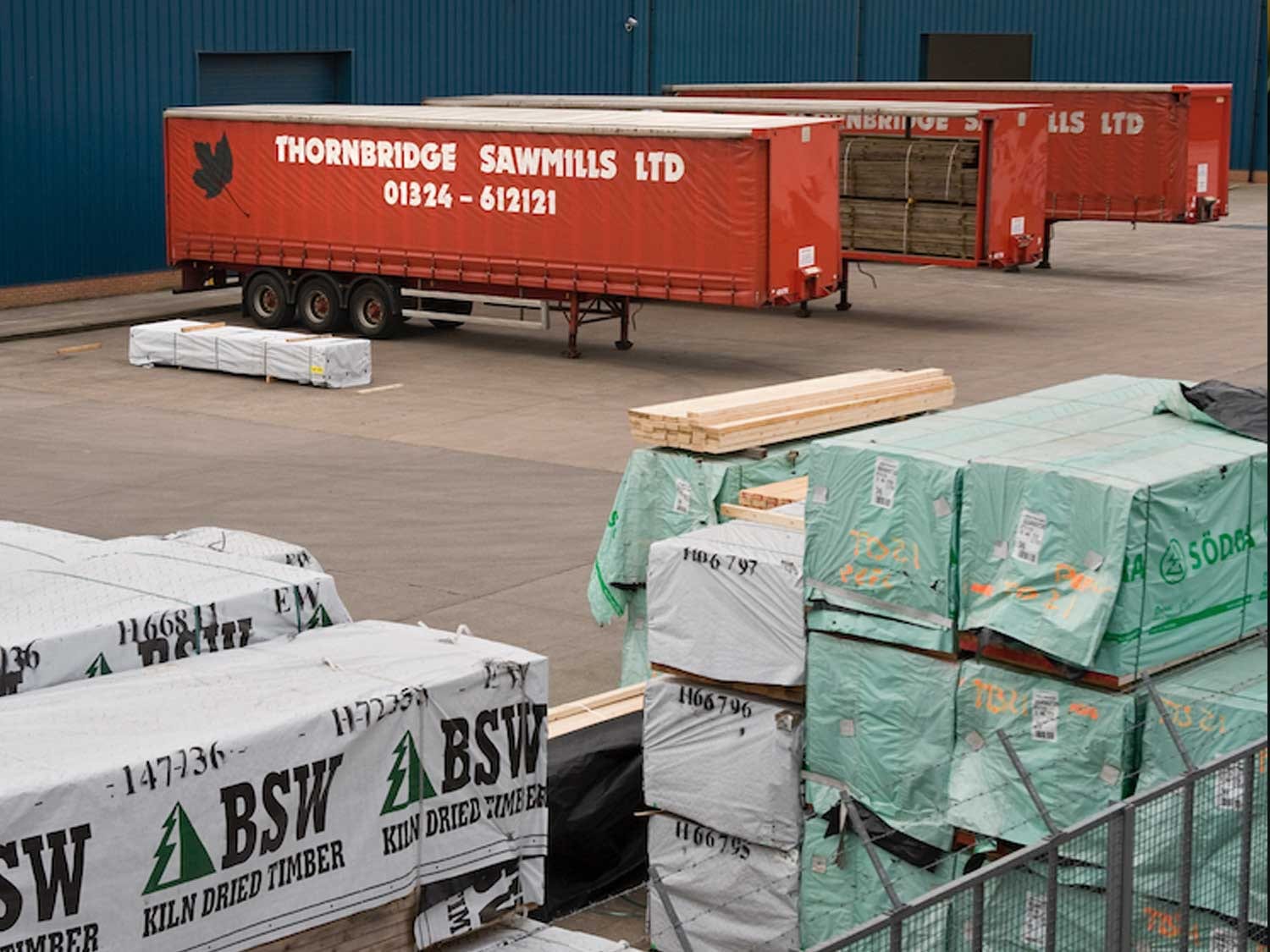
A timber merchant PWA built around branch trading, product data and trade customer journeys.
Timber purchasing supported by stronger mobile sessions, add-to-cart activity and cleaner product data.
A cable expert commerce platform rebuilt around technical products, recommendations and trade ordering.
Cable product discovery supported by updated journeys, recommendations and catalogue management.
A product data platform shaped around catalogue accuracy and downstream commerce.
Multi-depot foodservice wholesale supported by Akeneo PIM, Adobe Commerce and Aptean ERP integration.