
What a Fivetran integration gives you.
Your finance, commercial and analytics teams can build dashboards and reports against unified, normalised data without waiting for batch exports, FTP files or manual data pulls from ERP and ecommerce platforms.
When your ERP or ecommerce platform schema evolves, Fivetran detects the change and your warehouse layer adapts via dbt version control and CI-CD, not manual SQL fixes.
New ecommerce platforms or ERP systems can be connected to Fivetran in parallel, with historical data replayed into the warehouse, letting you compare old and new data before cutting over.
Product managers, merchants, logistics and finance teams access the same curated warehouse tables with semantic layer governance, reducing data silos and cross-system mismatches.
Fivetran logs every extract, schema change and data lineage event; combined with warehouse audit logs and access controls, you have a complete record of who accessed which data and when.
Where a Fivetran integration earns its place.
If two or more of these are true, the integration usually pays for itself quickly.
Where off-the-shelf connectors fall short.
Vendor connectors are fine for simple cases. Here's where the real ones need more.
Fivetran lands raw and modelled data into your warehouse but does not enforce row-level or column-level access control. You must configure warehouse-native (Snowflake, BigQuery, Redshift) or semantic layer (Looker, Power BI) access policies separately to prevent exposure of PII or sensitive financial data.
When your source systems (ERP, ecommerce platform, PIM) change column names, types or add new fields, Fivetran detects this but does not automatically update dependent dbt models or semantic tables. Teams must monitor Fivetran notifications and adjust transformations before reports break.
Fivetran's reverse-ETL feature exists but does not auto-discover which warehouse columns map to which ecommerce or CRM fields. You must explicitly define the mappings and test them; generic by default reverse-ETL workflows are not supplied.
Fivetran monitors row counts and freshness but does not flag incomplete product data, negative inventory, or missing required attributes. You must layer your own dbt tests, data quality tools or warehouse views to validate business logic and catch silent failures.
If source systems update timestamps in non-linear order (common in multi-source environments), Fivetran's change-data-capture can miss or duplicate rows on partial reruns. You must design idempotent dbt transformations and reconciliation checks to handle this.
Data warehouse freshness depends entirely on how well the Fivetran-to-BI handoff is observed; silent extract failures can leave dashboards stale for days before anyone notices.
Where this integration sits in your estate.
Fivetran holds the commercial record. The iWeb integration layer manages the rules, mappings, monitoring and exceptions. The commerce platform presents the customer-facing experience. The estate map helps agree ownership before anything is built.
One integration architecture, any storefront. Fivetran connects through the same governed layer whatever commerce core you run.
- Extraction and incremental load scheduling
- Source system authentication and API connectors
- Raw table schema normalisation
- Freshness and row count monitoring
- Reverse-ETL configuration and mapping
- Modelled and semantic layer tables (dbt, SQL)
- Data governance and access control
- Reconciliation and quality rules
- Dashboard and BI ownership
- Data lineage documentation
- PII and compliance handling
Systems this integration usually sits next to.
Examples, not a closed list. iWeb is platform-agnostic on both sides: we wire this integration into whatever ecommerce platform and surrounding systems your estate already runs.
- Adobe Commerce
- Magento Open Source
- Shopify Plus
- BigCommerce
- Other storefronts
- SAP, NetSuite, Microsoft Dynamics 365
- Jira, Monday, Salesforce
- dbt, Looker, Power BI, Tableau
- Stripe, Adyen, payment processors
- Amazon S3, Snowflake, BigQuery, Redshift
- Segment, mParticle, CRM platforms
Not sure if this works with your stack?
Tell us what you’re using and what needs to connect. We’ll give you a straight view on what’s possible, what might be awkward, and the safest way to approach it.
The data flows we wire.
Each flow has a direction and an owner. We agree both before a line of code is written.
How iWeb configures the integration around your business.
Same method on every integration. The decisions come before the code.
- 01Design the warehouse data model and Fivetran connector strategy
We map your operational systems (ERP, PIM, ecommerce, CRM, payments) to warehouse tables, define incremental and full-load strategies, and document the ownership of each data domain so Fivetran becomes your single source of truth, not a bottleneck.
- 02Configure and test all Fivetran connectors
We set up API authentication, incremental load logic, field mapping and error handling for every source system. We test for row counts, data freshness and schema drift before your analytics team depends on the data.
- 03Build and version dbt transformations
We create SQL transformations, tests and documentation that turn raw Fivetran tables into clean, modelled tables ready for semantic layers, dashboards and reverse-ETL. Changes are tracked in Git and validated in CI-CD pipelines.
- 04Implement observability and alerting
We wire Fivetran's freshness metrics, row counts and error logs into your observability platform (Datadog, PagerDuty, CloudWatch), so teams are alerted to stale or broken extracts before they cause wrong decisions.
- 05Establish governance and ownership
We document who owns each data domain, how schema changes are approved, what happens when a connector fails, and how escalations work so your analytics team knows where to ask when data looks wrong.
Who owns what.
The single most important table in any integration. One system owns each field; everything else reads it.
Built Fivetran data warehouses before
iWeb has designed and built Fivetran-led data integration projects for mid-market and enterprise ecommerce estates. We understand how Fivetran sits alongside ERP, PIM, ecommerce and analytics tools, and what governance and observability must be in place for the warehouse to remain trusted.
What we test before launch.
Every one of these is rehearsed before a customer ever sees the integration.
Common risks and where they bite.
We name these on day one. A risk written down is a risk you can plan around.
If Fivetran connectors fail silently or fall behind schedule, analysts may publish dashboards with yesterday's data without knowing. Without alerting and observability, you discover the problem when business decisions are made on out-of-date figures.
When your ERP or ecommerce platform adds a new column or renames a field, Fivetran lands the change but your dbt transformations may fail or produce wrong results. If this is not caught in testing, analysts inherit broken models.
If your source system updates timestamps out of order or if Fivetran's change-data-capture window is too short, rows can be missed or duplicated. Without reconciliation checks, these errors compound over weeks.
Fivetran may extract customer email, credit card tokens or tax IDs alongside transactional data. If warehouse access controls are not set up, this sensitive data can be exposed to users who should not see it.
If reverse-ETL mappings are not tested carefully, a badly configured segment sync could suppress legitimate customers or delete pricing rules in your ecommerce platform. Without a rollback plan, damage can be rapid.
When Fivetran lands data but no single team is responsible for the dbt layer and semantic models, ad-hoc SQL queries proliferate and different dashboards use different row definitions. Trust in the warehouse erodes.
Relevant services and sectors.
Common questions about Fivetran integrations.
How do you keep Fivetran extracts fresh without manual intervention?
Fivetran runs on configurable schedules (hourly, daily, or event-driven for supported systems). You set freshness thresholds and wire Fivetran's API into your observability platform to alert when an extract falls behind; the integration team responds to alerts and investigates connector failures.
What happens if Fivetran can't connect to my ERP system?
Fivetran will report the failure in its dashboard and log an error. If you have not set up alerting, the failure may go unnoticed for hours. Observability integration ensures your on-call team is paged immediately and can check credentials, network access or ERP downtime.
How do you handle schema changes when your ERP adds a new field?
Fivetran detects the new field and lands it in your warehouse table automatically. Your dbt transformations may ignore it or fail if they reference hardcoded column lists; this is caught in dbt testing. You then decide whether to include the new field in your modelled tables or ignore it.
Can Fivetran sync customer segments or suppression lists back to my ecommerce platform?
Yes, Fivetran's reverse-ETL feature allows you to sync warehouse tables back to your ecommerce or CRM system. You must explicitly define which warehouse columns map to which target fields, test the sync thoroughly, and set up rollback procedures in case of errors.
How do you prevent PII like customer email or payment data from being exposed in the warehouse?
Fivetran extracts whatever your source systems expose; it does not filter or mask data. You must configure row-level and column-level access control in your warehouse (Snowflake, BigQuery, Redshift) to restrict who can see sensitive fields, and optionally use data masking or PII detection tools.
Who is responsible for fixing broken dbt models when Fivetran schema changes?
Your analytics engineering team owns the dbt layer. They monitor schema notifications from Fivetran, update transformations in Git, test changes in a dev environment, and deploy fixes to production. Without a named owner, fixes may be delayed and dashboards may break.
How do you reconcile warehouse data against ERP or ecommerce records?
You build dbt tests and SQL queries that compare Fivetran row counts, sums and deduplication logic against source system counts. These tests should run on every dbt deployment and alert if counts diverge by more than a threshold, signalling incremental load failures or duplicate rows.
What happens if a Fivetran reverse-ETL job sends wrong data to my ecommerce platform?
You should test reverse-ETL in a staging environment first and have a rollback plan. If wrong data goes to production, your ecommerce team may need to revert changes manually or restore from a backup. This is why reverse-ETL mappings must be reviewed and tested with business stakeholders before going live.
How do you know if Fivetran has missed or duplicated rows in an incremental load?
You build reconciliation queries that track expected vs. actual row counts, look for duplicate keys, and compare checksums of key fields between source and warehouse. These checks should run after each extract; mismatches alert your team to investigate Fivetran logs and rerun the connector if needed.
Can different analytics teams query the warehouse directly, or do they need a semantic layer?
Both are common. Direct warehouse access gives analysts flexibility but can lead to inconsistent definitions and duplicated SQL. A semantic layer (Looker, Power BI, dbt Semantic Layer) enforces one version of truth, applies access control, and makes dashboards faster and more maintainable.
How do you handle Fivetran costs when you have many source systems?
Fivetran bills per connector and data volume. You should audit which systems actually feed dashboards and which can be disabled, configure incremental loads to reduce volume, and exclude unnecessary columns. Review costs quarterly as your estate changes.
What if you need to replay historical data from Fivetran after a replatform?
Fivetran supports full refreshes and historical replays for most connectors. You can run a full refresh of your old ERP or ecommerce system in parallel with your new system, land both into the warehouse, and compare data before cutting over. This requires careful table naming and reconciliation logic.
How do you document data lineage so teams know where dashboard metrics come from?
You use dbt's built-in lineage documentation, Fivetran's API lineage, and optionally a data catalogue tool (Collibra, Alation) to show the full path from source system to dashboard. dbt generates this automatically when you run dbt docs; you then publish it to a team wiki or BI tool.
Projects with a similar shape.
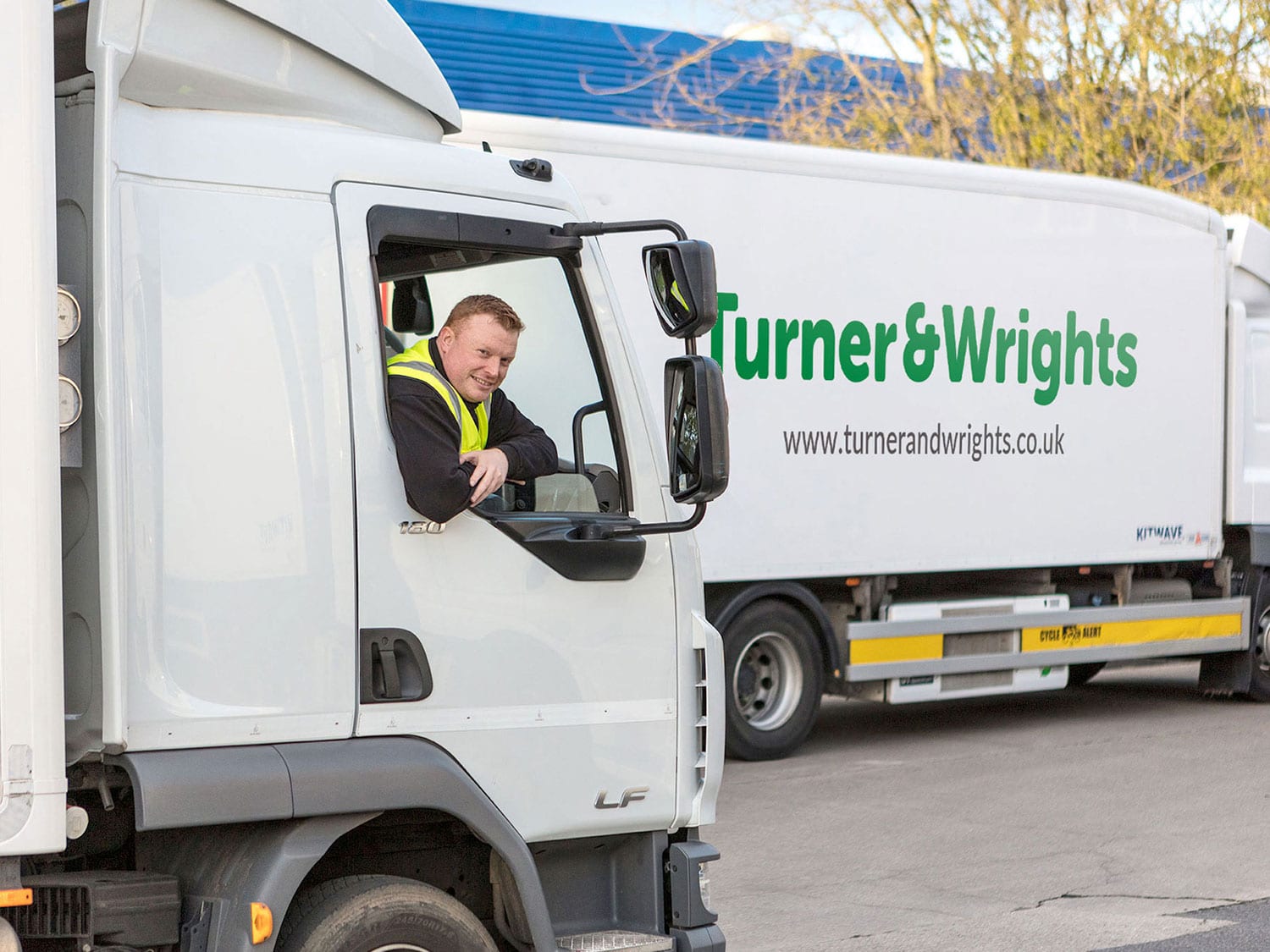
A product data platform shaped around catalogue accuracy and downstream commerce.
Butchery and foodservice wholesale supported by Akeneo PIM, Adobe Commerce and Aptean ERP integration.
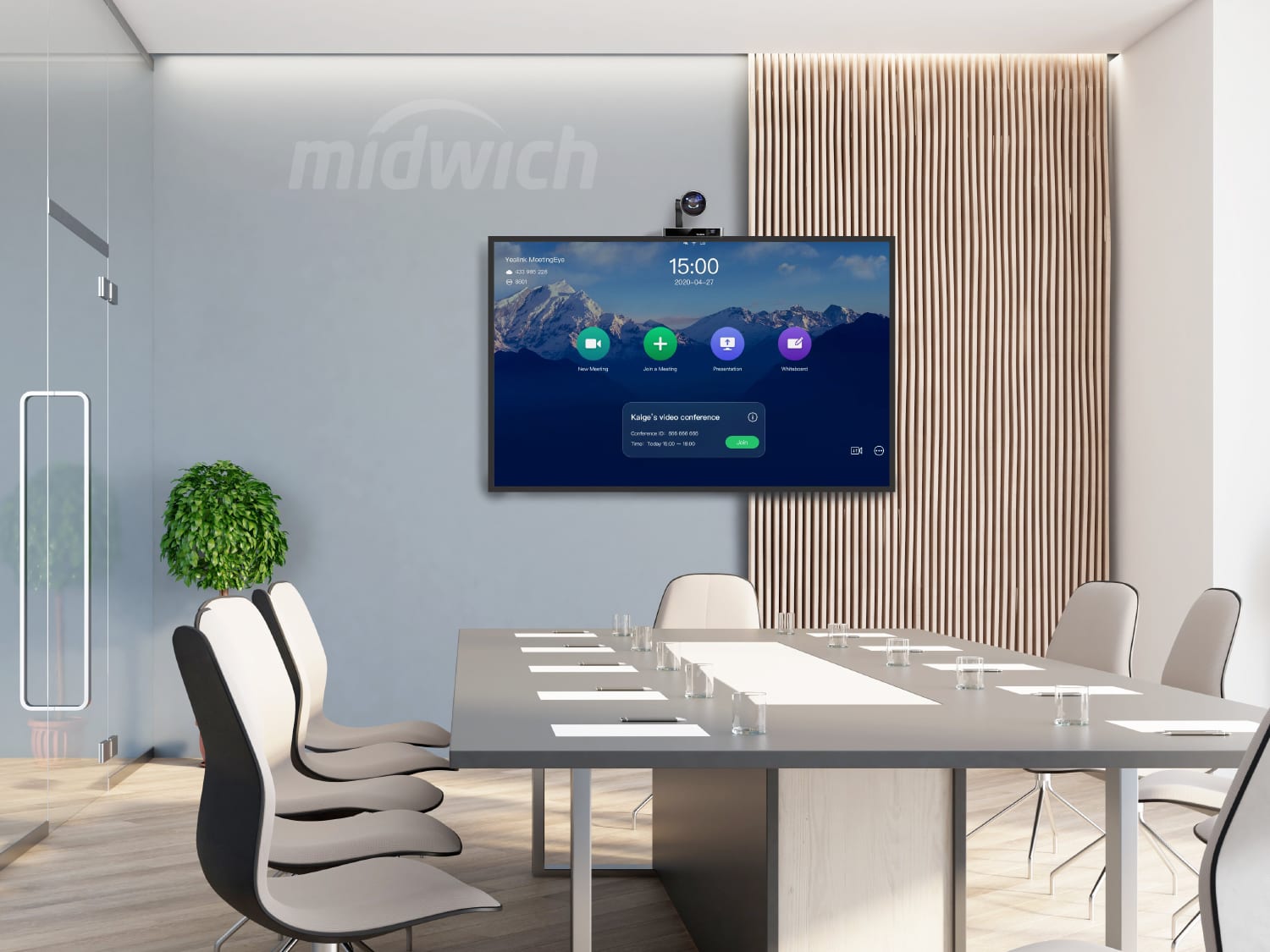
An audio visual distributor platform built around trade customers, product depth and fulfilment.
Specialist AV trading supported by stronger mobile journeys and operational system traffic.

An industrial materials platform built around specialist products, global trading and checkout.
Specialist material sales supported by stronger traffic, mobile engagement and checkout activity.