What a Kerridge K8 integration gives you.
Online inventory matches warehouse reality. Stock depletes consistently across channels and branches, reducing oversell, refund surprises and customer disappointment.
Customer-specific pricing, volume discounts and credit limits flow cleanly from K8 to trade portals and ecommerce, so buying teams see the prices they negotiated and checkout doesn't reject orders on credit grounds.
Web and trade orders move through K8 without manual rework. Customers see order acknowledgements, tracking and despatch confirmations in real time. Finance reconciles invoices against orders correctly.
Buyers and merchandisers see stock allocated fairly across branches, ecommerce and trade channels. Peak trading no longer creates gridlock or requires emergency stock moves between systems.
Returns flow from ecommerce or branches into K8 without delay. Credits post to customer accounts on time. Refund disputes drop because K8 sees the full financial and stock picture.
Where a Kerridge K8 integration earns its place.
If two or more of these are true, the integration usually pays for itself quickly.
Where off-the-shelf connectors fall short.
Vendor connectors are fine for simple cases. Here's where the real ones need more.
K8 does not push live inventory updates to ecommerce by itself. Manual batch exports or third-party connectors are often required, leaving gaps where online stock becomes stale relative to warehouse reality, especially during peak trading.
K8 holds customer-specific pricing, volume breaks and credit limits, but delivering these rules to ecommerce storefronts or trade portals requires careful mapping and testing. Discrepancies between K8 rules and what is shown online cause confusion and margin leakage.
Orders from ecommerce must be mapped into K8's sales-order structure, including customer lookups, credit checks and stock reservations. Manual intervention or custom coding is often needed to bridge differences in data structure and business logic.
K8 does not natively understand ecommerce channels, marketplaces or branch stock separately. Without clear allocation rules, online stock can oversell while branches hold inventory, or vice versa.
Returning goods and issuing credits through ecommerce or branches back into K8 often requires manual keying or disconnected processes, causing delays, duplicate credits or lost adjustments.
Wholesale operators often run tight credit limits and negotiated customer pricing, so the integration has to bridge K8's trade-focused rules with ecommerce checkout without breaking mid-transaction.
Where this integration sits in your estate.
Kerridge K8 holds the commercial record. The iWeb integration layer manages the rules, mappings, monitoring and exceptions. The commerce platform presents the customer-facing experience. The estate map helps agree ownership before anything is built.
Built for your platform, not a specific one. Kerridge K8 integrates with any ecommerce core through the same contract.
- Stock levels by location and availability
- Base pricing and trade-account pricing rules
- Customer master records and credit limits
- Sales order creation and order acknowledgement
- Despatch and shipment tracking
- Invoices, credit notes and financial records
- Product catalogue and merchandising on the storefront
- Shopping cart and checkout experience
- Customer account login and profile management
- Order placement and customer-facing confirmation
Systems this integration usually sits next to.
Examples, not a closed list. iWeb is platform-agnostic on both sides: we wire this integration into whatever ecommerce platform and surrounding systems your estate already runs.
- Magento Open Source
- Adobe Commerce
- Shopify Plus
- BigCommerce
- Other storefronts
- PIM (product content and enrichment)
- OMS (order orchestration and stock allocation)
- WMS (warehouse and branch picking)
- Marketplace connectors (Amazon, eBay, category sites)
- Search and merchandising (indexing and discovery)
- CRM and marketing (customer data and campaigns)
- Accounting and BI (invoicing, reconciliation and reporting)
Not sure if this works with your stack?
Tell us what you’re using and what needs to connect. We’ll give you a straight view on what’s possible, what might be awkward, and the safest way to approach it.
The data flows we wire.
Each flow has a direction and an owner. We agree both before a line of code is written.
How iWeb configures the integration around your business.
Same method on every integration. The decisions come before the code.
- 01Stock and pricing sync design
iWeb designs the extract from K8, the transformation layer and the delivery to ecommerce platforms, branch systems and marketplaces. We set frequency (batch or event-driven), monitor for gaps and handle K8 downtime gracefully.
- 02Order ingestion and mapping
iWeb builds the connector to capture ecommerce and trade-portal orders into K8 as sales orders. We handle customer lookups, address standardisation, credit checks and stock reservations so orders are acknowledgeable on arrival.
- 03Multi-channel stock allocation
iWeb defines how available stock is divided across branches, ecommerce, marketplaces and trade channels. Allocation rules are codified in the integration layer and reviewed against peak trading patterns to prevent gridlock.
- 04Customer account and pricing governance
iWeb maps K8 customer records to ecommerce customer accounts and ensures credit limits, payment terms and trade-account pricing rules stay in sync. Changes in K8 propagate to checkout and trade portals without delay.
- 05Returns, credits and exception handling
iWeb builds the reverse flow: returns authorisations and credit notes from ecommerce flow into K8, adjusting stock and customer balances. Failed orders, credit-limit blocks and price mismatches are captured and reviewed.
- 06Monitoring and observability
iWeb instruments the integration to track stock sync latency, order ingest lag, pricing mismatches and failed customer-account changes. Alerts surface problems before they reach customers.
Who owns what.
The single most important table in any integration. One system owns each field; everything else reads it.
Built this before
iWeb has designed and built Kerridge K8 integrations for wholesale distributors, trade operators and cash-and-carry businesses. We understand how K8's inventory structure, trade-account pricing rules and multi-location operations map to ecommerce storefronts, branch systems and marketplaces.
What we test before launch.
Every one of these is rehearsed before a customer ever sees the integration.
Common risks and where they bite.
We name these on day one. A risk written down is a risk you can plan around.
If K8 stock is not allocated by channel, ecommerce and branches can sell the same item twice. This happens when stock updates lag, allocation rules are unclear or K8 downtime breaks the sync.
K8 holds negotiated customer prices, volume breaks and credit limits. If these rules are not published accurately to ecommerce or trade portals, customers see wrong prices at checkout or orders fail on credit grounds, causing disputes.
Ecommerce orders fail to map into K8 if customer records are missing, addresses are malformed, or stock cannot be reserved. Without clear exception handling, orders queue silently and customers never receive acknowledgements.
Returns from ecommerce or branches require reverse logistics, credit-note generation and customer-account adjustments in K8. If these steps are manual or unmonitored, credits leak, stock discrepancies grow and customer refunds are delayed.
If ecommerce relies on real-time K8 calls for stock or pricing, a K8 outage can stop checkout. Without caching or fallback rules, customers see errors or inventory appears wrong during recovery.
K8 maintains customer credit limits and payment terms. If these are not refreshed at checkout or are overridden without approval, orders exceed credit and create bad debts or payment recovery friction.
Relevant services and sectors.
Common questions about Kerridge K8 integrations.
How does stock sync work between K8 and ecommerce when we have multiple branches and channels?
iWeb designs an allocation model that divides K8 stock into ecommerce, branch and reserved inventory. Stock updates flow from K8 at regular intervals (typically hourly or on-demand), reflecting warehouse depletion and branch transfers. The allocation rules are reviewed during planning so that peak trading doesn't cause gridlock or oversell across channels.
What happens if K8 goes down during the day? Will ecommerce checkout still work?
iWeb caches the last known stock and pricing from K8 in the ecommerce platform or middleware. Checkout can continue using cached values, but orders may need manual review if credit limits or special pricing apply. After K8 recovers, the integration reconciles any discrepancies and re-publishes live data.
How do trade-account customers see their negotiated pricing and credit limits at checkout?
K8 holds customer-specific pricing, volume breaks and credit limits. The integration publishes these to ecommerce trade portals when the customer logs in. Checkout applies the customer's rules (discounts, payment terms, credit limit) so they see the prices they negotiated and orders are not rejected on credit grounds.
How do web orders get into K8 and what happens if the customer is missing or the address is wrong?
iWeb captures ecommerce orders and maps them into K8 as sales orders. The integration validates customer records, standardises addresses and checks credit limits before handing the order to K8. If a customer is missing or credit is exceeded, the order is flagged for manual review and the customer is notified of the issue.
Can we capture orders from multiple storefronts and marketplaces into a single K8 instance?
Yes. iWeb builds connectors from each storefront, marketplace and trade portal to feed orders into K8. Each order is tagged with its source channel so that K8 can route it correctly for fulfillment and so that despatch confirmations go back to the right place.
How do returns and credits flow back from ecommerce to K8?
When a customer initiates a return through ecommerce, the integration creates a returns authorisation in K8. Once the item is received and inspected at the warehouse, K8 generates a credit note and adjusts stock. The customer's account balance and refund are updated so the return is complete.
What happens if a pricing change or credit-limit update is made in K8? How quickly does it reach ecommerce?
iWeb schedules regular price and customer-data refreshes from K8 to ecommerce, typically multiple times per day. For urgent changes (e.g. credit suspension), the integration can be triggered on-demand. During peak trading, iWeb monitors the sync lag so that pricing mismatches or credit blocks do not surprise customers.
Who owns the reconciliation between K8 and ecommerce if stock numbers disagree?
K8 is the system of record for stock. iWeb instruments the integration to flag discrepancies (stock received in K8 but not shown as available online, or vice versa). Warehouse and ecommerce operations teams investigate the gap, and iWeb updates the allocation rules if needed.
Can we run multiple ecommerce platforms or brands against the same K8 instance?
Yes. iWeb designs a multi-channel integration so that multiple storefronts pull stock and pricing from K8 and push orders back to K8. Each channel can have separate stock allocation, pricing rules and customer bases. K8 tracks orders by channel source.
How do we handle stock transfers between branches? Does this affect ecommerce availability?
K8 records branch-to-branch stock movements. iWeb's allocation model accounts for branch inventory when calculating ecommerce available-to-sell. If a branch transfer depletes a location, ecommerce available stock reflects that change in the next sync cycle.
What if a customer tries to place an order but their credit limit is exceeded? What do they see?
iWeb builds the integration so that ecommerce checks the customer's K8 credit limit at checkout. If the order would exceed the limit, checkout is blocked and the customer is notified of the reason. The order is not created until the customer pays or the credit limit is increased in K8.
How does the integration handle VAT, trade discounts and promotional pricing?
K8 holds base pricing, customer-specific discounts, volume breaks, promotions and VAT rules. The integration publishes these to ecommerce so that customers see correct net prices, tax and any applicable discounts. VAT is calculated by ecommerce at checkout and reconciled in K8 invoices.
How do we know if an order was successfully captured in K8 or if it's stuck somewhere?
iWeb instruments the integration to log every order from ecommerce, track its ingestion into K8 and confirm that K8 has assigned an order number and reserved stock. If an order fails, the integration alerts operations and the customer is notified so that manual follow-up can happen quickly.
Can the integration handle drop-ship orders or orders fulfilled from specific branch locations?
Yes. iWeb can design the integration to tag orders with a preferred fulfillment location (branch, warehouse or drop-ship supplier). K8 uses these tags to route orders to the correct location and to reserve stock from that location only.
What monitoring and alerting do we have during launch and beyond?
iWeb sets up dashboards and alerts for stock sync latency, order ingest lag, pricing mismatches, failed customer-account syncs and exception queues. During launch, these are reviewed daily. Post-launch, thresholds are adjusted based on trading patterns and alerts are routed to the teams responsible for each flow.
Other erp · finance integrations.
Adjacent integrations in the same category. Same shape of work, different vendor.
Projects with a similar shape.

A construction supplies commerce platform rebuilt around trade purchasing and product depth.
Trade product complexity handled through a faster, more effective ecommerce experience.
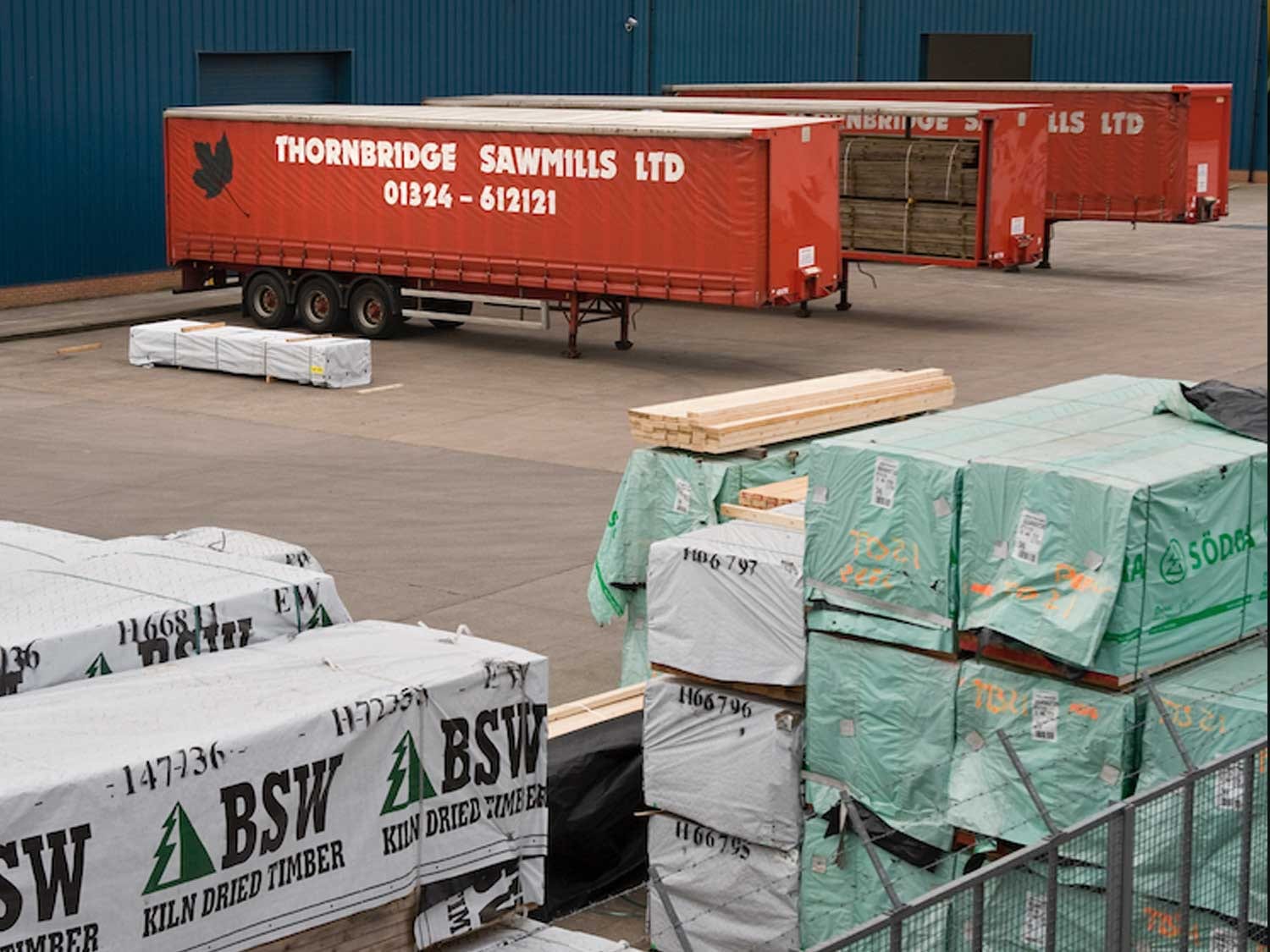
A timber merchant PWA built around branch trading, product data and trade customer journeys.
Timber purchasing supported by stronger mobile sessions, add-to-cart activity and cleaner product data.

A designer furniture commerce platform built around mobile journeys, product data and order management.
Furniture buyers supported through stronger mobile journeys, cleaner product data and tighter order flow.