
What a Lionwheel integration gives you.
Commerce orders, OMS instructions and marketplace orders flow into Lionwheel without loss or duplication. Each order carries the routing, carrier and handling rules needed for warehouse staff to execute correctly.
Once a shipment leaves the warehouse, tracking and despatch data flow back to commerce and customer notifications immediately. Shoppers see status updates the same day, and commerce accounting recognises the sale as complete.
Pick events, pack confirmations and cycle-count adjustments flow back to ERP so stock availability reflects warehouse reality. Oversell risk drops and inventory reconciliation becomes a matter of data integrity, not manual guesswork.
Returned items scanned inbound in Lionwheel trigger RMA creation, refund signals and restocking in ERP and commerce. Customers get refunded on time and stock re-enters the correct location.
Unshipped orders, carrier rejections and label failures appear in a monitored exception queue with context about which channel, customer and warehouse location is affected. Teams respond within minutes, not after customer contact.
Where a Lionwheel integration earns its place.
If two or more of these are true, the integration usually pays for itself quickly.
Where off-the-shelf connectors fall short.
Vendor connectors are fine for simple cases. Here's where the real ones need more.
Lionwheel may not natively rank, split or route orders by location, carrier preference or channel-specific delivery rules. iWeb defines routing policies before data enters the warehouse.
When orders fail to ship or labels break, visibility across multiple commerce channels and marketplaces is limited. iWeb builds centralized exception queues and alert routing.
Warehouse cycle counts and pick confirmations may not automatically reconcile with ERP inventory. Manual reconciliation or export workflows often sit between the two systems.
Return items may be received in Lionwheel but not automatically flow back to commerce or ERP as refundable stock. Restocking instructions often require manual entry.
When a label provider or carrier API is down, Lionwheel may queue orders without alerting teams to the underlying outage. Silent failures can delay despatch by hours.
Silent despatch delays often hide behind the warehouse wall. Connecting Lionwheel's pick and pack events back to commerce and ERP visibility lifts them early.
Where this integration sits in your estate.
Lionwheel holds the commercial record. The iWeb integration layer manages the rules, mappings, monitoring and exceptions. The commerce platform presents the customer-facing experience. The estate map helps agree ownership before anything is built.
Connect across your stack. Lionwheel plugs into the systems that run your trading operation, whichever ecommerce platform sits at the front.
- Pick and pack workflow execution
- Despatch confirmation and label generation
- Warehouse stock movement events
- Returns inbound scanning and RMA initiation
- Carrier and exception visibility at warehouse level
- Order placement and customer cart
- Storefront and checkout experience
- Customer account and order history
- Initial order status and notification triggers
- Refund and return initiation from customer perspective
Systems this integration usually sits next to.
Examples, not a closed list. iWeb is platform-agnostic on both sides: we wire this integration into whatever ecommerce platform and surrounding systems your estate already runs.
- Adobe Commerce
- Magento Open Source
- Shopify Plus
- BigCommerce
- Other storefronts
- SAP, NetSuite, Sage or in-house ERP
- Brightpearl, Akeneo or other OMS
- Shopify, custom headless or marketplace storefronts
- Klaviyo or Iterable for customer notifications
- Amazon or eBay marketplace connectors
- Stripe or other payment processors
- TaxJar or Avalara for tax and compliance
Not sure if this works with your stack?
Tell us what you’re using and what needs to connect. We’ll give you a straight view on what’s possible, what might be awkward, and the safest way to approach it.
The data flows we wire.
Each flow has a direction and an owner. We agree both before a line of code is written.
How iWeb configures the integration around your business.
Same method on every integration. The decisions come before the code.
- 01Order routing and orchestration
iWeb defines rules for where orders are fulfilled from (location, channel, carrier preference), how they are split across locations, and how dropship or outsourced inventory is handled. Rules are applied before order data enters Lionwheel.
- 02Despatch and tracking closure
iWeb ensures that the moment Lionwheel confirms a shipment, tracking numbers, carrier data and despatch status flow back to the storefront, OMS and customer-notification system. No manual export or delayed updates.
- 03Stock reconciliation and cycle counts
iWeb maps pick, pack and cycle-count events from Lionwheel to ERP inventory updates, complete with location, cost centre and stock-type rules. Warehouse truth feeds ecommerce availability in near real time.
- 04Returns and RMA orchestration
iWeb builds the inbound-return workflow: items scanned into Lionwheel trigger RMA numbers, refund signals and restocking events in ERP and commerce. Refunds and restock happen together, not weeks apart.
- 05Carrier and exception monitoring
iWeb sets up observability so label-generation failures, carrier rejections, rate-lookup errors and unshipped-order queues are monitored and alerted. Fallback routing or manual escalation paths are pre-defined.
Who owns what.
The single most important table in any integration. One system owns each field; everything else reads it.
Built this before
iWeb has integrated Lionwheel with commerce platforms, OMS systems and ERP across multiple retail and ecommerce estates. We understand how warehouse execution sits between order routing and financial close, and where the hand-offs between systems break down.
What we test before launch.
Every one of these is rehearsed before a customer ever sees the integration.
Common risks and where they bite.
We name these on day one. A risk written down is a risk you can plan around.
When orders arrive in Lionwheel but fail to allocate (oversell, out-of-stock, invalid address), they may sit in a queue no one is monitoring. Despatch delay goes unnoticed for hours until customer contacts support.
Lionwheel confirms shipment and prints a label, but the tracking-number export fails or is delayed. Customers wait for tracking emails that never arrive, and customer service has no way to link the shipment back to the order.
Lionwheel records a pick, but the message to ERP is delayed or fails silently. The storefront still shows the item as available, oversell happens, and the warehouse discovers the mismatch during cycle count.
Customer returns an item; it arrives at the warehouse and is scanned into Lionwheel. But the return signal does not reach ERP or commerce, so the refund is never triggered and stock is never re-entered.
Label-provider API or carrier integration goes down. Lionwheel queues orders without surfacing the underlying outage. No one alerts operations until dozens of orders are backlogged and customers start complaining.
Orders from multiple channels (ecommerce, marketplace, B2B) all enter Lionwheel with different required fields or carrier rules. Without clear channel-specific handling logic, orders fail validation or are routed incorrectly.
Relevant services and sectors.
Common questions about Lionwheel integrations.
How do orders get into Lionwheel from multiple channels?
Commerce platforms, OMS and marketplaces all send order data to Lionwheel via the integration. iWeb defines the order-routing rules first—which location fulfils which channel, how orders are split, carrier preferences—so Lionwheel receives orders that are ready to allocate and pick.
What happens if Lionwheel is down?
iWeb sets up monitoring so a Lionwheel outage is detected immediately. Orders either queue safely in the source system (commerce or OMS) or are routed to a fallback warehouse, depending on your architecture. The important thing is that no orders are silently lost.
How does tracking get back to customers?
Once Lionwheel confirms shipment and prints a label, the tracking number and carrier data flow back to the storefront and customer-notification system in near real time. Customers receive tracking emails the same day, and your customer-service team can reference the shipment immediately.
How do you handle stock reconciliation between Lionwheel and ERP?
iWeb maps pick, pack and cycle-count events from Lionwheel into ERP inventory transactions. Stock adjustments flow continuously so ecommerce availability matches warehouse truth. Cycle counts and variance are flagged for investigation, not ignored.
What if an order oversells?
iWeb works with your OMS or routing logic to allocate orders to the warehouse that holds the stock. If stock is not available anywhere, the order can be held for restock, backordered with a customer commitment, or cancelled—depending on your policy. Lionwheel receives only orders that are safe to fulfil.
How are returns handled from Lionwheel back to refund?
When a customer returns an item, it is scanned inbound into Lionwheel. The inbound event triggers an RMA number, a refund signal in ERP or commerce, and a restocking transaction. Refunds and stock re-entry happen together, not weeks apart.
What if a label provider or carrier API fails?
iWeb sets up monitoring for label-generation failures and carrier-integration errors. When a carrier is down, the exception is surfaced immediately so operations can reroute via a backup carrier or hold despatch until the primary carrier is back. No silent failures.
How do you handle different carrier rules across channels?
iWeb works with your commerce or OMS system to define carrier rules and special handling per channel. When an order enters Lionwheel, it carries these rules so the warehouse staff apply the right carrier, service level and label format.
What if a customer changes an order while it is in the warehouse?
Order modifications are handled at the source (commerce or OMS) before shipment. If a change comes in after the order enters Lionwheel, it must flow back as a cancel and rebooking or as a special instruction. iWeb ensures that order modifications are visible to warehouse staff and do not cause mis-shipments.
How do you monitor unshipped orders?
iWeb builds an exception queue that tracks orders in Lionwheel that have not shipped within an expected timeframe. The queue shows why each order is held—oversell, address issue, missing address, carrier unavailable—so operations can prioritize resolution.
How does Lionwheel fit with your OMS?
Lionwheel is the warehouse-execution layer. An OMS (if you have one) handles order routing, allocation and split-shipment logic. iWeb ensures that the OMS sends fulfillment instructions to Lionwheel and that Lionwheel sends back despatch and tracking events so the OMS can close the order and notify the customer.
How do you handle multi-location fulfillment?
If orders are fulfilled from multiple warehouse locations, iWeb works with your OMS or routing logic to allocate each line to the right location. Each location's Lionwheel instance (or a central Lionwheel with location routing) receives its allocated orders and sends back despatch and stock-movement events. Cross-location transfers are handled via your transfer workflow.
What observability and monitoring does iWeb provide?
iWeb sets up dashboards and alerts for order inflow to Lionwheel, despatch throughput, unshipped-order queues, carrier and label failures, stock-movement accuracy and return-to-refund latency. You know in near real time if anything is stuck or degraded.
Can the integration handle dropship or outsourced inventory?
Yes. iWeb works with your OMS or routing logic to identify which orders go to Lionwheel (internal warehouse) and which go to a dropshipper or 3PL. Lionwheel receives only orders it should fulfil. Dropship orders are routed separately and tracked via a different despatch path.
Projects with a similar shape.
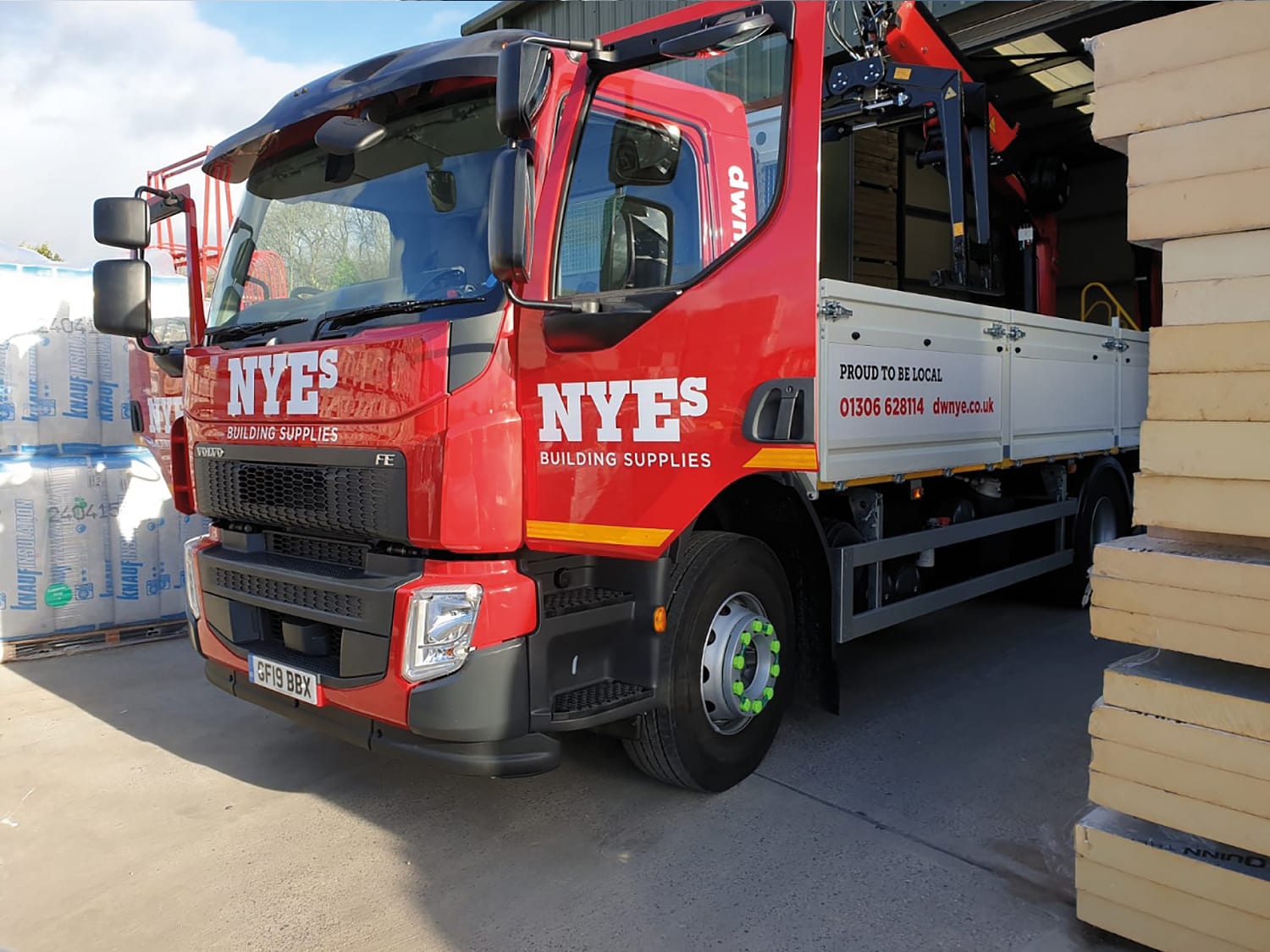
A builders' merchant platform rebuilt around trade customers, repeat purchasing and admin efficiency.
Trade ordering supported by less manual admin, more returning customers and faster routes to market.

A product data platform shaped around catalogue accuracy and downstream commerce.
Accessory commerce supported by cleaner product discovery, catalogue structure and connected retail journeys.

A classic VW and Porsche parts platform built around stock, localisation and fulfilment.
Classic vehicle parts trading supported by localisation, stock visibility and fulfilment control.