What a LS Retail integration gives you.
Click-and-collect orders, hold instructions and customer details arrive at the branch system with clear pick workflows and collection confirmations visible to staff and the customer.
Live or batched stock feeds from LS Retail terminals ensure that ecommerce channels see accurate branch availability and can allocate or reserve stock correctly across locations.
Trade-account pricing and local terms are synced between LS Retail and ecommerce so customers encounter the same pricing at the till and online.
Transaction data, item movements and local adjustments from LS Retail feed back to the ERP in a form that finance and inventory teams can reconcile without manual rework.
In-store returns, exchanges and refund requests are captured in LS Retail and flow to ecommerce and ERP, keeping customer and financial records unified.
Where a LS Retail integration earns its place.
If two or more of these are true, the integration usually pays for itself quickly.
Where off-the-shelf connectors fall short.
Vendor connectors are fine for simple cases. Here's where the real ones need more.
LS Retail's native hold and collection workflows may not map directly to your ecommerce or OMS order flow, requiring mapping of order states, notification triggers and branch-staff handoff logic.
Real-time stock sync between LS Retail, ecommerce and ERP can lag or conflict if local adjustments, transfers or till corrections are not clearly owned and monitored.
Matching LS Retail customer records, account codes and pricing rules to ERP or ecommerce identifiers often requires careful data mapping and ongoing governance.
Payment methods, discounts and tax treatment in LS Retail may not reconcile directly with ERP ledger rules, requiring transformation or exception handling.
Click-and-collect pick status, collection confirmations and failed-collection handling are local to LS Retail and may not feed back to online customer notifications or support systems.
The biggest tension in branch-connected ecommerce is not the technology; it is owning the boundary between what LS Retail terminals decide in real time and what central systems enforce.
Where this integration sits in your estate.
LS Retail holds the commercial record. The iWeb integration layer manages the rules, mappings, monitoring and exceptions. The commerce platform presents the customer-facing experience. The estate map helps agree ownership before anything is built.
Connect across your stack. LS Retail plugs into the systems that run your trading operation, whichever ecommerce platform sits at the front.
- Till transactions and receipt detail
- Branch stock levels and local adjustments
- In-store customer interactions and sales data
- Click-and-collect pick and collection status
- Returns and exchanges at the till
- Online product catalogue and availability
- Ecommerce customer accounts and carts
- Click-and-collect order creation and status
- Online pricing and promotions display
- Shipping and delivery options for non-branch orders
Systems this integration usually sits next to.
Examples, not a closed list. iWeb is platform-agnostic on both sides: we wire this integration into whatever ecommerce platform and surrounding systems your estate already runs.
- Magento Open Source
- Adobe Commerce
- Shopify Plus
- BigCommerce
- Other storefronts
- ERP (Sage 200, NetSuite, Microsoft Dynamics, Infor)
- OMS (order routing, click-and-collect, exceptions)
- Inventory management system
- Trading portal or B2B platform
- Payments platform
- Reporting and BI (for branch analytics)
- Customer data platform or CRM
Not sure if this works with your stack?
Tell us what you’re using and what needs to connect. We’ll give you a straight view on what’s possible, what might be awkward, and the safest way to approach it.
The data flows we wire.
Each flow has a direction and an owner. We agree both before a line of code is written.
How iWeb configures the integration around your business.
Same method on every integration. The decisions come before the code.
- 01Define stock ownership and allocation rules
We agree whether branch stock is reserved for click-and-collect, allocated to online channels, or held locally, and we build the sync logic and monitoring to enforce it.
- 02Map customer and trade-account identity
We design how LS Retail customer records, account codes and pricing rules link to ERP master data and ecommerce customer profiles so that no one gets duplicated or lost.
- 03Build click-and-collect order handoff
We connect ecommerce or OMS order flow to LS Retail hold, pick and collection workflows with clear status feedback, exception handling and customer notifications.
- 04Reconcile till, pricing and promotional data
We define how till transactions, discounts, tax treatment and local prices in LS Retail map to ERP ledger codes and how pricing changes flow from central systems to terminals.
- 05Monitor and govern the integration live
We set up dashboards and alerts for stock drift, pricing mismatches, stuck orders and failed transactions so issues surface before they impact customers or reconciliation.
Who owns what.
The single most important table in any integration. One system owns each field; everything else reads it.
Built branch integrations before
iWeb has connected LS Retail to ecommerce, ERP and OMS platforms in multiple branch and trade-counter estates. We understand the operational tension between local till autonomy and central system governance, and we know how to design the data flows, monitoring and fallback paths so that both survive.
What we test before launch.
Every one of these is rehearsed before a customer ever sees the integration.
Common risks and where they bite.
We name these on day one. A risk written down is a risk you can plan around.
Orders may arrive in LS Retail but not trigger clear pick workflows, or collections may complete at the till but not notify ecommerce or the customer, leaving the order state broken.
Local stock adjustments, transfers or till corrections in LS Retail may not sync back to ecommerce or inventory in real time, causing oversell or false-shortage claims.
LS Retail terminals may show different account pricing than ecommerce if the data mapping breaks, local pricing is overridden at the till, or pricing feeds are stale.
Payment methods, discounts, tax or rounding handled differently in LS Retail and ERP can cause ledger mismatches that require manual investigation or write-off.
In-store refunds or exchanges recorded in LS Retail may not flow to ecommerce or ERP, leaving customer records incomplete and reconciliation broken.
If LS Retail or the connection to ecommerce goes down, local transactions continue but do not queue for sync, causing a burst of exceptions and stale data on recovery.
Relevant services and sectors.
Common questions about LS Retail integrations.
How do click-and-collect orders get from ecommerce to the branch?
Orders are transmitted from ecommerce or OMS to LS Retail with customer name, items, hold location and collection deadline. LS Retail staff see the pick instruction at the till, fulfill it, and scan or confirm collection when the customer arrives. Collection status flows back to ecommerce to mark the order fulfilled.
How does ecommerce know what stock is available at each branch?
LS Retail transmits stock levels from each terminal, either in real time via API or in batch feeds at intervals (hourly or daily). Ecommerce consumes these feeds and updates availability by location. Stock is reserved as committed to click-and-collect orders or held for online-channel allocation according to your stock rules.
What happens if branch stock goes out of sync with ecommerce?
The integration includes monitoring dashboards showing stock parity by location and item. Significant variance triggers an alert so the inventory or branch team can investigate. Root causes include unsynced local adjustments, transfers between branches, or till-correction delays. Regular reconciliation cycles and clear ownership prevent drift.
How are trade-account customers and pricing handled across channels?
Trade customer accounts are mastered in the ERP. Customer code, credit limit, pricing tier and applicable discounts are pushed to LS Retail terminals so staff can look up the customer at the till and apply correct pricing. The same data is available in ecommerce so online orders use the same terms. Changes to account status or pricing are synced promptly both ways.
How do till transactions and receipts reconcile with the ERP?
LS Retail produces daily or batch transaction summaries (payment methods, discounts, tax, items sold) which the integration transmits to ERP. The reconciliation team matches payments, verifies tax treatment and ensures discounts map to approved GL codes. Exceptions are flagged for investigation; the ERP then posts the transactions to the ledger.
What if a branch is offline when the integration goes down?
LS Retail is built to operate offline at the till. Transactions continue to be recorded locally. When the connection restores, queued transactions, stock moves and customer changes are synced in order. The integration includes monitoring to detect reconnection delays and reconciliation rules to catch any data loss.
How are in-store returns and refunds captured and reported?
When a customer requests a refund or exchange at the till, LS Retail records the return with item details, reason, refund amount and original order reference (if ecommerce). The return event flows to OMS or the returns system for processing. Refund approval and payment happen in ERP or the payment system; LS Retail confirms when the customer receives their money.
How do pricing changes and promotions flow to the branch?
Merchandising or pricing teams publish updates (new price, promotion, discount code) to ERP or a pricing service. The integration pushes these to LS Retail terminals on a schedule or in real time. Till staff see the active prices and promotions when they ring items. Changes are validated so that only approved pricing is live at checkout.
Can customers link their in-store and online accounts?
Yes. The customer identity system (ERP, ecommerce or identity platform) holds the master account. Customers can log in at the till using loyalty ID, email or phone, and the same account is used online. Promotions, credit, loyalty points and purchase history are visible across both channels.
What happens if the ERP is down; can branches still operate?
LS Retail continues to operate at the till and can serve customers offline. Orders for click-and-collect may be delayed if OMS is also down, but local till transactions queue. When ERP and ecommerce recover, the integration resynchronises stock, customer and pricing data and reprocesses any pending orders. Clear recovery procedures are tested before launch.
How is data quality and reconciliation monitored?
The integration includes daily or real-time dashboards showing stock parity, pricing variance, transaction counts, failed syncs and reconciliation status. Alerts trigger when variances exceed thresholds. A reconciliation team reviews exceptions and confirms that stock, pricing and customer data stay aligned. Monthly sign-offs confirm data integrity.
Who owns the decision of what stock is branch-only versus online-available?
Stock allocation rules are defined by the business (retail operations, ecommerce, inventory planning). iWeb encodes these rules in the integration so that LS Retail stock is reserved, withheld or allocated correctly. Changes to rules are managed through a change-control process and tested before they go live.
What data is kept in LS Retail and what is synced back to central systems?
LS Retail holds the till transactions, local stock adjustments, branch-level activity and customer interactions as they happen in-store. Stock levels, till summaries, transaction details, returns and customer events are synced to inventory, ERP, OMS and reporting systems according to defined frequency and data rules.
How long does it take to integrate LS Retail with ecommerce and ERP?
Integration scope depends on the complexity of click-and-collect workflows, stock allocation rules, trade-account pricing and the number of branches. Typical builds span 8-12 weeks from requirements through testing and go-live. Phased rollout (pilot branches first) is common to manage risk and refine processes.
Projects with a similar shape.
A digital memory retail platform rebuilt around multi-territory trading and mobile journeys.
International retail trading supported by updated mobile journeys and a more adaptable commerce estate.
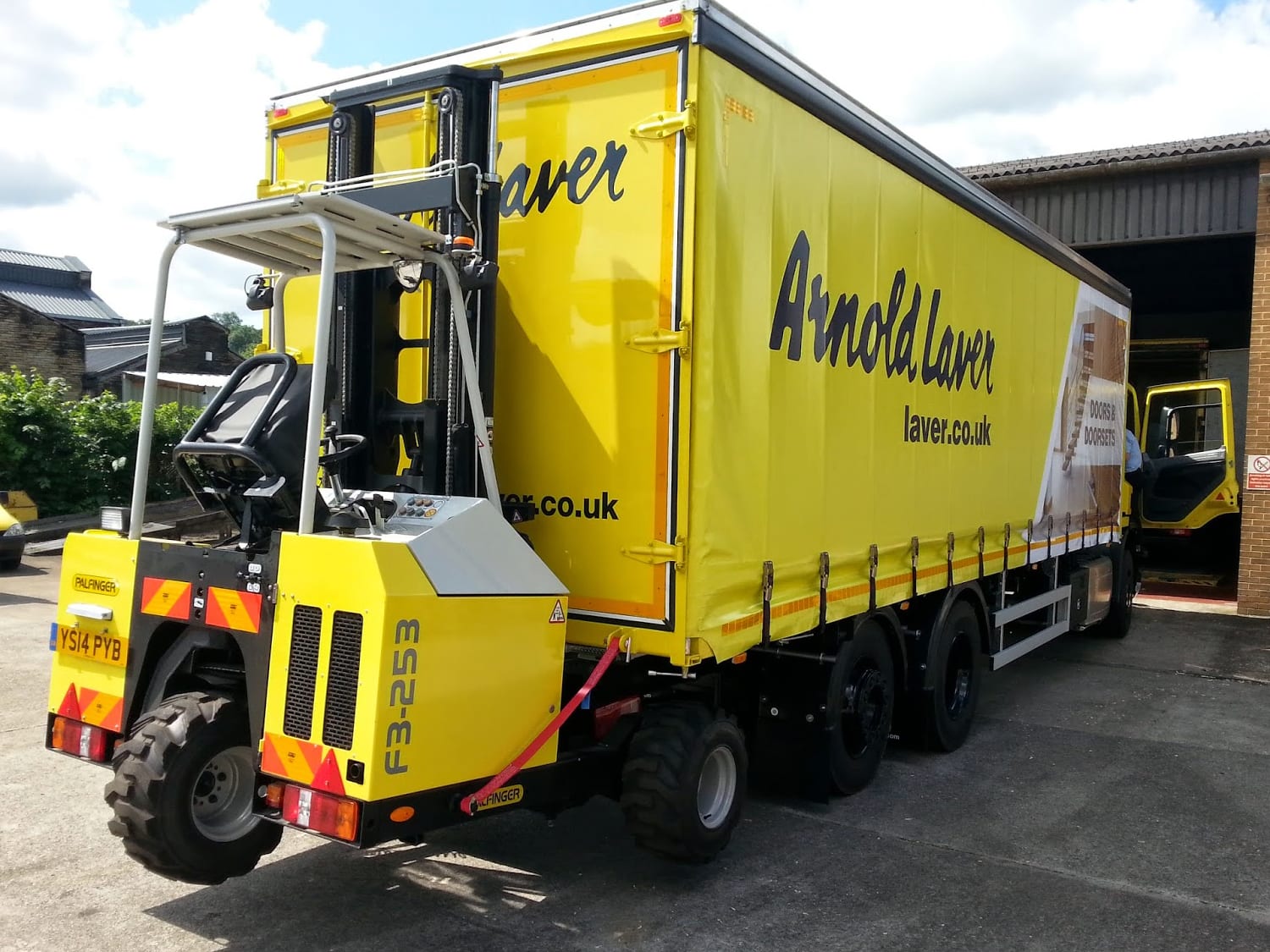
A timber merchant PWA rebuilt around branch trading, stock visibility and trade ordering.
Timber merchant operations supported by stronger catalogue scale, adoption and page speed activity.
A hybrid trade commerce platform rebuilt around branch stock, ordering and fulfilment.
Trade wholesale operations supported by connected ordering, stock visibility and fulfilment control.