What a Microsoft Azure AI integration gives you.
Product descriptions, category copy and meta tags are generated at bulk scale from structured data, freeing teams to focus on editorial quality and brand voice rather than writing from scratch.
Customer inquiries are automatically classified, routed to the right team or answered with AI-assisted responses, reducing response time and support queue length while maintaining control over tone and accuracy.
Attributes, tags, alt-text and structured metadata are populated automatically at scale, improving product discovery, accessibility and catalogue completeness without manual tagging.
Support trends, customer sentiment, inventory signals and market insights are surfaced automatically through AI-powered analysis, giving operations teams visibility to act quickly on patterns and anomalies.
Usage, cost and model confidence are monitored continuously so teams can budget accurately and understand where AI is adding real value versus where manual review or rule-based logic is safer.
Where a Microsoft Azure AI integration earns its place.
If two or more of these are true, the integration usually pays for itself quickly.
Where off-the-shelf connectors fall short.
Vendor connectors are fine for simple cases. Here's where the real ones need more.
Azure AI does not understand your PIM, ERP or commerce platform natively. Custom connectors, field mapping and data transformation are required to move product, customer and operational data in and out reliably.
LLMs generate plausible but sometimes inaccurate content. Generated product descriptions, support replies and classifications need human review, validation rules and fallback content before they reach customers.
Azure AI pricing depends on tokens, API calls and model selection. High-volume product enrichment, real-time chat automation or frequent model calls can escalate costs quickly without careful batching and quota management.
Azure AI does not inherently enforce your data retention, anonymisation or compliance rules. You must build credential rotation, API rate-limiting, audit logging and customer-consent checks into the integration layer.
If Azure AI is unavailable or reaches quota limits, the integration falls silent unless you design explicit fallback content, cached responses or circuit-breaker logic to prevent customer-facing outages.
Teams often underestimate the cost of keeping generated content consistent and accurate; the integration must enforce validation, fallback and monitoring from the start.
Where this integration sits in your estate.
Microsoft Azure AI holds the commercial record. The iWeb integration layer manages the rules, mappings, monitoring and exceptions. The commerce platform presents the customer-facing experience. The estate map helps agree ownership before anything is built.
One integration architecture, any storefront. Microsoft Azure AI connects through the same governed layer whatever commerce core you run.
- Model selection and prompt engineering
- Content generation (descriptions, tags, responses)
- Image analysis and visual classification
- Semantic search indexing and embedding
- Cost tracking and quota enforcement
- Product master data and PIM
- Customer account and support ticket data
- Content approval and publication
- Fallback content and offline logic
- Regulatory and brand compliance rules
Systems this integration usually sits next to.
Examples, not a closed list. iWeb is platform-agnostic on both sides: we wire this integration into whatever ecommerce platform and surrounding systems your estate already runs.
- Adobe Commerce
- Magento Open Source
- Shopify Plus
- BigCommerce
- Other storefronts
- PIM (product enrichment, attribute generation, bulk tagging)
- ERP (product data source, decision-support analytics)
- CRM (customer sentiment, support automation, personalization)
- DAM (image analysis, alt-text generation, quality scoring)
- Support platform (chat automation, ticket routing and classification)
- Search platform (semantic indexing, recommendations, intent detection)
- Data warehouse (analytics pipeline, reporting and trend analysis)
Not sure if this works with your stack?
Tell us what you’re using and what needs to connect. We’ll give you a straight view on what’s possible, what might be awkward, and the safest way to approach it.
The data flows we wire.
Each flow has a direction and an owner. We agree both before a line of code is written.
How iWeb configures the integration around your business.
Same method on every integration. The decisions come before the code.
- 01Design data flows and API orchestration
We map how data moves from your PIM, ERP, commerce platform and CRM into Azure AI models and where results land back. We choose synchronous (real-time chat, search) versus asynchronous (batch enrichment, analytics) patterns based on your latency and cost constraints.
- 02Build quality checks and approval workflows
We design validation rules, confidence thresholds and human-review queues so generated content is checked before it reaches customers. Where accuracy is critical (pricing, product type), we enforce stricter rules or require sign-off.
- 03Set up monitoring, cost management and alerts
We instrument Azure AI calls with cost tracking, token usage, model latency and error logging so you see spend, performance and drift in real time. We set budgets, rate limits and quota alerts to prevent runaway costs.
- 04Define fallback and graceful degradation
We design circuit-breaker logic, cached response pools and fallback content so customer-facing features degrade gracefully if Azure AI is unavailable or reaches quotas. Support and internal tools fall back to rules-based logic without silent failures.
- 05Manage credentials, compliance and audit trails
We build API credential rotation, request/response logging, PII handling and audit trails into the integration so compliance, support escalations and debugging remain tractable as volume grows.
Who owns what.
The single most important table in any integration. One system owns each field; everything else reads it.
Built AI automation at scale
iWeb has integrated generative and analytical AI into commerce and operational systems for product enrichment, support automation and internal intelligence. We understand how to connect Azure AI safely alongside your PIM, ERP, CRM and commerce platform.
What we test before launch.
Every one of these is rehearsed before a customer ever sees the integration.
Common risks and where they bite.
We name these on day one. A risk written down is a risk you can plan around.
If validation and approval workflows are weak or missing, AI-generated product descriptions, tags or support replies reach customers with errors, brand mismatches or inaccuracies, damaging trust and SEO.
Model quality and output consistency degrade over time (model updates, data shifts, fine-tuning). Without ongoing monitoring of generated-content accuracy and customer feedback, poor content persists and silently damages search ranking or support satisfaction.
Without quota limits, batch scheduling and cost tracking, high-volume generative calls (real-time enrichment, per-request chat) can escalate unexpectedly. Teams lose visibility to rogue integrations or inefficient prompt engineering until the invoice arrives.
If Azure AI is unavailable or rate-limited and no fallback content, cached responses or circuit-breaker logic exist, real-time features (chat, search, recommendation) fail silently or customers see empty or broken content.
If API calls include unmasked customer names, email, account numbers or sensitive product data, Azure AI may log or use that data in model training. Compliance breaches and data-governance failures follow if audit and anonymisation controls are absent.
LLMs can invent plausible but false product details (weight, dimensions, materials, certifications). If generated attributes feed ERP, inventory or compliance systems without validation, errors cascade into orders, shipping and regulatory problems.
Relevant services and sectors.
Common questions about Microsoft Azure AI integrations.
What commerce platforms can we integrate Azure AI with?
Azure AI is a vendor service that sits alongside your commerce platform, not inside it. iWeb integrates Azure AI with Adobe Commerce, Magento Open Source, Shopify Plus, BigCommerce and other storefronts by building connectors between the platform and Azure APIs. The integration works the same way regardless of which storefront you run.
How do we prevent AI-generated content from damaging our brand?
iWeb designs approval workflows where generated descriptions, tags and support replies are reviewed by humans before publication. We set confidence thresholds so low-scoring outputs are flagged for manual review, and we build validation rules that reject content outside your brand voice or compliance requirements.
What happens when Azure AI is down or reaches API quotas?
iWeb designs fallback pathways so customer-facing features degrade gracefully. Real-time chat falls back to routing rules, search queries fall back to keyword matching, and bulk enrichment pauses instead of failing silently. We build circuit-breaker logic and cached responses so customers don't see broken features.
How much will this cost and how do we control spend?
Azure AI charges by tokens and API calls; costs depend on model choice, call volume and data size. iWeb instruments every call with cost tracking and builds quota limits and batch scheduling so you see spend in real time. We help you identify which use cases justify the cost and which should use rule-based logic instead.
Can we use Azure AI to generate product descriptions in bulk?
Yes. iWeb connects your PIM or ERP to Azure AI, sends product attributes and existing copy in batch, receives generated descriptions, validates them against confidence thresholds and brand rules, and syncs accepted output back to the PIM. Review and approval workflows ensure quality before publication.
Can Azure AI help us answer customer support questions automatically?
iWeb integrates Azure AI with your support platform or chat system so incoming inquiries are classified, routed and answered with AI-assisted responses. Generated responses are logged and audited, and complex or escalated issues are routed to human agents. You control the confidence threshold and topic scope.
How do we ensure customer data stays private and compliant?
iWeb builds anonymisation, PII masking and credential rotation into the integration so customer names, email, account data and order details are never sent to Azure AI unless explicitly required. We log all API calls for audit and implement data-retention policies aligned with your GDPR and compliance rules.
Can Azure AI improve our search and discoverability?
Yes. iWeb uses Azure AI's semantic search and embedding models to index product catalogues, support articles and customer reviews. Searches become more intelligent, discovering products by intent rather than just keyword matching. Results can be personalized or ranked by relevance signals from your CRM or behavioural data.
How do we monitor whether generated content is actually good?
iWeb instruments the pipeline with quality metrics: generation confidence scores, human-review completion rates, customer feedback signals (returns, support escalations, low ratings), and model drift detection. Monthly dashboards show whether AI-assisted features are improving outcomes or creating noise.
What if we want to switch models or update prompts?
iWeb designs the integration so model and prompt changes are managed centrally. You can A/B test new models or prompts against a subset of data, measure impact, and roll out safely. Changes are versioned and can be rolled back if quality drops.
Can Azure AI help us classify products by attributes we don't have yet?
Yes. iWeb sends product images, titles and descriptions to Azure Computer Vision and NLP models, which can infer attributes like size, colour, material, age group and certifications. Results are validated and stored; you approve which attributes are trustworthy enough to use in your PIM and storefront.
How do we avoid hallucinations that break product data?
iWeb builds validation rules and confidence thresholds so generated data is cross-checked against your PIM, product hierarchy and reference data before it's stored. Generated attributes are marked as 'AI-suggested' and require sign-off before they update the master record. Critical attributes (SKU, price, certifications) are never auto-populated.
Can Azure AI integrate with our existing CRM or ERP?
Yes. iWeb connects Azure AI to your CRM, ERP, PIM and commerce platform via APIs. Customer data, orders and support history can be enriched with AI-driven insights (sentiment analysis, churn scoring, lifetime-value estimation) and sent back to your operational systems for action.
What's the difference between synchronous and asynchronous integration?
Synchronous calls (real-time chat, search) wait for Azure AI to respond instantly, which adds latency but powers live features. Asynchronous calls (batch enrichment, analytics) are queued and processed in background, which is cheaper but takes longer. iWeb designs which patterns fit your use cases and cost constraints.
Projects with a similar shape.

A timber merchant platform rebuilt around trade ordering, mobile engagement and customer experience.
Timber trading supported by stronger mobile activity, engagement and a clearer customer experience.
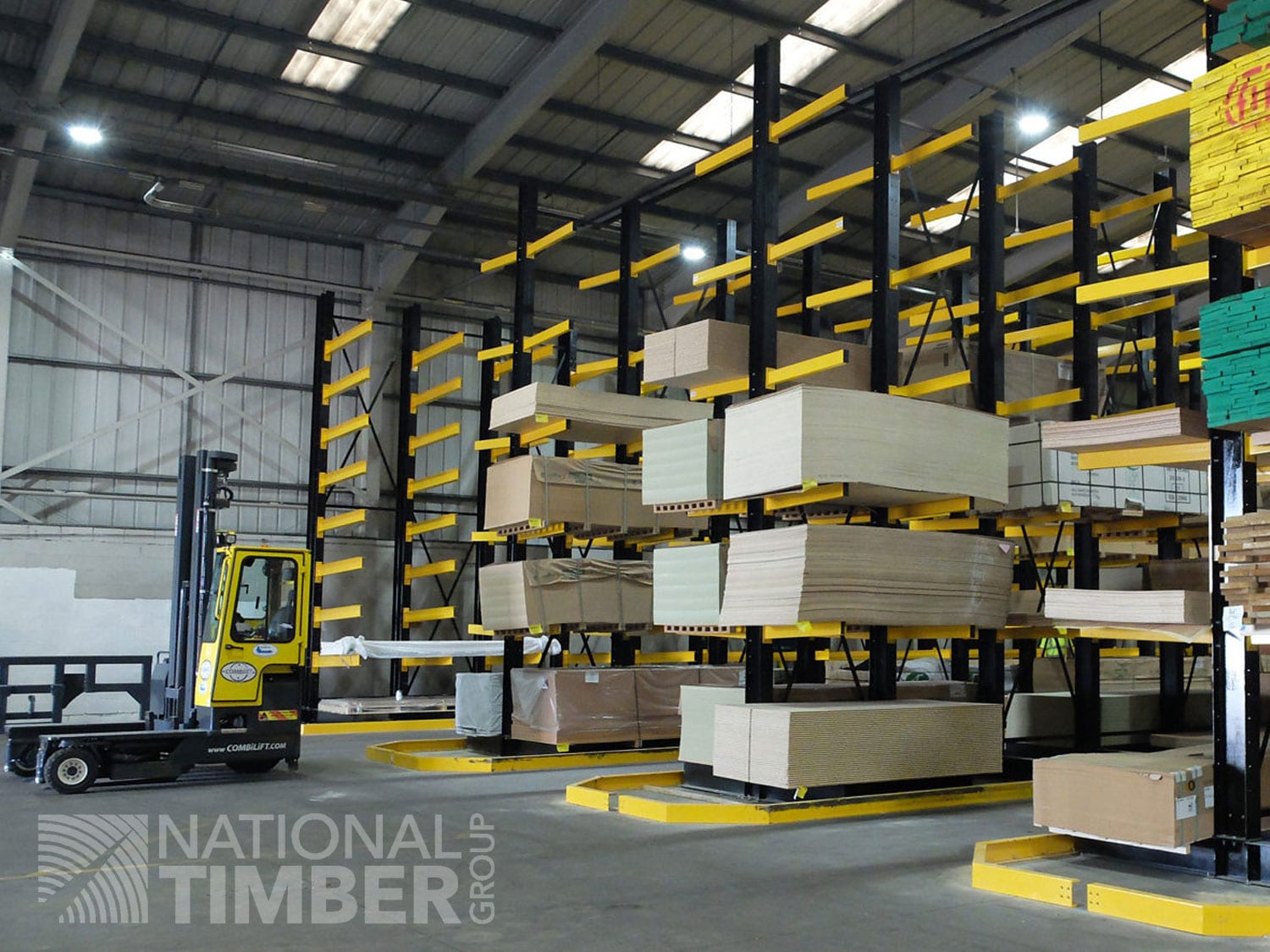
A multi-merchant PWA built around branch stock, trade accounts and product data.
Timber and merchant trading supported by branch stock visibility and account-led ordering.

A product data platform shaped around catalogue accuracy and downstream commerce.
Accessory commerce supported by cleaner product discovery, catalogue structure and connected retail journeys.