
What a Microsoft Dynamics 365 integration gives you.
Invoices, credit notes and refunds reconcile automatically to Dynamics 365 without manual lookup. Reconciliation dashboard surfaces exceptions before month-end so your finance team closes with confidence.
Inventory publishes from Dynamics 365 to storefronts, marketplaces and point-of-sale in sync. Oversell is prevented, backorder messages are accurate, and reserve logic protects peak trading periods.
Web orders land in Dynamics 365 automatically, validated against credit and stock rules, and acknowledged back to customers in real time. Manual order entry is eliminated; exceptions are flagged visibly.
Credit limits and payment terms from Dynamics 365 are published to checkout so transactions respect your risk policy. Blocked orders surface in an exception queue for manual review, not silent failures at capture.
Base prices, customer-specific tiers and promotional bands are maintained in Dynamics 365 and published to commerce channels. No conflicting prices across channels, no manual price overrides breaking your margin.
Where a Microsoft Dynamics 365 integration earns its place.
If two or more of these are true, the integration usually pays for itself quickly.
Where off-the-shelf connectors fall short.
Vendor connectors are fine for simple cases. Here's where the real ones need more.
Dynamics 365 does not publish stock changes to commerce channels without integration logic. Manual batch exports or third-party middleware are required to keep availability current during peak trading and prevent overselling across channels.
Dynamics 365 does not automatically confirm or reject web orders back to storefronts. Custom workflows must evaluate credit, inventory and policy rules, then post acknowledgement or rejection messages so the shopper knows their order status.
Dynamics 365 holds base pricing and customer tiers, but does not natively adapt pricing per marketplace or promotional campaign. Integration logic must map Dynamics 365 prices into channel-specific bands, discount matrices and regional variants.
Matching commerce transactions to invoices and credit notes in Dynamics 365 requires custom reports and exception handling. Without integration, month-end reconciliation relies on spreadsheets and manual lookup across systems.
Dynamics 365 does not natively track payment authorization, capture and refund events from your payment processor. Custom logic is needed to post capture confirmations and refund receipts back to Dynamics 365 for accurate cash position and accounts receivable.
The gap between order capture and finance reconciliation is where integration ownership gets ambiguous: does the commerce platform or Dynamics 365 own the money, and who confirms when both agree?
Where this integration sits in your estate.
Microsoft Dynamics 365 holds the commercial record. The iWeb integration layer manages the rules, mappings, monitoring and exceptions. The commerce platform presents the customer-facing experience. The estate map helps agree ownership before anything is built.
Commerce platform agnostic. Connect Microsoft Dynamics 365 across your entire technology stack.
- Stock availability and reserve buffers
- Base and customer-specific pricing
- Customer master, credit limits and payment terms
- Web order validation and acknowledgement
- Invoices, credit notes and refunds
- Finance reconciliation and cash position
- Storefront user experience and checkout flow
- Channel-specific pricing overrides and promotions
- Order capture and payment processing
- Customer communication (email, SMS)
- Shopper returns and disputes
- Cart abandonment and personalization
Systems this integration usually sits next to.
Examples, not a closed list. iWeb is platform-agnostic on both sides: we wire this integration into whatever ecommerce platform and surrounding systems your estate already runs.
- Adobe Commerce
- Magento Open Source
- Shopify Plus
- BigCommerce
- Other storefronts
- Payment processors (Stripe, Adyen, Worldpay)
- Order management systems (OMS)
- Warehouse management and fulfillment (WMS, 3PL)
- PIM and product content systems
- Marketplace connectors (Amazon, eBay, Cdiscount)
- Customer data platforms (Salesforce, HubSpot)
- Business intelligence and data warehouse
Not sure if this works with your stack?
Tell us what you’re using and what needs to connect. We’ll give you a straight view on what’s possible, what might be awkward, and the safest way to approach it.
The data flows we wire.
Each flow has a direction and an owner. We agree both before a line of code is written.
How iWeb configures the integration around your business.
Same method on every integration. The decisions come before the code.
- 01Design order and stock sync patterns
We map your Dynamics 365 business logic into integration workflows: which orders need credit approval, how stock buffers are calculated per channel, when pricing refreshes trigger, how payment captures are posted back.
- 02Build resilient data pipelines
We construct ETL flows that handle Dynamics 365 API rate limits, batch processing and downtime without data loss. Orders queue safely; stock syncs retry intelligently; reconciliation files arrive daily with validation reports.
- 03Implement exception handling and monitoring
We set up dashboards for unacknowledged orders, reconciliation mismatches and sync latency. Exception queues name responsible teams so issues are resolved quickly, not discovered during month-end audit.
- 04Handle payment and refund flows
We build bidirectional payment sync so authorization and capture events from your payment processor update Dynamics 365 cash position, and refunds flow back to payment systems with matching credit notes.
- 05Support multi-channel pricing and stock
We manage channel-specific pricing rules, stock allocation matrices and promotional variants so Dynamics 365 publishes accurately to Magento, Shopify, BigCommerce, marketplaces and point-of-sale simultaneously.
Who owns what.
The single most important table in any integration. One system owns each field; everything else reads it.
Built this before
iWeb has architected dozens of Dynamics 365 integrations into ecommerce estates. We understand how stock, pricing, customer credit and orders flow between Dynamics 365 and storefronts, and how to keep finance and commerce teams confident in their data without manual reconciliation.
What we test before launch.
Every one of these is rehearsed before a customer ever sees the integration.
Common risks and where they bite.
We name these on day one. A risk written down is a risk you can plan around.
If stock sync between Dynamics 365 and commerce platforms runs infrequently or fails silently, inventory becomes inaccurate during Black Friday or seasonal spikes. Customers see availability that no longer exists; orders cannot be fulfilled.
Web orders may fail to reach Dynamics 365 if the integration crashes, or may arrive twice if retry logic is not idempotent. Lost orders damage customer trust; duplicate orders create billing chaos and inventory write-offs.
If customer credit data from Dynamics 365 publishes late or not at all to checkout systems, high-risk transactions sail through and you end up with uncollectable receivables or chargebacks.
If Dynamics 365 pricing exports do not account for channel-specific rules, discounts or regional variants, customers see different prices on different storefronts or marketplaces. Margin erosion and brand confusion follow.
If payment captures, refunds and credit notes do not sync reliably back to Dynamics 365, reconciliation requires manual lookup and spreadsheets. Unmatched transactions pile up; month-end close slips.
If commerce platforms cannot validate credit or retrieve stock without a synchronous call to Dynamics 365, outages in Dynamics 365 break shopper checkout. Orders are lost; revenue stops.
Relevant services and sectors.
Common questions about Microsoft Dynamics 365 integrations.
How does iWeb handle orders that fail Dynamics 365 validation (credit, stock, customer)?
Failed orders are rejected and queued in an exception dashboard visible to your order management team. The rejection reason (credit hold, out of stock, invalid account) is sent back to the shopper so they know why their order was declined. Manual review or resubmission is then possible.
What happens if Dynamics 365 is unavailable when a shopper completes checkout?
We design the integration so checkout does not depend on a synchronous call to Dynamics 365. Orders are queued locally in your commerce platform and replayed to Dynamics 365 when it recovers. Until replay, stock and credit checks are performed against a cached snapshot, and the shopper receives order confirmation with a caveat about fulfillment confirmation.
How frequently does stock sync from Dynamics 365 to our commerce channels?
We typically design stock sync to run hourly, with ability to trigger on-demand for critical SKUs during peak trading. Real-time sync is possible for high-velocity channels if your integration infrastructure supports it. The sync frequency is configurable and monitored so you can adjust for seasonal demand or inventory volatility.
Who owns customer-specific pricing rules, and how are they published?
Base prices and customer tiers are maintained in Dynamics 365 by your pricing team. Channel-specific overrides, bundle pricing and promotional campaigns are managed in your commerce platform or PIM. We build the mapping so Dynamics 365 prices flow to channels accurately, and channel teams can layer overrides without breaking the integration.
How do we reconcile payments and refunds between our payment processor and Dynamics 365?
We build daily reconciliation flows that match payment captures from your processor to invoices in Dynamics 365, and refunds back to credit notes. Mismatches are flagged in an exception report so your finance team can investigate before month-end. Payment authorization status is also posted back to Dynamics 365 so cash position is accurate.
What happens if the same order arrives in Dynamics 365 twice by mistake?
We build idempotent order ingestion using order reference as the unique key. Duplicate orders are detected and discarded before they create duplicate invoices or inventory movements. Idempotency also protects against retries when the original order succeeded but the confirmation message was lost.
How do credit holds and payment term changes in Dynamics 365 reach the checkout?
Customer master data and credit limits are exported from Dynamics 365 daily and published to your checkout system. When a credit hold is placed or payment terms change, the export picks up the change and checkout applies it within 24 hours. High-priority credit changes can trigger on-demand refresh for faster propagation.
How are returns and refunds managed between commerce platforms and Dynamics 365?
Return authorizations flow from your commerce platform or OMS into Dynamics 365. Once the return is received and inspected, a credit note is generated in Dynamics 365 and returned to the commerce platform, triggering a refund to the customer's original payment method. The refund is reconciled back to Dynamics 365 for cash accuracy.
Can we run the integration if we sell through multiple marketplaces and direct storefronts?
Yes. We design the integration to aggregate orders from all channels (BigCommerce, Shopify, Amazon, etc.) into a single order flow to Dynamics 365. Stock and pricing are published from Dynamics 365 out to all channels. Channel-specific fields (marketplace order ID, fulfillment instructions) are preserved so orders can be routed accurately.
What observability and monitoring do we get once the integration is live?
We set up dashboards showing order ingestion rates, validation failure reasons, stock sync latency, reconciliation mismatches and payment status exceptions. Alerts fire if sync fails or latency exceeds SLA. Daily summary reports go to operations and finance so teams stay aware of integration health and exception backlog.
How do we handle promotional pricing or seasonal discounts in a multi-channel environment?
Base pricing comes from Dynamics 365; promotional variants are managed in your commerce platform or PIM and layered on top without overwriting the integration. We ensure Dynamics 365 price changes do not clobber promotions, and we flag conflicts so your merchandising team can resolve them. Promotional start/end dates are also monitored to prevent stale discounts.
What happens when Dynamics 365 introduces a new field or changes a field definition?
Schema changes in Dynamics 365 are mapped into the integration; we document which fields are in scope and which are ignored. If you add a new customer attribute in Dynamics 365, we extend the export to include it and test it against your commerce platforms before going live. Breaking schema changes (field removal, type change) require integration review and testing.
How do we migrate historical order and customer data from our old system to Dynamics 365 before going live?
Data migration is a separate workstream. Once historical data is loaded into Dynamics 365 by your implementation partner, we set a sync cutoff date so the integration ingests only new orders and pricing changes going forward. We validate the cutoff and reconcile Dynamics 365 against your legacy system for a period to confirm accuracy before cutover.
Can the integration handle customer-specific pricing at the line item level?
Yes. Dynamics 365 customer pricing can be defined at the product or product-category level. We export that pricing to commerce checkout so customer-specific prices are applied correctly. Line-item overrides (one-off discounts) are typically managed in the OMS or approved by a sales team, not auto-synced from Dynamics 365.
Other erp · finance integrations.
Adjacent integrations in the same category. Same shape of work, different vendor.
Projects with a similar shape.
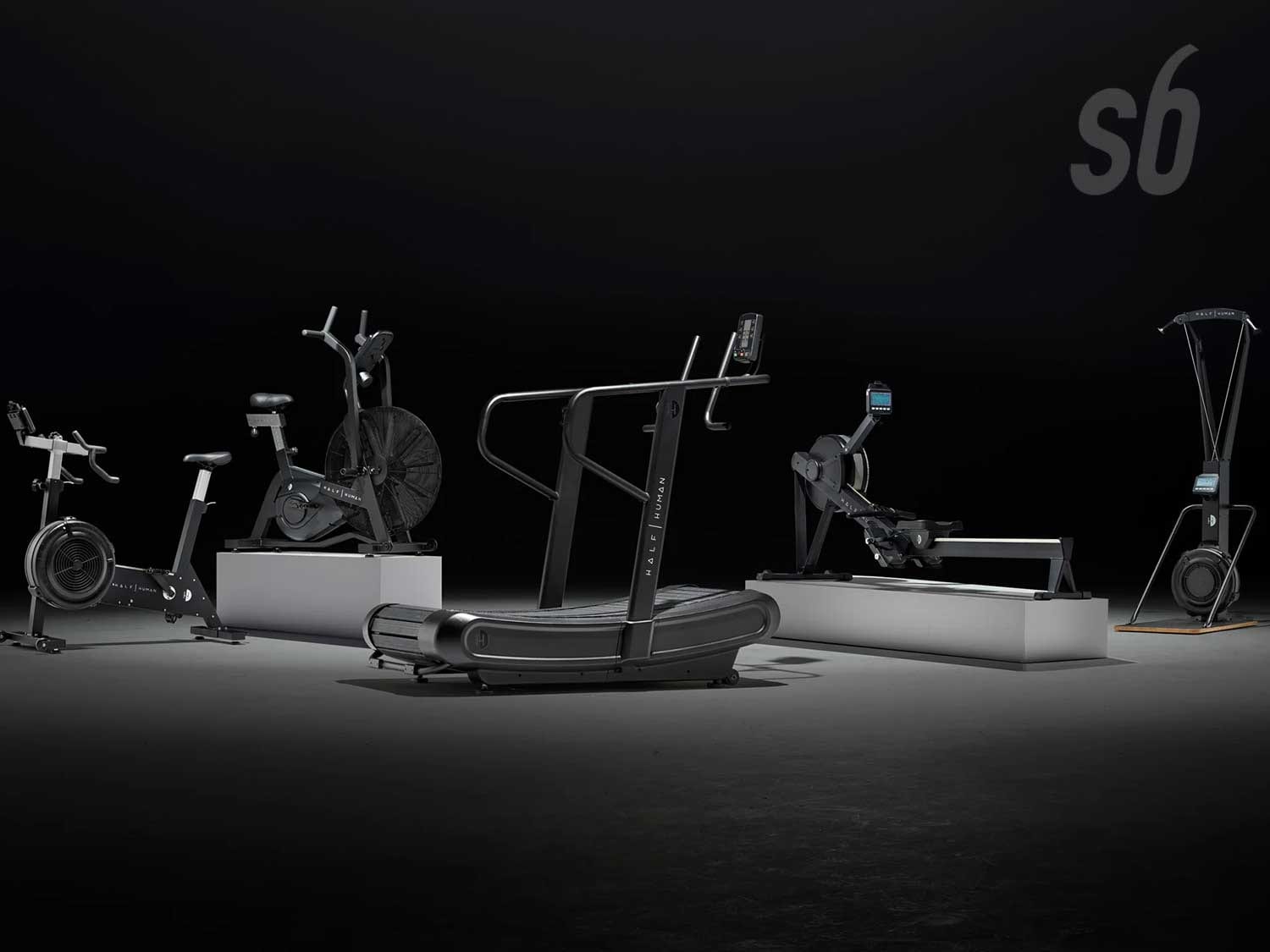
A sports equipment PIM project built around product data, launch speed and catalogue accuracy.
Product launches supported by cleaner data, better completeness and less manual product work.

A prebiotic commerce platform built around subscription, mobile activity and product education.
Subscription buyers supported through faster pages, stronger mobile journeys and clearer product content.

A global parts commerce platform rebuilt around dealers, availability and aftermarket ordering.
Aftermarket parts ordering supported across dealer networks, availability data and global fulfilment.