
What a NielsenIQ Brandbank integration gives you.
Product teams no longer maintain descriptions, images and attributes in multiple systems. Brandbank becomes the governed source, ecommerce systems consume curated data, and updates flow automatically without re-entry or manual approval loops.
Once brand teams approve product content in Brandbank, the data is ready for publication across all channels automatically. Retailers and distributors can launch products without waiting for separate content-import workflows.
Brandbank's approval and completeness rules ensure only fully-vetted, compliant products reach storefronts. Channels receive structured, consistent data, reducing customer confusion and support escalations caused by incomplete or mismatched content.
Storefronts consume Brandbank data directly; brand and product teams no longer duplicate effort copying descriptions, managing separate image folders or re-approving content for each channel.
Product data governance becomes explicit: Brandbank owns attributes and approval, commerce platforms own channel-specific display and merchandising. Changes are tracked, and you can trace which version of a product is live on each channel.
Where a NielsenIQ Brandbank integration earns its place.
If two or more of these are true, the integration usually pays for itself quickly.
Where off-the-shelf connectors fall short.
Vendor connectors are fine for simple cases. Here's where the real ones need more.
Brandbank holds brand-standard attributes but does not natively know which attributes each commerce platform requires or how to map Brandbank family types to channel-specific facets or variants.
Brandbank manages images at brand standard but does not automatically derive the exact dimensions, compression and formats (WebP, AVIF, thumbnail crops) each storefront requires.
Brandbank's approval states do not automatically translate into 'publish-ready' signals that commerce systems understand; manual rules or custom logic often needed to enforce approval gates at the channel.
Incremental changes to product content can be difficult to capture and push into commerce systems without full product re-extraction, risking unnecessary data churn and cache invalidation.
Brandbank manages content in multiple languages but does not orchestrate translation workflows or manage locale-specific variants automatically; each language and region often needs custom handling.
Many brand-led businesses struggle to keep storefronts synchronised with product governance decisions made in a central brand system; manual approval gates and asset libraries often become shadows of each other.
Where this integration sits in your estate.
NielsenIQ Brandbank holds the commercial record. The iWeb integration layer manages the rules, mappings, monitoring and exceptions. The commerce platform presents the customer-facing experience. The estate map helps agree ownership before anything is built.
Commerce platform agnostic. Connect NielsenIQ Brandbank across your entire technology stack.
- Product attributes and family definitions
- Product descriptions, specifications and compliance text
- Product images, videos and branded digital assets
- Category taxonomy and product relationships
- Approval workflows and completeness rules
- Channel-specific product display and merchandising
- Storefront-specific image formats and dimensions
- Channel facets and search filters
- Local pricing and inventory display
- Customer-facing product pages and cart
Systems this integration usually sits next to.
Examples, not a closed list. iWeb is platform-agnostic on both sides: we wire this integration into whatever ecommerce platform and surrounding systems your estate already runs.
- Adobe Commerce
- Magento Open Source
- Shopify Plus
- BigCommerce
- Other storefronts
- PIM (product enrichment and channel-specific attributes)
- ERP (for product master and numbering)
- E-commerce platforms (storefronts and catalog display)
- DAM or CMS (for campaign content and editorial assets)
- Search and merchandising systems (for product discovery)
- Marketplace connectors (for syndication to third-party channels)
Not sure if this works with your stack?
Tell us what you’re using and what needs to connect. We’ll give you a straight view on what’s possible, what might be awkward, and the safest way to approach it.
The data flows we wire.
Each flow has a direction and an owner. We agree both before a line of code is written.
How iWeb configures the integration around your business.
Same method on every integration. The decisions come before the code.
- 01Data model and attribute mapping design
We interview brand, merchandise and ecommerce teams to understand which Brandbank attributes map to each commerce platform, then design the transformation logic so data flows without gaps or collisions.
- 02Image and media asset pipeline
We build the extract, transform and delivery flow so Brandbank images become channel-ready variants (resized, compressed, format-converted) and land in the storefront's media library or CDN ready to use.
- 03Approval and completeness workflow implementation
We translate Brandbank's approval states and completeness rules into commerce-side gates so incomplete products are blocked from publication, and ecommerce teams can see why a product is not publication-ready.
- 04Incremental sync and change detection
We implement delta feeds so that Brandbank changes (new assets, attribute edits, family updates) propagate as targeted updates to commerce systems, not full-product re-syncs, preserving performance and cache behavior.
- 05Observability and exception handling
We set up monitoring, alerting and exception queues so you know immediately if products fail to sync from Brandbank, why they failed, and can route issues to the right team for remediation.
Who owns what.
The single most important table in any integration. One system owns each field; everything else reads it.
Built this integration before
iWeb has designed and built Brandbank integrations across retail, fast-moving consumer goods and manufacturing sectors. We understand how brand-driven product governance works and how to keep ecommerce platforms, PIM systems and operational teams in step with approved, complete product data.
What we test before launch.
Every one of these is rehearsed before a customer ever sees the integration.
Common risks and where they bite.
We name these on day one. A risk written down is a risk you can plan around.
If the Brandbank feed breaks or approval workflows are not enforced, storefronts can show outdated descriptions, missing images or incomplete attributes. Customers see products as incomplete or untrustworthy, driving support escalations and lost sales.
If the asset transformation pipeline breaks (format conversion, resizing, CDN sync), storefronts fall back to broken image icons or missing media. Products appear unpolished, and shoppers cannot see variants or details.
If commerce teams publish products without waiting for Brandbank approval, non-compliant or incomplete content reaches customers. Brand, legal and compliance teams lose visibility, and recall or correction becomes expensive.
If failures to sync from Brandbank are not monitored or escalated, products can drift between Brandbank and storefronts without anyone noticing. Retailers and distributors receive stale or conflicting data, and customer expectations diverge from reality.
If Brandbank attributes map to commerce platforms without clear ownership, teams can override or re-define attributes at the storefront level, breaking consistency with brand standards. Updates in Brandbank do not propagate because the storefront version is considered authoritative.
Relevant services and sectors.
Common questions about NielsenIQ Brandbank integrations.
Who owns product attributes: Brandbank or the commerce platform?
Brandbank is the system of record for brand-standard attributes. Commerce platforms consume these attributes and may add channel-specific fields (facets, merchandising tags) without overriding Brandbank definitions. If an attribute changes in Brandbank, the commerce platform should reflect the update.
How do Brandbank approval workflows translate into commerce publish gates?
We map Brandbank approval states (draft, pending, approved, rejected) to commerce-side rules so that only approved products are eligible for publication. If approval is revoked or a product enters pending, the storefront receives a signal to pause or hide that product.
What happens to product images if the Brandbank feed breaks?
We implement fallback behavior so storefronts show placeholder imagery or a warning message rather than broken links. The sync failure is logged and escalated to the product and integration teams so Brandbank connectivity can be restored quickly.
How are images resized or reformatted for different storefronts?
We define the exact dimensions, formats (JPEG, WebP, AVIF) and compression rules for each storefront in the transformation pipeline. Brandbank master images are harvested and converted once, then delivered to each channel in its required format.
Can ecommerce teams override or add product attributes at the storefront level?
No. Brandbank attributes are read-only at the storefront; they sync from Brandbank and should not be edited in the commerce platform. Channel-specific enrichment (color filters, size guides) can be added downstream without overriding Brandbank data.
How do we handle products that are incomplete in Brandbank?
Incomplete products are blocked from publication by default. Ecommerce teams see a completeness checklist showing which attributes or assets are missing, and can request Brandbank teams to add them before the product can go live.
What happens when Brandbank content changes; do all storefronts update immediately?
We implement incremental sync so Brandbank changes trigger targeted updates to commerce systems. Storefronts receive the delta (new images, attribute edits, family changes) and apply them without re-syncing the entire product catalog.
How do we ensure product data consistency across multiple sales channels?
Brandbank is the single source of truth; all channels consume the same approved attributes, images and content. Channel-specific merchandising, pricing or promotions are applied on top of the common Brandbank foundation.
Can we publish products to some channels before others using Brandbank approval?
Yes. You can define channel-specific approval rules in Brandbank (e.g. 'approved for retail' vs 'approved for B2B') so that a product can be publication-ready for one channel while pending approval for another.
What integration monitoring and alerting should we set up for Brandbank feeds?
We recommend monitoring feed latency, product sync completion, image delivery success and approval-rule enforcement. Alerts should fire immediately if Brandbank connectivity drops, approval gates are bypassed, or images fail to transform, so the team can investigate.
How does Brandbank fit alongside a PIM system?
Brandbank is often the brand-standard source for core product attributes, family structure and approved assets. A PIM system can consume Brandbank data and layer on channel-specific enrichment, localisation and merchandising rules before publishing to storefronts.
What happens to products that are deleted or deprecated in Brandbank?
We define a deprecation workflow so that products can be soft-deleted (marked as discontinued) in Brandbank without removing historical records. Storefronts receive the deprecation signal and can hide or archive the product accordingly.
How do we handle multi-language product content from Brandbank?
Brandbank can store content in multiple languages; we map language versions to each storefront's locale. If a translation is missing in Brandbank, we configure fallback rules (e.g. show English) or block the product from publication until the language is available.
Can Brandbank data flow back to ERP or PIM for inventory or merchandising updates?
Brandbank is primarily a source system for content and assets. If you need to synchronise product structure or attributes back to an ERP or PIM, we design a secondary flow so that approved Brandbank changes can seed those systems.
Projects with a similar shape.
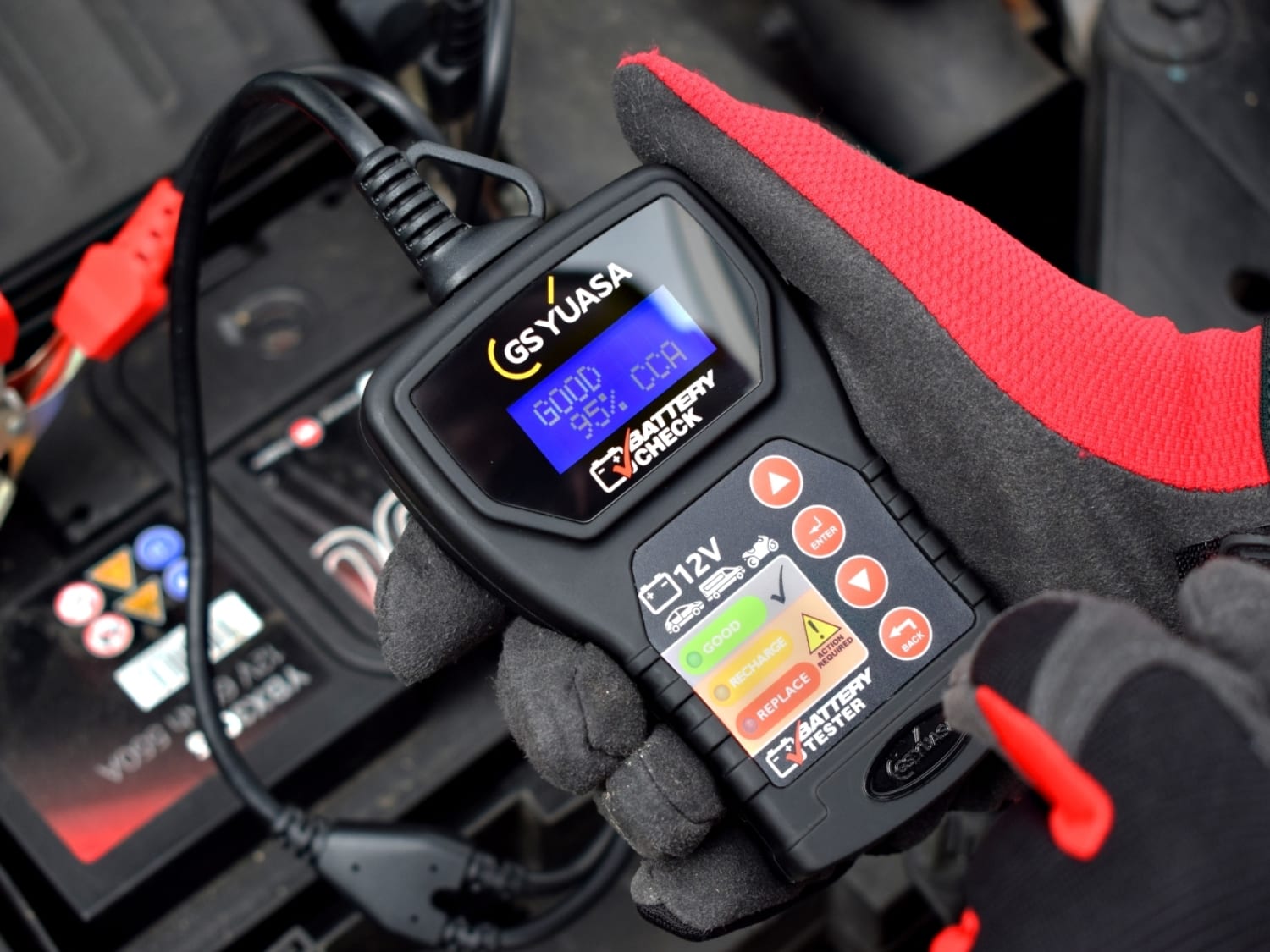
A battery trade portal built around product recommendations, fitment data and repeat ordering.
Battery purchasing supported by stronger mobile journeys and more efficient pricing workflows.

A sports equipment platform rebuilt around product discovery, mobile browsing and repeat purchasing.
Fitness equipment sales supported by stronger mobile journeys and updated checkout behaviour.

A lawnmower dealer network rebuilt around product availability, local stock and customer ordering.
Dealer commerce updated through stronger mobile purchasing, add-to-cart activity and fewer returns.