
What a OpenSearch integration gives you.
Search rules and boosts are owned by named merchandisers, audited on change, and rolled back if they break relevance. Search teams and product teams no longer clash over who can change which rules.
When your PIM or ERP schema evolves, the extraction pipeline re-maps data cleanly, tests in staging and deploys indices without breaking live search or losing query performance.
Zero-result queries feed into a merchandiser queue where redirects or synonym suggestions can be approved and deployed immediately. Customers see fewer dead ends.
Query performance, index refresh lag and facet query time are monitored continuously. Slow search is surfaced as an incident, not discovered by customer complaints.
The same OpenSearch index serves multiple storefronts but each channel can have channel-specific ranking rules, facet displays and synonyms without maintaining separate indices.
Where a OpenSearch integration earns its place.
If two or more of these are true, the integration usually pays for itself quickly.
Where off-the-shelf connectors fall short.
Vendor connectors are fine for simple cases. Here's where the real ones need more.
OpenSearch does not enforce what catalogue data is complete or ready for search publishing. You must build a separate 'search readiness' workflow upstream, typically in your PIM or a dedicated governance tool, to mark products as searchable.
OpenSearch stores ranking rules and boosts but has no audit trail or approval workflow. iWeb helps you wrap governance and exception handling around rule changes so merchandisers, search engineers and product teams stay aligned.
By default, indices refresh every few seconds but do not update in real-time. You must decide whether your storefront can tolerate slight staleness and design a refresh strategy that balances search relevance against indexing load.
OpenSearch will not automatically redirect users or suggest related terms when a query returns no results. You must wire zero-results queries into a merchandiser workflow and maintain a redirect lookup table within OpenSearch.
Facet definitions, filterable attributes and display order live in OpenSearch but have no built-in link to your PIM schema. Changes to product taxonomy in PIM will not automatically update facets without an explicit reconciliation step.
Search governance is often overlooked until a merchandiser breaks relevance silently or zero-result queries pile up unnoticed, forcing a reactive rebuild or rule rollback that customers feel.
Where this integration sits in your estate.
OpenSearch holds the commercial record. The iWeb integration layer manages the rules, mappings, monitoring and exceptions. The commerce platform presents the customer-facing experience. The estate map helps agree ownership before anything is built.
Platform-agnostic by design. OpenSearch sits at the centre of your estate, not at the edge of one platform.
- Indexed attributes and facet structure
- Synonym dictionary and redirects
- Ranking boosts and suppression rules
- Query performance and index refresh timing
- Search event log storage
- Storefront search interface and query submission
- Facet display and result rendering
- Click event capture and submission to OpenSearch
- A/B testing and relevance measurement UX
- Channel-specific search rule overrides
Systems this integration usually sits next to.
Examples, not a closed list. iWeb is platform-agnostic on both sides: we wire this integration into whatever ecommerce platform and surrounding systems your estate already runs.
- Adobe Commerce
- Magento Open Source
- Shopify Plus
- BigCommerce
- Other storefronts
- PIM (product attributes, taxonomy, descriptions)
- ERP (product master, stock, catalogue publishing)
- Analytics / BI warehouse (search logs, query events, click analytics)
- Merchandising governance tool (approval workflows, rule audit)
- Storefront / headless commerce (query interface, facet UI)
- Data orchestration platform (extraction scheduling, index rebuild)
Not sure if this works with your stack?
Tell us what you’re using and what needs to connect. We’ll give you a straight view on what’s possible, what might be awkward, and the safest way to approach it.
The data flows we wire.
Each flow has a direction and an owner. We agree both before a line of code is written.
How iWeb configures the integration around your business.
Same method on every integration. The decisions come before the code.
- 01Design catalogue-to-search extraction
We map your product attributes, families and taxonomy into OpenSearch fields and facets. We build extraction logic that handles incremental catalogue changes, deleted products and schema migrations without re-indexing from scratch.
- 02Govern search rule authorship
We define who can create, approve and deploy ranking rules, boosts and suppression lists. We add audit trails, approval workflows and rollback paths so changes are traceable and reversible.
- 03Instrument index monitoring
We configure alerts for index health, refresh lag, query timeout rates and facet degradation. We build dashboards so search teams can see when performance is drifting and what catalogue changes triggered it.
- 04Route zero-results to action
We capture zero-result queries, feed them into a merchandiser workflow, and allow approved redirects or synonym suggestions to be deployed live. We measure how many queries are rescued by each redirect.
- 05Integrate search analytics into BI
We extract search logs and click events into your data warehouse so you can measure relevance, spot query trends, and feed insights back into merchandising and PIM enrichment cycles.
Who owns what.
The single most important table in any integration. One system owns each field; everything else reads it.
Built search governance before
iWeb has designed and operated OpenSearch integrations in commerce estates of all sizes. We understand how search sits between PIM and the storefront, how merchandising rule changes must be audited and reversible, and how query analytics feed back into product and content teams.
What we test before launch.
Every one of these is rehearsed before a customer ever sees the integration.
Common risks and where they bite.
We name these on day one. A risk written down is a risk you can plan around.
If extraction pipelines fail silently or run infrequently, the search index becomes stale. Customers search for attributes or products that no longer exist in the catalogue, or new products are invisible. Rebuild can take hours, blocking merchandisers and customer experience.
If ranking rule changes are not gated by approval or audit, merchandisers may boost unprofitable products or break search relevance. Rules may be changed in OpenSearch directly without documentation, making it impossible to trace why search behaviour changed.
When product category structure or attribute names change in PIM, facet definitions in OpenSearch are not updated. Search users see facets that no longer match product data, or facets collapse unexpectedly.
If zero-result queries are not logged or routed to a merchandiser queue, customers leave without finding anything. No one knows what queries failed, so merchandisers cannot add synonyms or redirects to improve results.
Index size grows, query timeouts increase, or facet queries slow as catalogue size increases. If no monitoring or alerting is in place, customer-facing search degradation is discovered by support tickets, not by your team.
Full index rebuilds lock the index, making it temporarily unavailable for new product inserts or merchandising rule changes. If rebuilds run during peak hours or take longer than expected, merchandisers and catalogue teams are blocked.
Relevant services and sectors.
Common questions about OpenSearch integrations.
How do we decide what attributes are searchable and facetable?
Searchable and facetable attributes are defined by your product team in PIM, mapped to OpenSearch fields by your extraction logic, and tested in staging. We help you maintain a live data dictionary so merchandisers, search engineers and product ops agree on which attributes serve search versus which serve commerce only.
What happens when our product taxonomy changes in PIM?
Schema changes trigger a re-mapping in the extraction pipeline and a test rebuild in staging. Once approved, the index is rebuilt and swapped live via alias. We ensure no customer-facing search downtime and that facets reflect the new taxonomy immediately.
How quickly do ranking rule changes take effect?
Ranking boosts, suppressions and filter rules take effect on the next query, typically within milliseconds. No index rebuild is required. Changes can be rolled back instantly if they harm relevance or sales.
Who owns merchandising rules and how do we prevent accidental breakage?
Merchandisers own rule creation and deployment but changes flow through an approval gate. We maintain an audit trail so every rule change is logged with author, timestamp and business justification. Rollback is one-click if a rule breaks search.
How do we capture and act on zero-result queries?
Zero-result queries are logged and routed to a merchandiser queue in your governance tool. Merchandisers can approve redirects, add synonyms or suggest PIM enrichment. We measure how many users are rescued by each fix.
How long does a full index rebuild take and when should we do it?
Rebuild time depends on catalogue size but typically takes minutes to hours. We schedule rebuilds off-peak and use index aliases so live search never interrupts. Incremental updates happen more frequently to keep the index fresh.
How do we monitor search quality and catch relevance regressions?
We instrument dashboards for query success rate, average result position, click-through rates and zero-result frequency. We set performance budgets so if relevance drifts, your team is alerted automatically. A/B testing lets you measure impact of ranking rule changes.
Can the same search index serve multiple storefronts or sales channels?
Yes. One OpenSearch index can serve multiple storefronts with channel-specific ranking rules, facet displays and boost lists. Synonyms and redirects can also be channel-specific. This avoids index duplication and keeps governance central.
What happens if the index refresh falls behind during high catalogue change volume?
We set refresh rates and monitor latency continuously. If lag exceeds your tolerance, we alert your data ops team and tune extraction batch sizes or index refresh intervals. During peak sales periods we can switch to faster incremental updates.
How do facets stay aligned with product attributes when taxonomy changes?
We maintain a reconciliation job that compares PIM taxonomy against facet definitions in OpenSearch. Mismatches are surfaced so merchandisers and product ops can update facet configuration. A/B testing lets you validate new facet structures before rolling out.
Can merchandisers manage synonyms and redirects without code deployment?
Yes. Synonym dictionaries and redirect rules are stored in OpenSearch and can be modified directly via API or UI without touching the storefront code. Changes take effect immediately on the next query.
What observability and logging do we need to troubleshoot search failures?
We instrument logs for extraction runs, index rebuilds, query errors and facet failures. We wire alerting so slow queries, index health issues and merchant rule conflicts are caught early. Logs feed into your central observability platform for root-cause analysis.
How do we integrate search query data into our BI and analytics platform?
Query logs and click events are extracted from OpenSearch or your storefront logs and loaded into your data warehouse. We model them so analysts can measure relevance by product family, channel and query intent, feeding insights back into merchandising and PIM.
What is the cost impact of running OpenSearch and how do we optimize?
OpenSearch cost is driven by index size, node count and query volume. We help you right-size your cluster for your peak load and tune index sharding and refresh rates to balance relevance against infrastructure spend. Compression and data pruning strategies can reduce long-term cost.
Projects with a similar shape.

An industrial materials platform built around specialist products, global trading and checkout.
Specialist material sales supported by stronger traffic, mobile engagement and checkout activity.
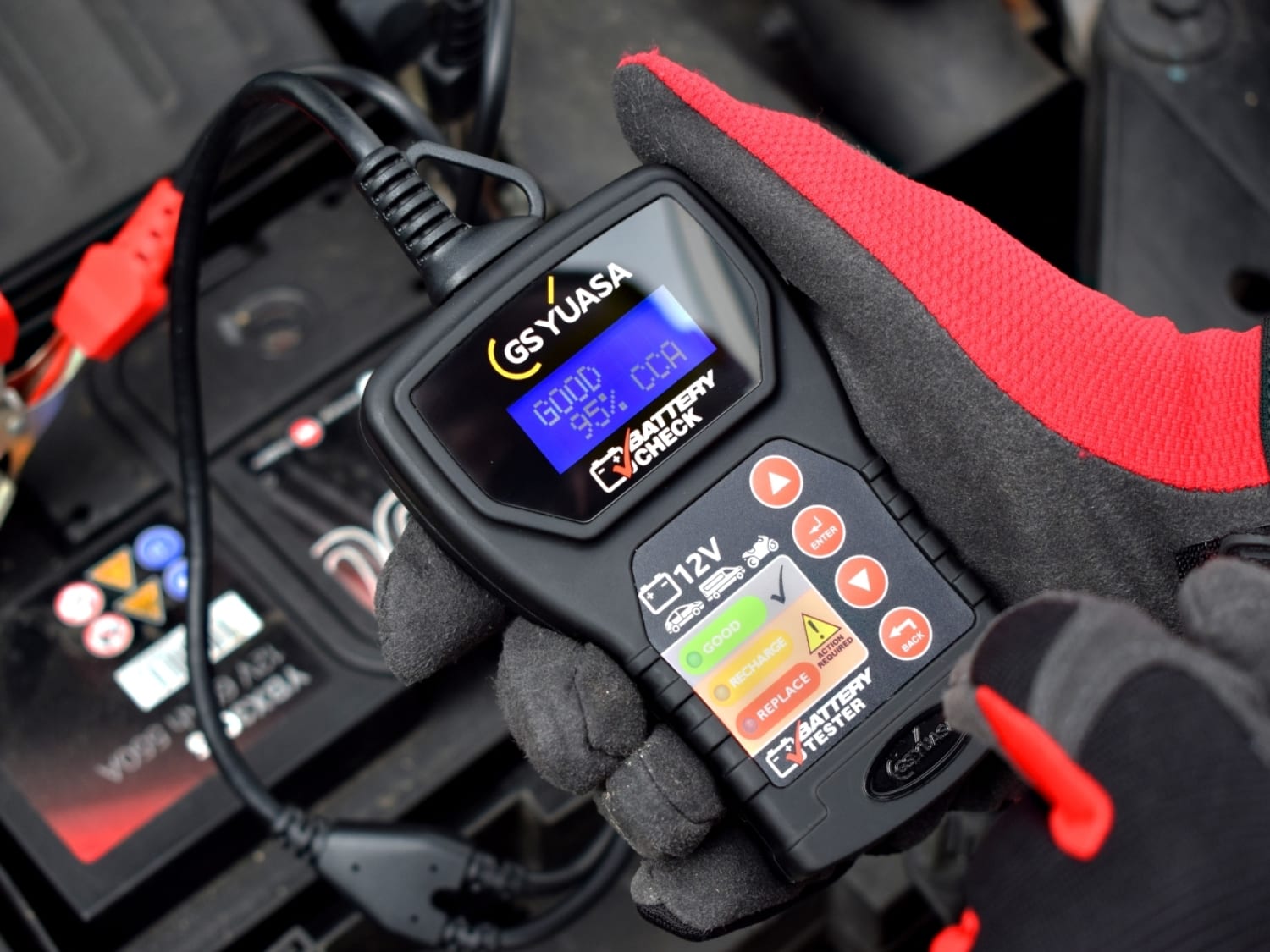
A battery trade portal built around product recommendations, fitment data and repeat ordering.
Battery purchasing supported by stronger mobile journeys and more efficient pricing workflows.

A dealer network platform built around lawnmower sales, support and seasonal product discovery.
Dealer-led lawnmower retail supported by stronger mobile sessions and faster pricing workflows.