What a Proprietary order management systems integration gives you.
Your OMS applies its routing and allocation rules reliably across all order sources. Shoppers see accurate shipment expectations and support teams understand where every order is in the workflow.
Stock reservations flow bidirectionally between the OMS, ERP and WMS so oversell is prevented and inventory counts remain reconciled even during peak trading or system slowdowns.
Orders that fail validation, routing or payment are immediately visible to the right teams with clear ownership and SLAs. Manual interventions are tracked and don't disappear into informal queues.
Returned goods flow back through the OMS to inventory and finance systems with a clear audit trail. Refunds are coordinated with payment and finance so ledgers don't drift.
Supplier notifications, tracking updates and delivery confirmations integrate cleanly so you know when responsibility passes and can update customers without manual intervention.
Where a Proprietary order management systems integration earns its place.
If two or more of these are true, the integration usually pays for itself quickly.
Where off-the-shelf connectors fall short.
Vendor connectors are fine for simple cases. Here's where the real ones need more.
Custom OMS systems often embed proprietary rules for warehouse selection, carrier choice and split-shipment logic. Moving to a standard system or platform usually means rebuilding or reinterpreting these rules, risking silent changes in order fulfillment behaviour.
Proprietary systems may allocate or reserve stock differently from modern ERP or WMS systems. Integrating without careful mapping can lead to double-allocation, phantom stock or mismatched reservation windows between systems.
Custom systems often have informal or undocumented exception queues. Without defined ownership and SLAs, orders can sit in limbo, and customer service teams may not know the order is held or why.
Proprietary systems sometimes struggle to track split shipments across multiple warehouses or branches in real time. Status visibility becomes fragmented, and customers see incomplete or contradictory shipping information.
Custom OMS platforms may handle dropship orders informally, mixing supplier notifications with internal warehouse logic. Without clear handoff protocols, tracking and accountability often break down.
Order routing logic is often the hardest part to migrate; what a proprietary system knows implicitly about warehouse capacity and carrier rules has to be made explicit and versioned before you can reliably hand it off to another platform.
Where this integration sits in your estate.
Proprietary order management systems holds the commercial record. The iWeb integration layer manages the rules, mappings, monitoring and exceptions. The commerce platform presents the customer-facing experience. The estate map helps agree ownership before anything is built.
Commerce platform agnostic. Connect Proprietary order management systems across your entire technology stack.
- Order routing rules and warehouse assignment
- Stock reservation and allocation state
- Order status and fulfilment progress
- Exception queues and escalation workflows
- Return authorization and RMA routing
- Dropship and supplier handoff coordination
- Shopper basket and checkout experience
- Order capture and initial validation
- Payment method and customer account
- Order status visibility to shopper
- Return initiation workflow
- Promotion and catalogue display
Systems this integration usually sits next to.
Examples, not a closed list. iWeb is platform-agnostic on both sides: we wire this integration into whatever ecommerce platform and surrounding systems your estate already runs.
- Adobe Commerce
- Magento Open Source
- Shopify Plus
- BigCommerce
- Other storefronts
- ERP (SAP, NetSuite, Dynamics 365)
- WMS or 3PL fulfilment systems
- POS and branch systems
- Marketplace connectors (Amazon, eBay)
- Payment processors and reconciliation
- Customer service and support platforms
- Reporting and BI systems
- Carrier and shipping APIs
Not sure if this works with your stack?
Tell us what you’re using and what needs to connect. We’ll give you a straight view on what’s possible, what might be awkward, and the safest way to approach it.
The data flows we wire.
Each flow has a direction and an owner. We agree both before a line of code is written.
How iWeb configures the integration around your business.
Same method on every integration. The decisions come before the code.
- 01Map order routing and allocation rules
iWeb documents your OMS routing logic, reservation windows and split-shipment rules so the integration respects them and makes them observable. Rule changes are versioned and tested before going live.
- 02Build bidirectional stock and reservation flows
iWeb designs how stock availability moves from ERP/WMS into the OMS and how reservations and movements flow back. Reconciliation checks and drift alerts keep the estate honest.
- 03Integrate order capture and status events
iWeb connects the storefront, marketplaces and call centre to the OMS so orders arrive with complete context. Status, exceptions and tracking updates flow back to commerce and customer messaging.
- 04Design exception and escalation workflows
iWeb defines which failures escalate to customer service, which auto-retry and which require manual intervention. Exception queues get clear ownership and monitoring so nothing falls through the cracks.
- 05Test fallback and performance under load
iWeb validates that split shipments, multi-location orders and exception handling work correctly under peak load. Timeouts, retries and circuit breakers are tuned so order flow doesn't degrade.
Who owns what.
The single most important table in any integration. One system owns each field; everything else reads it.
Built proprietary OMS integrations before
iWeb has designed and built integrations across multiple custom and legacy order management systems. We understand how proprietary systems define routing, allocation and exception logic, and how to map those rules into a modern commerce estate without losing the operational intelligence they embed.
What we test before launch.
Every one of these is rehearsed before a customer ever sees the integration.
Common risks and where they bite.
We name these on day one. A risk written down is a risk you can plan around.
When an order splits across two warehouses, status updates from one location may not reconcile with the other. Shoppers see a partial shipment confirmed and then silence, and support teams can't find the other half.
If the OMS allocates stock differently from the ERP (e.g. different hold windows or multi-source logic), orders can be allocated to stock that's already spoken for. The inventory ledger drifts and backorders are forced.
Supplier notifications may arrive in the OMS but fail to reach the supplier's system or the supplier's system may acknowledge but the OMS doesn't record it. The order sits in limbo with unclear accountability.
Orders that fail payment, address validation or routing may queue in the OMS indefinitely if exception handling lacks defined SLAs and clear ownership. Customer service doesn't know what to do with them.
A return initiated online may be recorded in the OMS but reconciled against branch inventory or vice versa. Refunds and stock adjustments end up in the wrong ledger, breaking reconciliation.
If a carrier updates label formatting, tracking API or service level names, the OMS may not reflect the change and dispatch instructions silently fail. Orders hold in the warehouse without visibility.
Relevant services and sectors.
Common questions about Proprietary order management systems integrations.
How does the OMS decide which warehouse gets an order?
The OMS applies its routing rules, which may consider warehouse stock, shipping zone, distance, current load or carrier availability. iWeb maps these rules into the integration so commerce systems understand the decision and can report routing failures. Routing logic is versioned and tested before changes go live.
What happens when stock in the ERP and OMS doesn't match?
iWeb defines a reconciliation flow: stock moves from ERP/WMS into the OMS at a set frequency; the OMS reserves stock and reports back; both systems are validated against a source-of-truth baseline. If drift is detected, an alert is raised and a fallback rule (e.g. hold the order or reduce reservation) kicks in.
How do split shipments work in the integration?
The OMS determines that an order splits across two locations. It sends pick lists and labels to each warehouse independently and tracks shipment status from each source. The integration reconciles shipment events back and presents a unified order status to the shopper (e.g. 'Part 1 shipped on [date], Part 2 shipped on [date]').
What happens if an order fails validation or payment in the OMS?
The OMS captures the failure and queues it as an exception with a timestamp and failure reason. iWeb defines who owns each exception type (e.g. customer service owns payment issues, operations own stock gaps) and sets SLAs. Exceptions are visible in dashboards and escalations are sent automatically.
How do dropship orders integrate with supplier systems?
The OMS identifies an order as dropship and sends the supplier a purchase order (via EDI, email, API or punchout). iWeb integrates the supplier's order acknowledgement and shipment events back into the OMS so you know when the supplier has committed and shipped. Tracking is synced to the shopper.
How are returns routed and reconciled?
A return is initiated in the storefront or by customer service and sent to the OMS as an RMA request. The OMS determines the return warehouse, generates a return label and sends it to the customer. When the warehouse receives the return, it confirms receipt in the OMS. iWeb ensures the confirmation updates inventory and triggers the refund in the ERP and payment system.
What if a carrier's tracking API or label format changes?
iWeb monitors carrier API changes and tests them in a staging environment before they reach production. OMS carrier configuration is versioned so rollback is possible. If a change breaks label generation or tracking, the system falls back to a previous configuration or holds orders for manual review until the issue is resolved.
How do customer service teams see the order in real time?
The OMS feeds order status, shipment tracking and exception alerts to a customer service system or dashboard. iWeb ensures these updates are near-real-time so support can answer shopper questions immediately. If the OMS is unavailable, the integration caches the last-known status so service teams can still provide basic information.
What happens if the OMS is down during peak trading?
iWeb designs a graceful degradation: if the OMS becomes unavailable, the integration routes orders to a fallback queue and continues accepting orders from commerce. Once the OMS recovers, queued orders are processed in order without duplication. Monitoring alerts ops teams immediately so they can assess impact and recovery time.
How is stock reconciliation handled between the OMS and ERP?
iWeb runs nightly (or more frequent) reconciliation batches between OMS reservations and ERP stock levels. Discrepancies are logged and reviewed by the operations team. Large drifts trigger alerts. Reconciliation rules are tuned so expected differences (e.g. work-in-progress at the warehouse) don't cause false alarms.
Can the OMS handle orders from multiple channels (ecommerce, marketplaces, POS, call centre)?
Yes. iWeb designs the integration so all order sources send their orders to the OMS in a consistent format. The OMS applies its rules uniformly regardless of channel. Channel-specific data (e.g. marketplace transaction ID, call-centre agent ID) is preserved for reporting and reconciliation.
How are order exceptions tracked and reported?
Every exception type (payment failure, stock gap, routing failure, etc.) is logged with a timestamp, context and assigned owner. iWeb builds dashboards so operations can see open exceptions by type, age and SLA status. Escalation rules auto-notify owners when SLAs are breached.
What happens if a split shipment tracking update is late or missing?
iWeb implements a retry loop: tracking updates are expected from each warehouse within a set window. If a warehouse is late, the integration retries the query or uses a last-known-good status. If an update is never received, an alert is sent to operations. A fallback rule (e.g. assume shipment is in transit) prevents the order from becoming invisible to the shopper.
How does the OMS integration survive a commerce platform upgrade or replatform?
iWeb ensures the OMS integration is decoupled from platform-specific APIs. Data flows between the OMS and commerce are API-driven and versioned. When the commerce platform changes, the integration adapter is updated, but OMS routing and allocation logic remain unchanged. Testing focuses on order format consistency across platform versions.
Projects with a similar shape.

A product data platform shaped around catalogue accuracy and downstream commerce.
Butchery and foodservice wholesale supported by Akeneo PIM, Adobe Commerce and Aptean ERP integration.
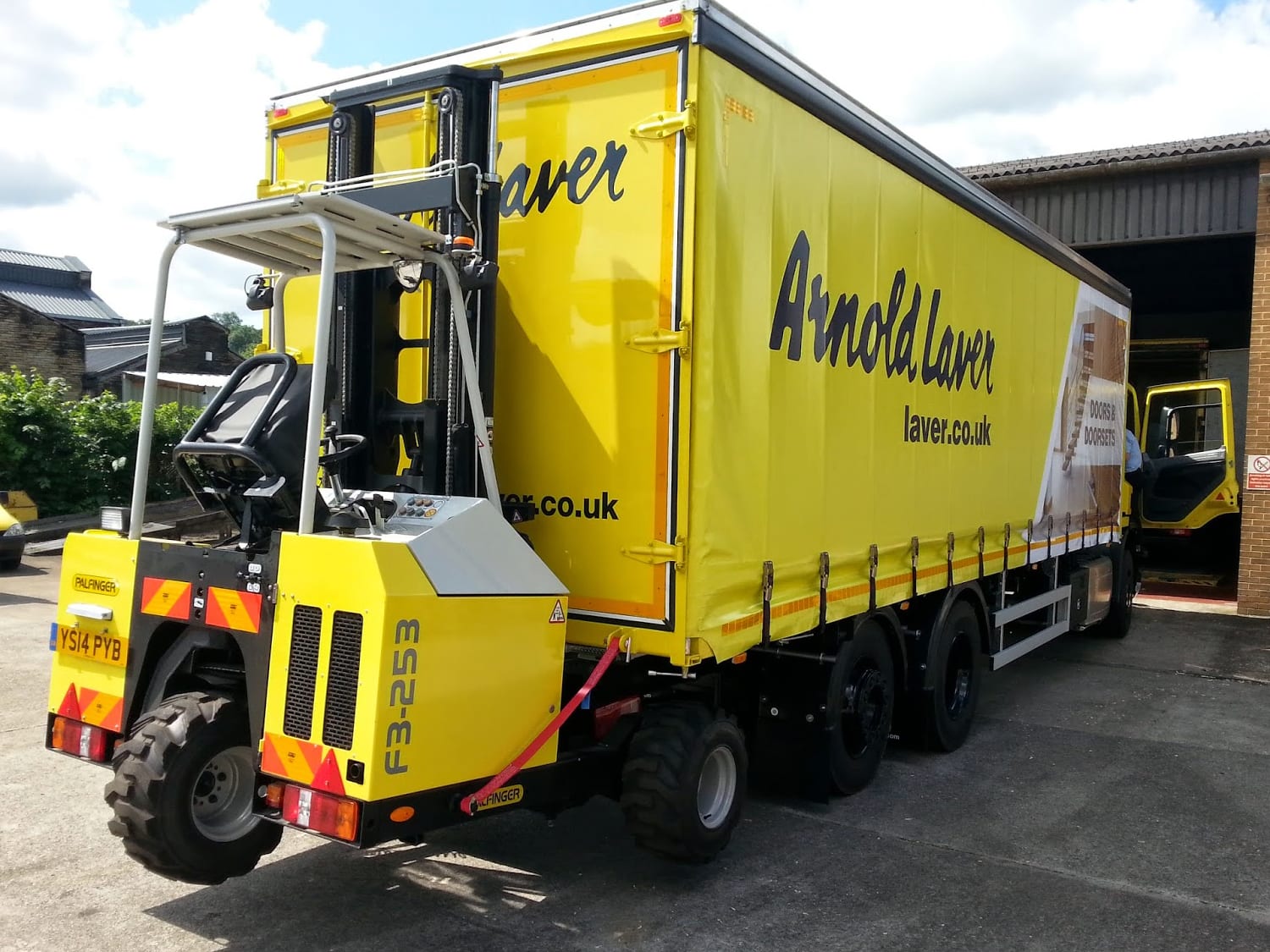
A timber merchant PWA rebuilt around branch trading, stock visibility and trade ordering.
Timber merchant operations supported by stronger catalogue scale, adoption and page speed activity.

A product data platform shaped around catalogue accuracy and downstream commerce.
Brand-led retail commerce shaped around campaign trading, product presentation and customer experience.