
What a Retail POS integration gives you.
Ecommerce customers can see what is in stock locally and reserve it for collection, increasing confidence in the purchase and reducing failed delivery attempts to customers near a branch.
Click-and-collect orders appear automatically at the branch till with a picking note, so staff know what to pick without checking email or chasing orders, and customers collect faster.
A customer's account, transaction history and loyalty balance follow them across ecommerce, till and branches so they see consistent service and staff can serve them better.
In-store transactions feed the ERP ledger automatically without manual posting, so month-end reconciliation is faster and branch trading performance is visible in real time.
Trade account pricing, promotional discounts and base prices sync from ERP to till automatically, so branch staff and ecommerce customers always see the same prices for the same products.
Where a Retail POS integration earns its place.
If two or more of these are true, the integration usually pays for itself quickly.
Where off-the-shelf connectors fall short.
Vendor connectors are fine for simple cases. Here's where the real ones need more.
Standard POS systems typically report branch stock locally but do not push real-time availability to central inventory or ecommerce without custom connectors. Branch stock can appear stale or unavailable to online channels.
Till loyalty or customer records may be managed locally at each branch rather than linked to the ecommerce account system. A customer buying online and in-store may be treated as two separate profiles, losing transaction history and loyalty credit.
Standard POS does not have a native inbound order queue for click-and-collect or branch hold orders. Staff have no automatic notification of online orders ready to pick, and orders may be forgotten or logged manually at the till.
POS systems often hold local pricing tables that need manual updating or one-time batch imports. Promotional pricing or trade-account pricing changes at the ERP do not automatically propagate to tills, risking till staff selling at wrong prices.
In-store refunds may be recorded at the till but not automatically linked to the original ecommerce order or ERP invoice. Finance and customer service struggle to reconcile returns across channels.
Store staff see till transactions as local events; finance sees them as one ledger; ecommerce sees them as competitive with online stock. The integration must treat branch and online as a single inventory and customer record without forcing branches to adopt new workflows.
Where this integration sits in your estate.
Retail POS holds the commercial record. The iWeb integration layer manages the rules, mappings, monitoring and exceptions. The commerce platform presents the customer-facing experience. The estate map helps agree ownership before anything is built.
Platform-agnostic by design. Retail POS sits at the centre of your estate, not at the edge of one platform.
- Till transactions and line items
- Branch stock adjustments and movements
- In-store customer interactions
- Local pricing and discount overrides
- Receipt and payment data
- Ecommerce orders and baskets
- Online customer accounts
- Click-and-collect order queues
- Promotion and campaign messaging
- Multichannel order orchestration
Systems this integration usually sits next to.
Examples, not a closed list. iWeb is platform-agnostic on both sides: we wire this integration into whatever ecommerce platform and surrounding systems your estate already runs.
- Adobe Commerce
- Magento Open Source
- Shopify Plus
- BigCommerce
- Other storefronts
- ERP (Sage 200, Infor, SAP)
- OMS or order routing system
- WMS or warehouse management
- CRM or customer data platform
- Payment terminal or gateway
- Inventory and stock system
Not sure if this works with your stack?
Tell us what you’re using and what needs to connect. We’ll give you a straight view on what’s possible, what might be awkward, and the safest way to approach it.
The data flows we wire.
Each flow has a direction and an owner. We agree both before a line of code is written.
How iWeb configures the integration around your business.
Same method on every integration. The decisions come before the code.
- 01Stock movement mapping and polling
iWeb designs how stock adjustments, picks and shrinkage flows from the POS to ERP or OMS, and how often updates are polled or pushed so ecommerce and central warehouse stay in sync without overwhelming the till with API calls.
- 02Customer account resolution
iWeb defines how branch customer records are matched to central customer identities, how loyalty and account balances are kept in step, and how staff logging into the till link to the online account system.
- 03Click-and-collect order handoff
iWeb builds the queue and notification flow so ecommerce orders arrive at the branch device, automatically notify picking teams, and trigger branch dispatch confirmation back to the customer and central OMS.
- 04Pricing and promotion sync
iWeb manages the schedule and flow of pricing, trade-account adjustments and promotions from ERP to POS so tills always have current pricing without manual intervention, and promotional periods are clearly bounded.
- 05Returns and refund reconciliation
iWeb connects in-store refunds and exchanges back to the ERP and ecommerce system so credit notes are raised automatically, customer accounts are credited, and online order records are marked as returned.
Who owns what.
The single most important table in any integration. One system owns each field; everything else reads it.
Built this before
iWeb has integrated retail POS systems with ecommerce, ERP and OMS platforms across home, health, and trade sectors. We understand how till operations, branch stock management and local pricing fit alongside ecommerce fulfilment and central inventory without creating data conflicts or operational friction.
What we test before launch.
Every one of these is rehearsed before a customer ever sees the integration.
Common risks and where they bite.
We name these on day one. A risk written down is a risk you can plan around.
If the polling interval between POS and central inventory is too long, or if stock adjustments are not being captured at the till, ecommerce will show stock available when the branch has already sold it. Customers book click-and-collect orders that cannot be fulfilled.
If the POS does not have a dedicated queue or notification for ecommerce orders, orders may arrive via email or batch file and be overlooked. Staff may not know an order is waiting, delaying collection and annoying customers.
If the till does not connect to the central customer record system, or if account matching is manual or fuzzy, a customer buying online and in-store will have split accounts. Loyalty, payment history and order context will be fragmented.
If trade-account pricing or promotions are not syncing from ERP to the till, staff may sell at outdated or incorrect prices, leading to margin loss, customer disputes and month-end reconciliation headaches.
If branch returns are recorded at the till but not automatically linked back to the ecommerce order or ERP invoice, finance will struggle to reconcile, customers may be confused about refund status, and duplicate credit notes may be raised.
If ecommerce orders depend on the POS for stock availability or order acknowledgement, and the till is offline, online orders may be blocked or fail silently. Customers see out-of-stock incorrectly or orders hang without confirmation.
Relevant services and sectors.
Common questions about Retail POS integrations.
How does branch stock visibility work when ecommerce customers browse?
iWeb configures a scheduled feed or real-time API polling so the ERP or OMS receives branch stock movements from the POS, and ecommerce can query available stock by location. Customers can see what is in stock locally and reserve or collect it. The polling interval depends on the rate of in-store sales and the acceptable window for stock divergence; typical setups poll every 5-15 minutes.
Can customers buy online and collect the same item in-store on the same day?
Yes, if the OMS supports store-based allocation and the POS receives click-and-collect orders in real time. iWeb ensures the order reaches the branch till with a clear pick instruction, and staff confirm the item is ready for collection. Stock is reserved at that location until the customer collects.
How do we keep customer records unified across the till and ecommerce site?
iWeb designs a customer identity flow that links the till to the central customer record system (usually hosted in the ecommerce platform or a CDP). When a customer logs into the till or ecommerce with the same email or ID, the two systems recognize them as the same person. Loyalty balance, purchase history and account preferences then follow across channels.
What happens if trade-account pricing changes at the ERP?
iWeb schedules a regular sync (daily, or on demand) from the ERP to the POS so new pricing is loaded into the till before the next business day. Time-bound promotions are tagged with end dates in the ERP so they clear automatically from the till when the promotion ends. Staff do not need to manually update tills.
How do in-store refunds and returns get back to the ecommerce order record?
When a customer returns an item at the till, the POS records the refund and links it to the original transaction ID or ecommerce order number. iWeb forwards the refund event to the ERP and ecommerce system, which updates the customer account, raises a credit note and marks the original order as refunded.
What happens if the till is offline when an online order for click-and-collect arrives?
iWeb ensures the order queue is resilient to POS downtime. Orders destined for that branch are held in the OMS or a separate queue, and once the till comes back online, pending orders are sent to the device. Staff see the backlog of waiting orders and can work through them. The customer is not kept waiting due to till outage.
How often do we need to reconcile branch stock with central inventory?
iWeb typically sets up continuous or hourly reconciliation so stock counts are compared and drift is detected quickly. If branch POS shows 5 units but the ERP shows 3, an alert fires so stock can be investigated. Frequency depends on the rate of sales and your tolerance for discrepancy; high-velocity stores may need more frequent syncs.
Can branch staff override or manually adjust pricing at the till?
Overrides can be allowed for specific scenarios (e.g. damaged goods, loyalty adjustments), but iWeb typically logs these and sends them back to the ERP so managers can audit. Base pricing and promotions always come from the ERP and cannot be changed at the till, preventing inconsistency.
How do we handle stock movements like transfers between branches?
If stock is moved from one branch to another, both POS systems record the pick and receipt. iWeb ensures these movements are coordinated so stock is not double-counted or lost in transit. The central ERP or WMS sees the transfer as a single movement, not two separate transactions.
What if a customer wants to return an online order in-store?
The till can look up the ecommerce order by order number or customer ID and initiate a return at the till. iWeb links the return refund back to the ecommerce order and ERP invoice, so the customer is credited immediately and the return is recorded centrally.
How do we monitor that stock, pricing and orders are staying in sync?
iWeb builds a monitoring dashboard showing sync frequency, latency, drift and errors for each data flow. Alerts fire if stock diverges beyond a threshold, if orders are stuck in the branch queue, if pricing has not synced, or if refunds fail to reconcile. A named team owns the exception queue.
Do branch tills need to be replaced or heavily customized?
iWeb integrates with the POS APIs or data feeds your tills already provide, so you do not need to replace hardware. Minimal configuration is needed at the till; most work is in the central ERP, OMS and ecommerce system configuration and data mapping.
Can multiple branches work independently if they are not always connected to head office?
Yes. iWeb can design offline-resilient flows where each branch POS buffers orders and stock updates locally, then syncs when the network is back up. This prevents customer-facing failures during network outages.
How do loyalty points and store credit integrate between till and ecommerce?
If the ERP or a separate loyalty platform holds the customer's points balance, the till and ecommerce both query and update it. iWeb ensures the flow is transactional so points are not double-credited or lost if a network hiccup occurs during a transaction.
Projects with a similar shape.
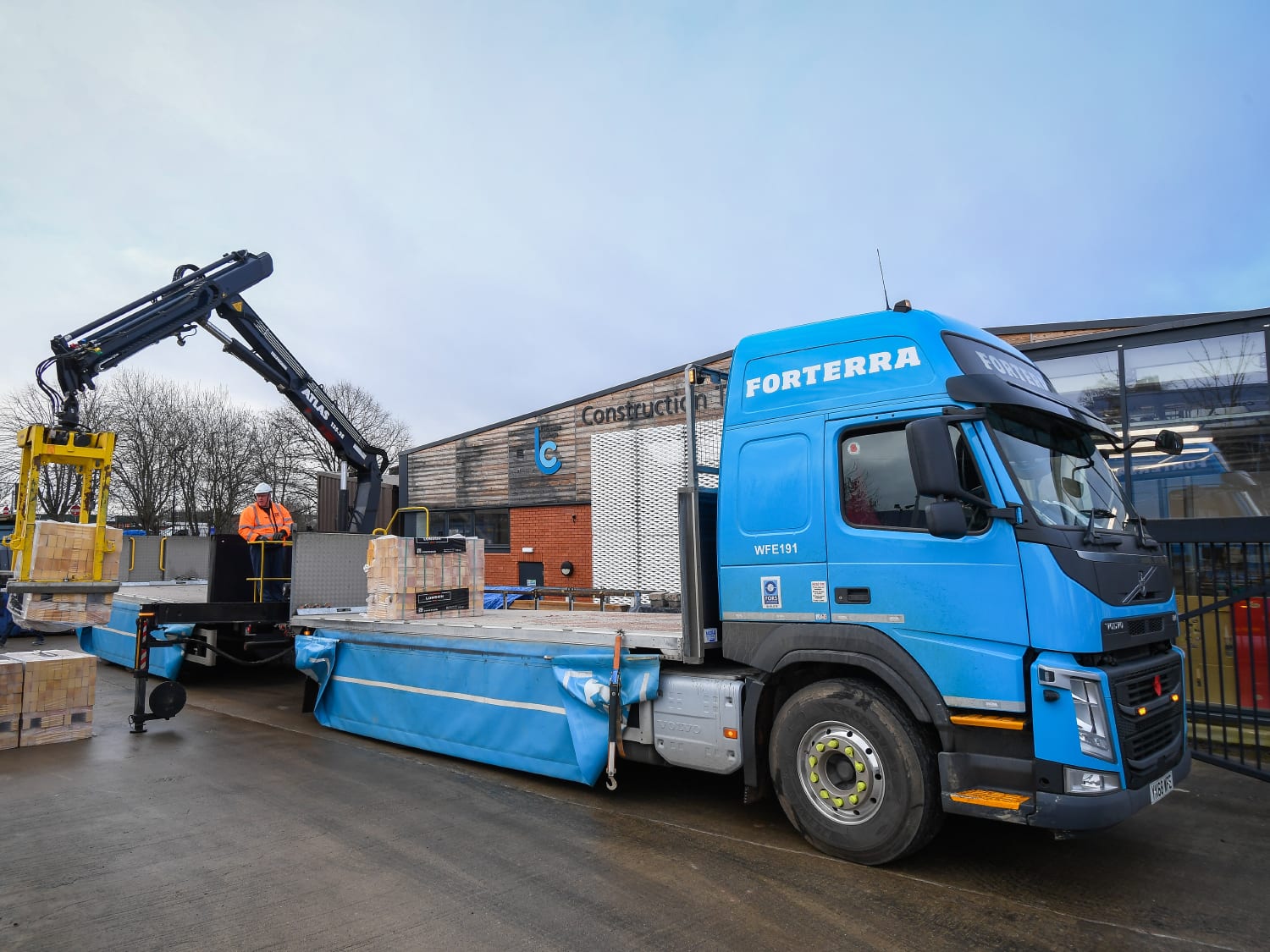
A building materials PIM project built around product data, governance and trade catalogue scale.
Building materials data made cleaner, faster to publish and easier to manage across channels.

A decorative antiques commerce experience built around collection depth, search and discovery.
Specialist antiques retail supported by stronger mobile sessions, search activity and traffic activity.
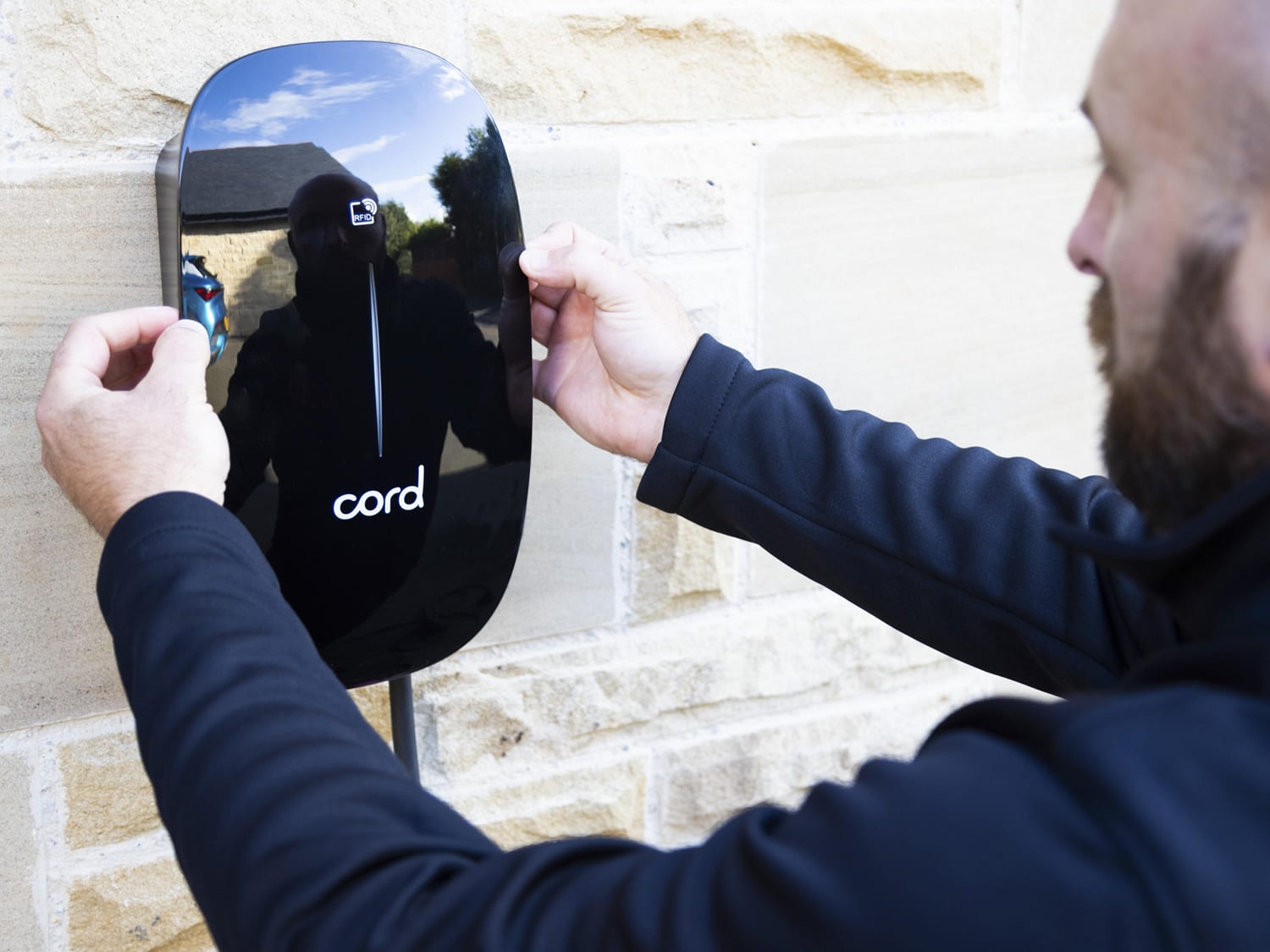
An EV charger commerce experience rebuilt around product choice, installation and customer checkout journeys.
EV charger sales supported by updated trading, traffic activity and a clearer customer experience.