
What a Royal Mail Click & Drop integration gives you.
Orders confirmed in your commerce system or OMS trigger label generation automatically. Your dispatch team prints labels in batch without re-keying address or service data.
Tracking numbers are captured from Click & Drop and published to your customer portal or order status emails immediately, reducing support inquiries about where their parcel is.
When a manifest is submitted to Royal Mail, the dispatch event flows into your ERP to trigger invoicing or despatch notes. Customers receive tracking confirmation automatically.
Stock is decremented when dispatch is confirmed, not when the order arrives. Your ERP sees the true financial position and inventory levels stay in sync with actual goods in transit.
Return labels are generated on demand or pre-printed, and return-in events are tracked back to your RMA system. Your returns process uses the same visibility and automation as forward shipments.
Where a Royal Mail Click & Drop integration earns its place.
If two or more of these are true, the integration usually pays for itself quickly.
Where off-the-shelf connectors fall short.
Vendor connectors are fine for simple cases. Here's where the real ones need more.
Click & Drop works only with Royal Mail. If you need to shift overflow traffic to a competitor carrier (DPD, DHL, Parcelforce) during peak season or outage, you must manually redirect orders or implement a custom switching layer.
Return label generation is manual by default. You can issue pre-printed returns labels, but there is no event-driven trigger when a customer initiates a return in your commerce system without custom integration logic.
Click & Drop does not automatically decrement stock in your ERP when a label is printed. You must implement a separate flow to sync dispatch events back to your inventory system to prevent oversell.
Click & Drop's batch processing is designed for small-to-medium volumes. Large daily dispatches (500+ parcels) may require manual manifest review and submission, creating bottleneck risk during peak trading.
Failed deliveries and exception events are visible in Click & Drop but not automatically fed into your OMS or customer service workflow. You must poll or manually check for exceptions.
Shipping label printing remains manual for many mid-market retailers because no single system owns both order dispatch and label generation; Click & Drop bridges this gap, but without integration, tracking and financial reconciliation lag behind actual despatch.
Where this integration sits in your estate.
Royal Mail Click & Drop holds the commercial record. The iWeb integration layer manages the rules, mappings, monitoring and exceptions. The commerce platform presents the customer-facing experience. The estate map helps agree ownership before anything is built.
Works across the whole stack. Connect Royal Mail Click & Drop to your storefront, ERP and everything between.
- Shipping label generation and format
- Tracking number assignment
- Manifest submission and acceptance
- Delivery status and exception events
- Returns label issuance
- Order capture and dispatch instruction
- Recipient address and service selection
- Parcel weight and dimensions
- RMA creation and return eligibility
- Customer notification on dispatch and delivery
Systems this integration usually sits next to.
Examples, not a closed list. iWeb is platform-agnostic on both sides: we wire this integration into whatever ecommerce platform and surrounding systems your estate already runs.
- Adobe Commerce
- Magento Open Source
- Shopify Plus
- BigCommerce
- Other storefronts
- Order management system (OMS)
- Enterprise resource planning (ERP)
- Warehouse management system (WMS)
- Inventory management platform
- Customer relationship management (CRM)
- Marketplace connectors (eBay, Amazon, Etsy)
- Returns management system (RMA)
Not sure if this works with your stack?
Tell us what you’re using and what needs to connect. We’ll give you a straight view on what’s possible, what might be awkward, and the safest way to approach it.
The data flows we wire.
Each flow has a direction and an owner. We agree both before a line of code is written.
How iWeb configures the integration around your business.
Same method on every integration. The decisions come before the code.
- 01Order-to-label automation
We map your order data (address, weight, service level) to Click & Drop's label API and trigger generation on order confirmation. No manual data entry, no label queue backlog.
- 02Tracking capture and publication
We extract tracking numbers, label URLs and delivery status from Royal Mail's API and write them back to your commerce order record in real time, keeping your customer comms current.
- 03Dispatch-to-ERP reconciliation
We listen for manifest submission and dispatch events from Click & Drop and flow them into your ERP as goods-out transactions, ensuring stock and financial records stay aligned.
- 04Returns label and RMA integration
We generate returns labels on RMA creation and track return-in scans back to your commerce system, closing the loop automatically without separate manual workflows.
- 05Exception handling and monitoring
We monitor Click & Drop's label API, manifest submission and tracking feeds for failures and queue exceptions visibly in your operations dashboard so your team can act fast.
Who owns what.
The single most important table in any integration. One system owns each field; everything else reads it.
Built this before
iWeb has integrated Royal Mail Click & Drop with order management and ERP systems across retail, home, wellness and foodservice sectors. We understand how Click & Drop sits between your order platform and warehouse operations, and how dispatch events must flow back to inventory and finance to keep your estate synchronized.
What we test before launch.
Every one of these is rehearsed before a customer ever sees the integration.
Common risks and where they bite.
We name these on day one. A risk written down is a risk you can plan around.
If Click & Drop's API is slow or unreachable, orders accumulate in the pending-label state. Your dispatch team cannot see which orders are blocked and manual labels may be printed in parallel, creating duplicates and confusion.
If the tracking capture flow from Click & Drop fails silently, customers never see a shipping confirmation email. You discover the gap only when they contact support asking where their parcel is.
If dispatch-to-ERP reconciliation lags or breaks, your inventory system still shows stock as available even though goods have left the warehouse. Oversell and backorder complications follow.
If return label generation or return-in event capture is manual, return tracking sits outside your RMA workflow. You cannot reconcile returned goods against original orders or predict refund timing.
Click & Drop's batch operations work well for 100-200 daily parcels. During Black Friday or holiday peak, manual manifest review becomes the critical path, and despatch delays cascade.
Relevant services and sectors.
Common questions about Royal Mail Click & Drop integrations.
How does iWeb connect my orders to Royal Mail Click & Drop?
iWeb listens for confirmed orders in your commerce platform or OMS. When an order reaches dispatch-ready status, iWeb extracts the recipient address, weight, parcel dimensions and shipping service selection (Special Delivery, Tracked 24, Standard), then calls Click & Drop's label API to generate the label. The label is printed or held for batch printing by your dispatch team.
When does the customer get a tracking number?
iWeb captures the tracking number from Click & Drop immediately after label generation, writes it to your order record, and triggers a shipping confirmation email. The customer sees the tracking number in their order status page and can track the parcel on Royal Mail's website from the moment the label is printed.
How does dispatch confirmation flow back to my ERP?
After your dispatch team scans or manifests parcels in Click & Drop, Royal Mail accepts the manifest. iWeb monitors for manifest submission confirmation and flows it into your ERP as a goods-out movement, triggering inventory decrement and despatch note generation. This ensures stock records and financial data stay in sync.
What happens if a label fails to generate?
iWeb logs the failure with the reason (invalid address, missing weight, Click & Drop API unavailable) and queues the order in an exception state. Your operations team sees it on the dashboard and can either fix the data and retry, or print a manual label and mark it as handled. The order does not get stuck silently.
Can I handle returns through Click & Drop?
Yes. iWeb generates a returns label when you create an RMA in your commerce system. The customer prints or receives the label, ships the goods back, and when Royal Mail scans the return, iWeb captures the return-in event and updates your RMA status. This closes the returns loop without separate manual tracking.
How do you reconcile dispatch across multiple order sources (web store, marketplace, B2B)?
iWeb maps orders from all sources (Shopify, Adobe Commerce, custom OMS, marketplace connectors) into a unified dispatch queue. Each order is tagged with its source channel so you can allocate stock correctly and track which channel each shipment belongs to for returns and reconciliation.
What if Royal Mail Click & Drop is unavailable?
iWeb monitors Click & Drop's API health and alerts your team immediately. While Click & Drop is unavailable, orders pile up in a pending-label queue. You can switch to manual label printing and mark them as handled in the system, or wait for Click & Drop to recover. iWeb does not auto-failover to another carrier; that requires manual routing or a multi-carrier integration.
How is inventory decremented - when the order is placed or when it ships?
You control this. Most setups decrement on order confirmation (reserve for dispatch) and reconcile to actual goods-out when Click & Drop dispatch confirmation arrives. Some teams hold inventory until manifest submission. iWeb supports both patterns; you tell us which one matches your stock policy.
Can iWeb handle international parcels through Click & Drop?
Yes. Click & Drop supports international parcels via Royal Mail's overseas services (Special Delivery Guaranteed, Standard). iWeb maps your international orders to the correct service level and captures tracking and delivery status the same way as domestic parcels.
How do you handle bulk dispatch operations during peak season?
iWeb batches label generation calls to Click & Drop and triggers manifest submission in bulk once your team confirms readiness. For 500+ daily parcels, we recommend implementing a WMS or OMS that queues orders by service type so manifests are small and faster to submit. iWeb works with your WMS to feed Click & Drop in controlled batches.
What data does iWeb retain about labels and tracking?
iWeb stores label metadata (tracking number, label URL, service type, weight) and tracking events (dispatch confirmation, in-transit, delivered) in your order record and integration log for audit and reconciliation. Royal Mail remains the system of record for tracking; iWeb is a bridge and cache to keep your systems current.
Who owns the decision to use Tracked 24 vs Standard delivery?
You do. Your merchandisers or OMS rules determine the shipping service based on order value, customer preference, product type or geography. iWeb reads that decision from your system and tells Click & Drop which service to use. If the service is not set, iWeb can flag it as an exception so your team fills it in before printing.
Projects with a similar shape.
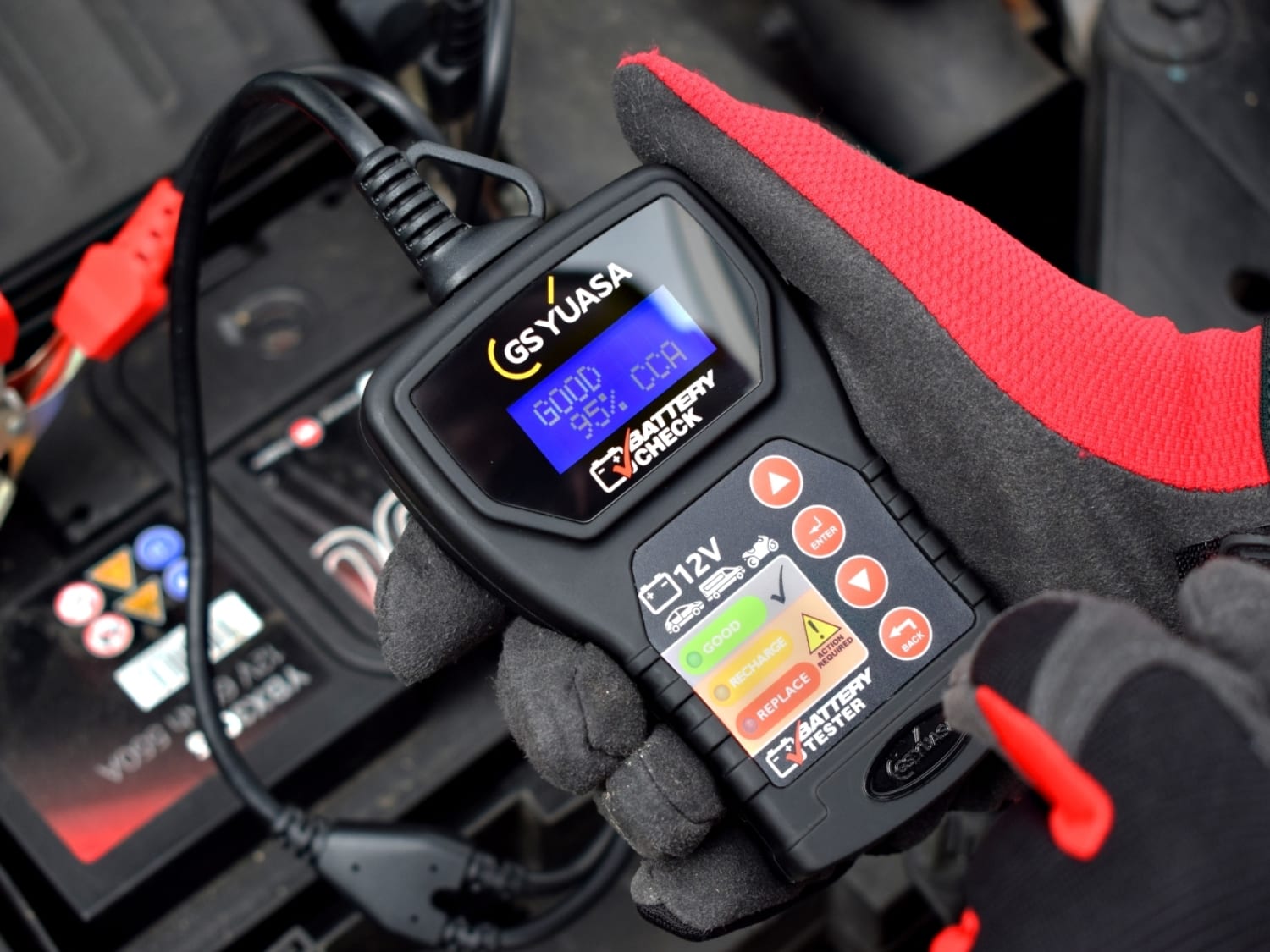
A battery trade portal built around product recommendations, fitment data and repeat ordering.
Battery purchasing supported by stronger mobile journeys and more efficient pricing workflows.
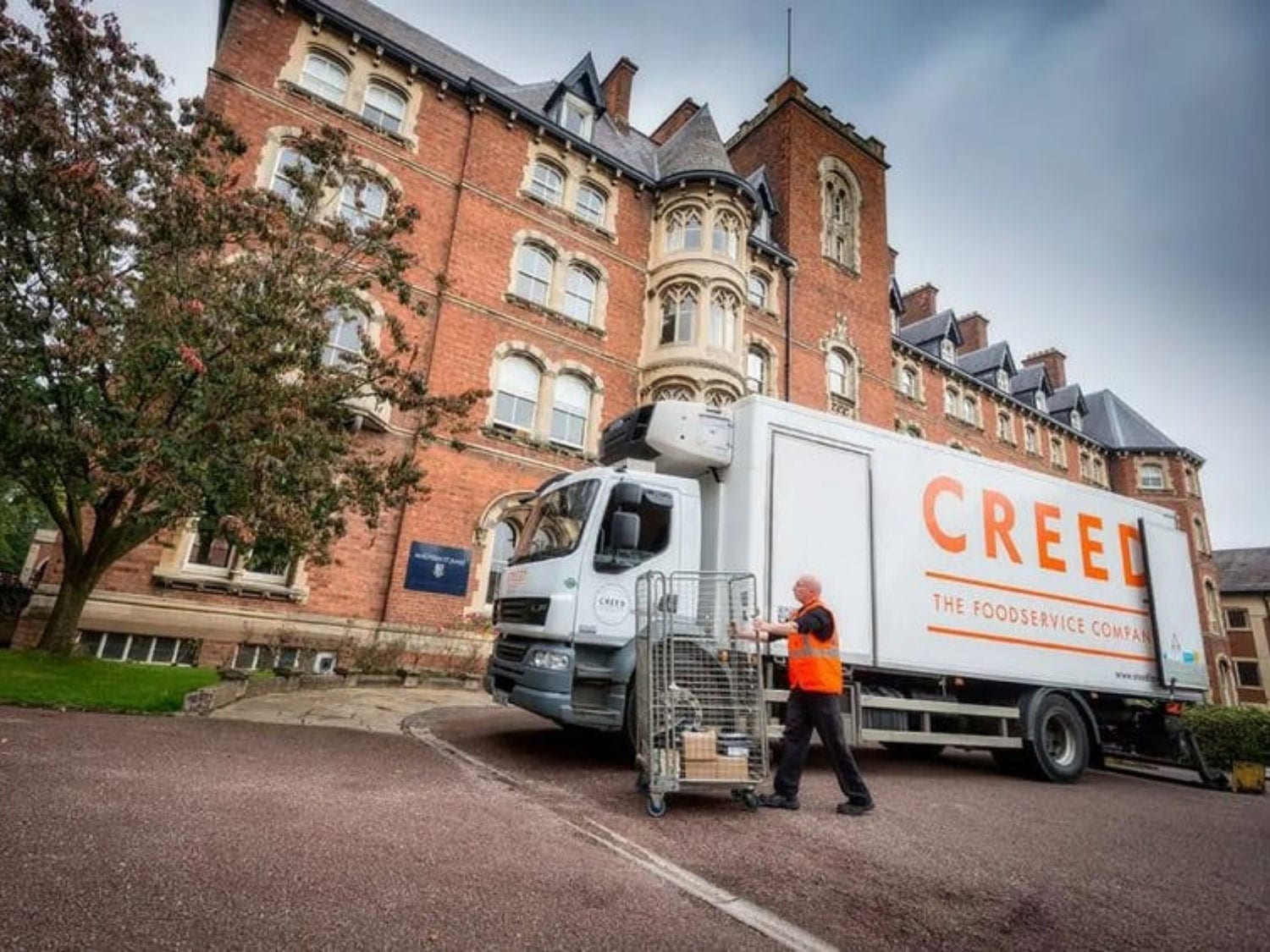
A wholesale B2B2C foodservice platform built around mobile ordering, product data quality and page activity.
Foodservice ordering supported through better product data, faster pages and stronger mobile journeys.

A wholesale B2B foodservice platform rebuilt around speed to market, mobile activity and product data.
Trade ordering supported through faster time to market, stronger mobile activity and updated product data.