What a Salesforce integration gives you.
Marketing, sales and customer service teams work from one view of the customer, updated by commerce transactions, ERP account changes and manual overrides, with clear ownership of each field.
Checkout flows, email sends and personalisation rules automatically respect Salesforce consent and unsubscribe flags, reducing GDPR and CAN-SPAM violations.
Salesforce audiences and segment membership drive checkout offers, email content, product recommendations and channel-specific messaging without manual exports or stale spreadsheets.
When a customer returns an item, Salesforce is notified immediately, allowing loyalty, lifetime value or account status rules to recalculate without delay.
Every purchase, cart activity, refund and engagement event reaches Salesforce with traceability, avoiding lost data, duplicate records or event loss during peak trading periods.
Where a Salesforce integration earns its place.
If two or more of these are true, the integration usually pays for itself quickly.
Where off-the-shelf connectors fall short.
Vendor connectors are fine for simple cases. Here's where the real ones need more.
Salesforce does not automatically capture behavioural events (browse, cart, purchase) from commerce without middleware. iWeb designs the event stream to ensure all channels and touchpoints feed into a single event pipeline.
Salesforce stores consent and suppression rules, but commerce checkout and email systems do not automatically check them. iWeb builds the validation layer to gate checkout flows and suppress email sends based on Salesforce preferences.
Salesforce relies on email or external ID to match contacts, but your commerce platform may use different identifiers (customer ID, phone, loyalty number). iWeb designs cross-system identity rules to prevent duplicate contacts and ensure consistent record linking.
Salesforce segment membership can lag behind real-time activity, and there is no guarantee that commerce has the latest segment list. iWeb builds observability and refresh cadences to keep segment eligibility and audience lists current.
Salesforce holds account and contact records, but does not automatically sync corporate account structures, credit limits or account teams from ERP. iWeb designs account-to-contact relationship sync to keep hierarchies aligned.
Customer data lives in multiple systems, and silently diverging contact records, consent flags and segment membership are hard to spot until a compliance breach or campaign fails.
Where this integration sits in your estate.
Salesforce holds the commercial record. The iWeb integration layer manages the rules, mappings, monitoring and exceptions. The commerce platform presents the customer-facing experience. The estate map helps agree ownership before anything is built.
Built for your platform, not a specific one. Salesforce integrates with any ecommerce core through the same contract.
- Contact and account master records with consent flags
- Customer segmentation and audience definitions
- Campaign triggers and lifecycle rules
- Email and channel preferences
- Engagement and behaviour history
- Order capture and transactional skeleton
- Checkout and cart behaviour events
- Product browsing and wishlist activity
- Real-time offer and discount eligibility
- Return and refund initiation
Systems this integration usually sits next to.
Examples, not a closed list. iWeb is platform-agnostic on both sides: we wire this integration into whatever ecommerce platform and surrounding systems your estate already runs.
- Adobe Commerce
- Magento Open Source
- Shopify Plus
- BigCommerce
- Other storefronts
- ERP (SAP, Oracle, NetSuite, Sage)
- Email platform (Klaviyo, Iterable, Braze)
- PIM and product catalogue
- Order management system (OMS)
- Data warehouse and BI tools
- Loyalty and rewards platform
- Payment and subscription engines
Not sure if this works with your stack?
Tell us what you’re using and what needs to connect. We’ll give you a straight view on what’s possible, what might be awkward, and the safest way to approach it.
The data flows we wire.
Each flow has a direction and an owner. We agree both before a line of code is written.
How iWeb configures the integration around your business.
Same method on every integration. The decisions come before the code.
- 01Design customer data ownership and identity rules
We map which fields are owned by ERP, PIM, Salesforce or commerce, define how identity is resolved across systems (email, customer ID, phone), and document fallback behaviour if matching fails.
- 02Build event pipelines from commerce to Salesforce
We design and build middleware to capture purchase, return, cart and engagement events from your storefronts and route them to Salesforce with guaranteed delivery, deduplication and latency SLAs.
- 03Integrate consent and suppression checking
We add validation gates to checkout, email sends and personalisation rules that query Salesforce preferences in real time or cache them with refresh strategies to enforce compliance without impacting conversion.
- 04Set up observability, monitoring and rollback
We install alerting for event lag, failed syncs, stale segments and identity resolution errors, and design fallback rules so commerce can operate independently if Salesforce becomes unreachable.
- 05Manage segment and audience list distribution
We build the feeds that export Salesforce segments to email platforms, commerce personalisation engines and channel marketing tools, with refresh cadences and change notifications.
Who owns what.
The single most important table in any integration. One system owns each field; everything else reads it.
Built this before
iWeb has built and supported Salesforce integrations across many commerce estates. We understand how Salesforce sits between ERP, commerce and email platforms and how to keep customer data, consent and segments accurate without creating blockers or data loss.
What we test before launch.
Every one of these is rehearsed before a customer ever sees the integration.
Common risks and where they bite.
We name these on day one. A risk written down is a risk you can plan around.
If identity resolution is weak (relying only on email or customer ID), duplicate contacts accumulate in Salesforce. iWeb prevents this by designing multi-field matching rules and regular reconciliation checks to merge or suppress duplicates.
If checkout or email platforms do not query Salesforce before sending, suppressed or non-consenting customers still receive messages. iWeb ensures suppression checks are enforced before order acceptance and email dispatch.
If the event pipeline has no queueing or retry logic, purchase events may be lost when Salesforce is slow or under load. iWeb adds resilient buffering and fallback triggers to guarantee event delivery.
If segment membership is not refreshed on schedule and commerce does not monitor staleness, checkout offers may target the wrong audiences. iWeb sets refresh cadences and alerts to catch segment lag before campaigns launch.
If credit limits, account status or contact information is not synced from ERP to Salesforce on a known schedule, sales and customer service teams work from different versions of the truth.
If commerce requires a real-time Salesforce API call before responding to requests, slow or unavailable Salesforce can timeout checkout or email sends. iWeb designs caching and fallback rules to keep commerce responsive when Salesforce is unreachable.
Relevant services and sectors.
Common questions about Salesforce integrations.
How do we prevent duplicate customer records in Salesforce?
iWeb designs identity matching rules that use email, customer ID, phone and other attributes to link records across ERP, commerce and Salesforce before syncing. We also set up regular reconciliation checks to detect and suppress duplicates that slip through.
How do purchase and return events get into Salesforce?
iWeb builds an event pipeline that captures orders, returns and refunds from your commerce platform in real time, queues them for resilience, and routes them to Salesforce. This allows campaigns to trigger based on purchase behaviour without manual exports.
What happens if a customer is unsubscribed in Salesforce but still receives an email from commerce?
iWeb integrates suppression checking into your email platform and commerce checkout so that unsubscribe flags from Salesforce are enforced before any message is sent. If suppression rules are breached, the integration alerts the compliance team.
How do Salesforce segments drive personalisation in commerce?
iWeb exports Salesforce segment membership to your commerce personalisation engine or rules engine on a refresh schedule. Commerce then uses these segment flags to show different offers, messaging or product recommendations to shoppers in real time.
What if Salesforce is slow or unavailable during a sale?
iWeb designs fallback rules so that commerce can still accept orders and route events to a queue even if Salesforce is unreachable. Events are retried asynchronously, and critical checkout decisions (like credit checks) fall back to ERP or cached data.
How do we keep ERP customer and account data in sync with Salesforce?
iWeb sets up bidirectional sync for account status, credit limits and contact changes. Changes in ERP flow to Salesforce on a schedule, and manual overrides or relationship changes in Salesforce can flow back to ERP if needed.
How do we know if segments or suppression rules are stale?
iWeb installs observability to track segment refresh timestamps, event latency and suppression rule freshness. Alerts fire if segments are not updated on schedule or if consent checks fail, so the marketing team can investigate before campaigns go live.
Can we send different content to different Salesforce segments in our email platform?
Yes. iWeb exports Salesforce segment membership to your email platform (Klaviyo, Iterable, etc.) so that campaigns can dynamically change content, subject lines or offers based on segment membership.
How do refunds and returns update customer loyalty or account status in Salesforce?
iWeb routes return and refund events from ERP or commerce into Salesforce. These events can trigger workflows that recalculate loyalty points, adjust customer lifetime value, or change segment membership based on refund policies.
What if a customer changes their email in Salesforce but also has a record in ERP?
iWeb designs the sync to either merge the records (if they match on customer ID or phone) or flag the discrepancy for manual review. A single source of truth is maintained while respecting both systems' role in customer data.
How does consent propagate when a customer signs up on the website?
iWeb captures consent flags at signup and routes them to Salesforce immediately. Salesforce then applies consent rules across all marketing channels, and iWeb ensures that email and promotional rules respect those preferences before any message is sent.
Can we use Salesforce segments to control which customers see a checkout discount?
Yes. iWeb exports Salesforce segment membership to your commerce rules engine. Checkout can then query whether a customer is in a promotional segment and apply or suppress discounts accordingly.
What happens to customer data if we change ecommerce platforms?
iWeb decouples identity and data flow logic from your commerce platform so that customer data flows stay intact during a replatform. Segment membership, consent and event routing continue to work, and iWeb adjusts only the commerce API or event source.
Projects with a similar shape.

A cable management commerce platform built around specialist products, availability and trade purchasing.
Specialist electrical product sales supported by stronger mobile purchasing and faster catalogue scope.

A construction machinery parts platform built around catalogue depth, ordering and customer support.
Machinery parts purchasing supported by better fitment journeys, pricing workflows and customer experience.
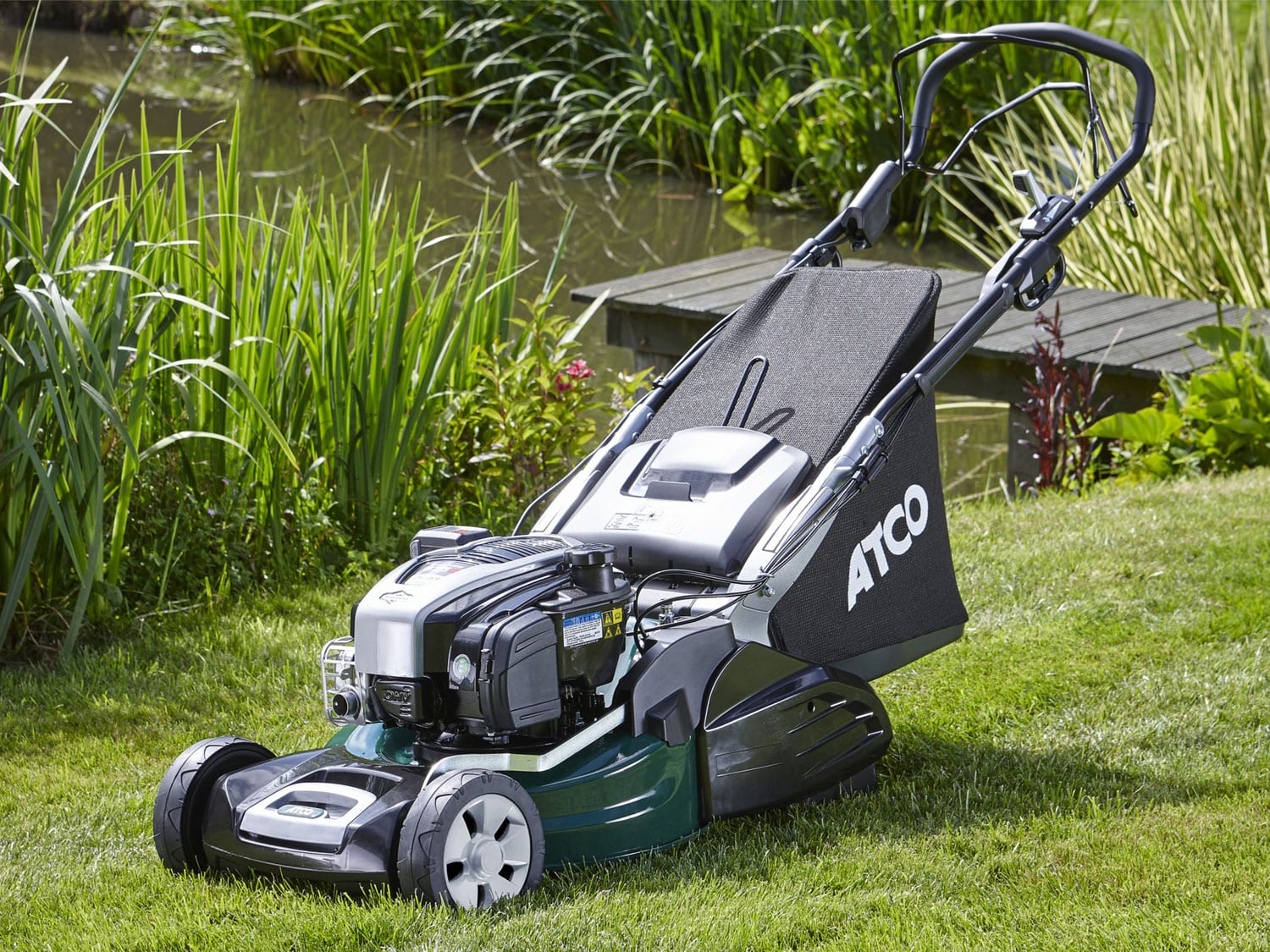
A dealer network platform built around lawnmower sales, support and seasonal product discovery.
Dealer-led lawnmower retail supported by stronger mobile sessions and faster pricing workflows.