
What a Tempo integration gives you.
Labour actuals from Tempo are reliably fed into your BI layer with clear ownership of project codes, billing rules and variance drivers. Finance and project managers trust the numbers.
Resource allocation and billable hours are available in dashboards and alerting so capacity planners can react to overallocation or skill gaps without manual spreadsheet reconciliation.
Time-and-materials billing data flows from Tempo through your warehouse into invoice generation and margin-tracking models, reducing manual invoice verification and dispute cycles.
Labour cost actuals are loaded into your ERP and BI layer on a predictable schedule with full audit trail so finance teams can reconcile accruals, allocations and variances without rework.
Where a Tempo integration earns its place.
If two or more of these are true, the integration usually pays for itself quickly.
Where off-the-shelf connectors fall short.
Vendor connectors are fine for simple cases. Here's where the real ones need more.
Tempo exports are typically manual downloads, API calls or basic webhooks that do not natively understand your warehouse schema, fact tables or dimension hierarchies. Custom transformation is needed to map time entries into reportable cost dimensions.
Tempo does not ship with pre-built mappings to standard finance or BI tools. You need to define how project codes, cost centres, billing rules and utilisation rates should be modelled and published for downstream consumers.
Export jobs often run on fixed schedules or require manual trigger. If your reporting needs real-time or intra-day updates (e.g. for invoice preview or capacity alerts), Tempo alone cannot guarantee the SLA without middleware.
Failed exports are often silent or logged in Tempo's native UI. There is no centralized exception queue or automatic retry path that integrates with your operations and BI team's alerting stack.
The gap between Tempo's native export and a trusted BI schema is wider than teams expect; without clear transformation ownership and monitoring, timesheet data often arrives incomplete or late, delaying cost reporting and invoice reconciliation.
Where this integration sits in your estate.
Tempo holds the commercial record. The iWeb integration layer manages the rules, mappings, monitoring and exceptions. The commerce platform presents the customer-facing experience. The estate map helps agree ownership before anything is built.
One integration architecture, any storefront. Tempo connects through the same governed layer whatever commerce core you run.
- Time entry data and billable classifications
- Project assignments and resource allocation
- Employee time-off and capacity records
- Billing rule application and invoice basis
- Customer account and order context
- Commerce-driven labour allocation requests
- Promotion and campaign resource tracking (if applicable)
Systems this integration usually sits next to.
Examples, not a closed list. iWeb is platform-agnostic on both sides: we wire this integration into whatever ecommerce platform and surrounding systems your estate already runs.
- Adobe Commerce
- Magento Open Source
- Shopify Plus
- BigCommerce
- Other storefronts
- Data warehouse (Snowflake, Redshift, BigQuery)
- ERP system (SAP, Oracle, Sage 200)
- Finance and accounting (NetSuite, Xero)
- BI and reporting tools (Tableau, Looker, Power BI)
- HR and payroll systems
- Project management software
- Invoice and billing systems
Not sure if this works with your stack?
Tell us what you’re using and what needs to connect. We’ll give you a straight view on what’s possible, what might be awkward, and the safest way to approach it.
The data flows we wire.
Each flow has a direction and an owner. We agree both before a line of code is written.
How iWeb configures the integration around your business.
Same method on every integration. The decisions come before the code.
- 01Design the warehouse landing and transformation
We map Tempo's time-entry, project and resource APIs to your warehouse fact and dimension tables, defining how employee, project and cost-centre data flows, aggregates and links to your ERP charts.
- 02Build reliable extract and load pipelines
We create scheduled or event-driven extracts from Tempo with deduplication, error handling, and retry logic so timesheet data arrives complete and on time into your warehouse.
- 03Implement transformation and cost allocation logic
We encode your billing rules, cost-centre allocation and labour variance drivers so Tempo entries emerge as auditable reporting objects aligned with your finance and project-management governance.
- 04Set up monitoring and exception handling
We instrument the pipeline with data-quality checks, SLA tracking and alerting so missing, late or anomalous timesheet entries surface quickly to the BI and finance teams.
Who owns what.
The single most important table in any integration. One system owns each field; everything else reads it.
Built this before
We have designed and operated Tempo integrations into data warehouses and BI layers for project-driven businesses. We understand how labour actuals, project allocation and capacity data sit alongside ERP cost accounting, finance reconciliation and resource-planning governance.
What we test before launch.
Every one of these is rehearsed before a customer ever sees the integration.
Common risks and where they bite.
We name these on day one. A risk written down is a risk you can plan around.
Scheduled exports from Tempo fail (API limits, schema drift, credential expiry) but are not surfaced to the BI team. Dashboards go stale and month-end reconciliation is delayed.
Tempo project or cost-centre codes are renamed or deactivated without notification. Downstream transformations break or map entries to wrong dimensions, corrupting profitability and labour-cost reports.
Extraction logic lacks idempotency or deduplication. The same hours are loaded multiple times, or partial payloads arrive, inflating labour costs and double-counting billable hours in invoices.
Billing rules, allocation formulas and cost-centre joins are embedded in SQL or BI tool transformations with no clear owner or documentation. Changes to Tempo or the ERP break the logic silently.
Tempo time entries and project billing boundaries cross time zones or fiscal calendars. Transformation logic does not account for these, leading to misaligned accruals and period-end disputes.
Relevant services and sectors.
Common questions about Tempo integrations.
How do we decide how often to extract Tempo data into the warehouse?
Extract frequency depends on your reporting cadence and cost-allocation needs. If invoices are raised weekly or labour costs are accrued daily, daily extracts are usually appropriate. If reporting is monthly and project-based, a nightly or weekly extract may suffice. The key is defining an SLA with your finance and BI teams so the schedule is deliberate and monitored.
How do project codes and cost-centre assignments flow from Tempo into the BI layer?
Project and cost-centre codes are maintained in your ERP or finance system as the master. Tempo references them via API. During extraction and transformation, we join Tempo time entries to the master codes and validate that every entry maps to a valid cost centre. If codes drift (renamed or deactivated), the transformation logic flags the mismatch so finance can investigate.
What happens if a Tempo extract fails mid-month?
If the extract fails, the pipeline should detect it, log the failure, and alert the BI and finance teams immediately. A retry strategy (automated or manual) should be defined so the extract can recover without losing data or creating duplicates. If recovery is not timely, the team knows which reporting or invoicing processes are at risk.
How do we handle billing rules and time-and-materials invoice basis?
Billing rules (e.g. which hours are billable, how overtime is treated, which projects use daily vs. hourly rates) are stored in your ERP or contracts system. During transformation, we apply these rules to Tempo time entries so that billable-hours calculations are consistent and auditable. Changes to billing rules are versioned and tracked in the warehouse.
Can we extract Tempo data in real-time for live dashboard updates?
Tempo's native APIs support webhook or polling patterns that can feed near-real-time data to a middleware or warehouse layer. However, real-time extraction adds complexity and cost. Most BI use cases are adequately served by hourly or daily snapshots. Define your dashboard SLAs with your reporting teams first, then decide if real-time is worth the extra engineering.
How do we handle Tempo schema changes (new fields, renamed attributes)?
Schema changes in Tempo should be tracked in your extraction logic and communicated to the BI team. We build transformations that gracefully ignore unknown fields and alert when expected fields are missing. Breaking changes (field renames or type changes) require coordination with Tempo and testing before the change goes live in production.
How do we prevent duplicate time entries in the warehouse?
Every Tempo time entry has a unique ID. During extraction, we use this ID as a deduplication key so that retries or re-runs do not load the same entry twice. The transformation logic also checks for partial payloads and missing IDs, flagging anomalies for investigation.
What labour cost dimensions should we model in the warehouse?
Start with employee, project, cost centre, billing status (billable vs. non-billable) and fiscal period. Add resource skill or team if your reporting needs to track utilisation by capability. Keep dimensions stable; changes to the dimension schema require BI team sign-off and ETL updates.
How does Tempo capacity and resource-allocation data feed into reporting?
Tempo stores planned allocation (projects assigned to employees) and actual hours worked. We extract both snapshots so you can calculate utilisation, overbooking and skill gaps. Combine these with financial actuals to see how resource efficiency drives project profitability.
How do we reconcile labour costs in the warehouse back to ERP month-end close?
During transformation, we aggregate Tempo time entries by cost centre and fiscal period, then load them into a staging table in your warehouse. Finance teams reconcile this against ERP accruals and actuals. Clear audit trails and exception handling ensure no entries are missed or double-counted.
Who owns the extraction schedules and SLA monitoring for Tempo data?
The BI or data-ops team owns the extraction pipeline and SLA targets. They define extract frequency, monitor pipeline health, and alert the finance team if data is missing or late. Finance teams own the use of the data for reporting and reconciliation.
How do we handle employee ID changes or deactivations in the warehouse?
Employee IDs are sourced from your HR system or ERP. During transformation, we join Tempo time entries to the current employee master. If an employee is deactivated, the join may break; we flag this so the BI team can decide whether to link to a historical employee record or mark the entry as unallocated for investigation.
Can we use Tempo data to drive automated alerts if labour costs exceed a project budget?
Yes. Once Tempo data is in the warehouse, you can build dashboards and automated rules that compare actual labour hours and costs against project budgets. When a threshold is crossed, alerts can trigger to project managers or finance. This requires clear budget dimensions in the warehouse and coordination with project-management workflows.
How does the integration handle time-zone differences in Tempo entries?
Tempo timestamps may be in different time zones depending on where employees are located. During extraction and transformation, we normalize timestamps to a consistent time zone (usually UTC or your fiscal time zone) so that period boundaries and billing calculations are deterministic and auditable.
Projects with a similar shape.

A flooring commerce platform built around product calculation, delivery and trade ordering.
Flooring purchases made easier through area-based calculation, clearer ordering and connected fulfilment.
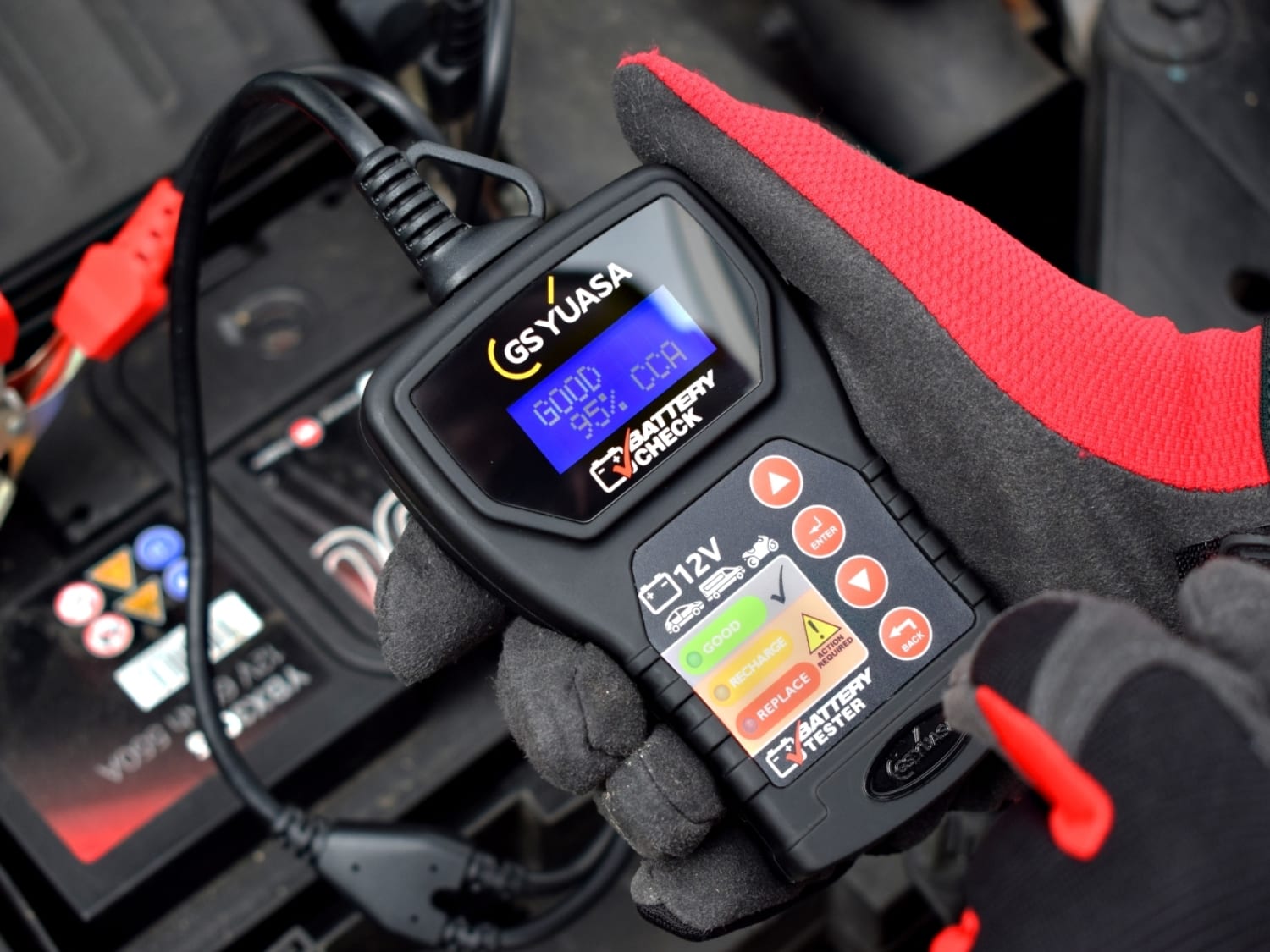
A battery trade portal built around product recommendations, fitment data and repeat ordering.
Battery purchasing supported by stronger mobile journeys and more efficient pricing workflows.
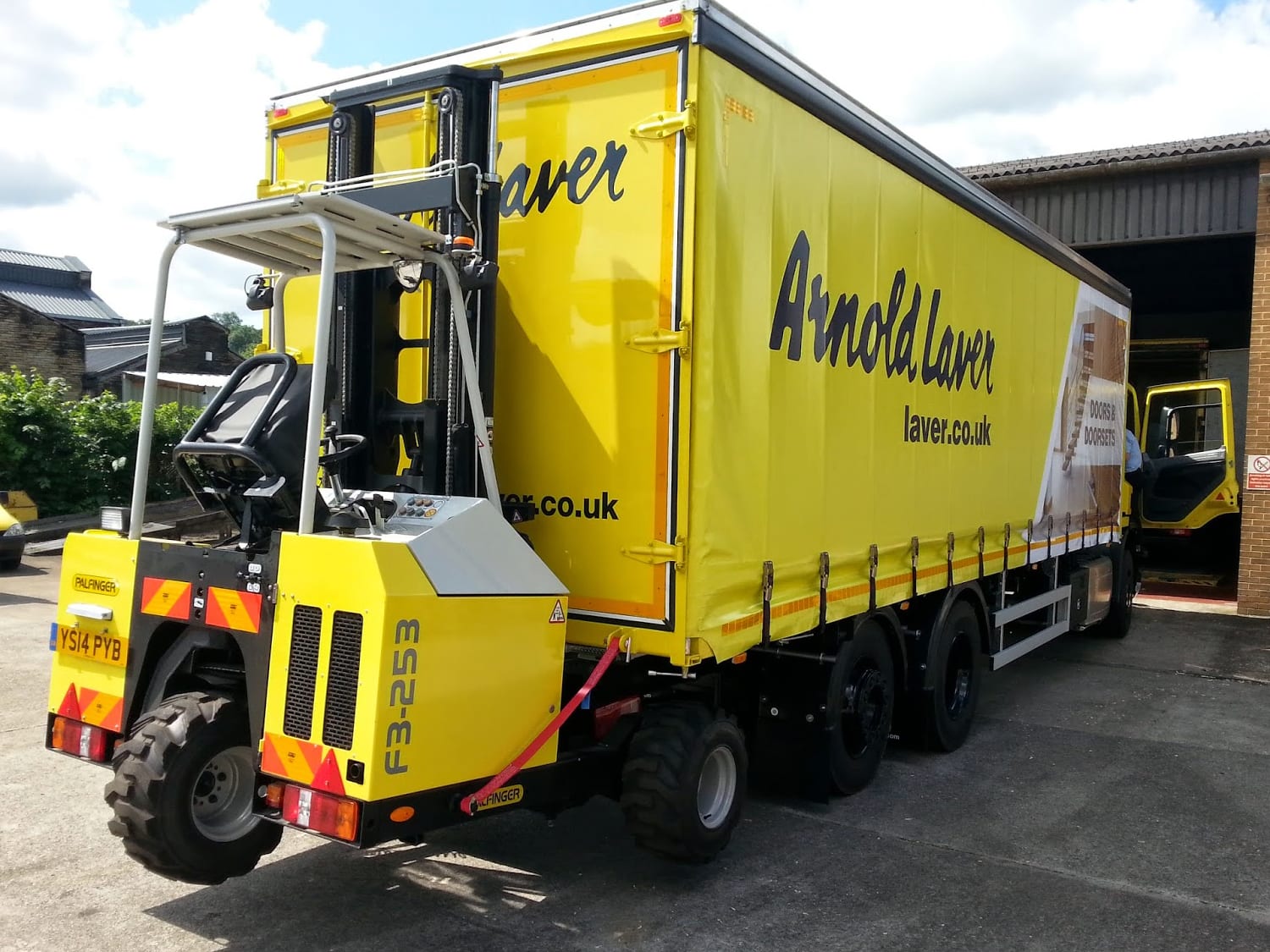
A timber merchant PWA rebuilt around branch trading, stock visibility and trade ordering.
Timber merchant operations supported by stronger catalogue scale, adoption and page speed activity.