
What a WordPress integration gives you.
Content teams know what is approved, when it publishes and which approval steps remain. Campaign scheduling, brand compliance and regional variants are enforced before pages go live, removing manual handoff risk.
Product descriptions, images and category taxonomy are fed from PIM or ERP and enriched in WordPress. Storefronts and channels receive consistent, up-to-date content without manual duplication or transcription.
Digital assets are stored once in WordPress, versioned and automatically transformed into variants. Storefronts and channels receive correctly sized, formatted images and documents without manual file exports.
Scheduled content and campaign pages are published to storefronts, marketplaces and email automatically on release dates. Missed deadlines and broken links are eliminated through scheduled integration flows.
Publishing workflows, approval chains and content changes are logged and traceable. Compliance teams can audit who changed what, when content was approved and which pages are live on each channel.
Where a WordPress integration earns its place.
If two or more of these are true, the integration usually pays for itself quickly.
Where off-the-shelf connectors fall short.
Vendor connectors are fine for simple cases. Here's where the real ones need more.
WordPress has no built-in connection to PIM or ERP systems. Product attributes, descriptions and category taxonomy must be manually entered or pushed via custom integration; without this, content governance and freshness drift from source systems.
WordPress media library lacks formal versioning, expiry metadata and multi-channel asset transformation. Storefronts and channels do not automatically receive resized images, format variants or updated assets; manual export and upload are common workarounds.
WordPress editorial workflow supports basic draft / review / publish states. Complex approval chains involving merchandisers, brand teams, legal or regional compliance require custom role mapping or external workflow tools.
WordPress is page-centric. Headless content delivery (JSON APIs for component-level content, structured data for search, recommendation feeds) requires REST API custom development and manual schema design; not all content types map cleanly.
WordPress does not feed search indexes, merchandising rules or facets directly to commerce search platforms. Landing pages and campaign content must be indexed separately or manually pushed via API; search-result ranking and content freshness lag behind edits.
Many teams author product content in both PIM and WordPress, then lose sync when product information changes. Clarity on which system owns what (attributes vs enrichment), and automated flows to keep them in step, prevents costly duplication and governance drift.
Where this integration sits in your estate.
WordPress holds the commercial record. The iWeb integration layer manages the rules, mappings, monitoring and exceptions. The commerce platform presents the customer-facing experience. The estate map helps agree ownership before anything is built.
Connect across your stack. WordPress plugs into the systems that run your trading operation, whichever ecommerce platform sits at the front.
- Page and component authoring and scheduling
- Digital assets, product media and DAM
- Editorial workflow and approval states
- Campaign content and messaging
- Asset versioning and archival
- Storefront product catalogue display
- Customer checkout and account
- Order capture and transaction handling
- Live pricing and inventory display
- Customer-facing search and discovery
Systems this integration usually sits next to.
Examples, not a closed list. iWeb is platform-agnostic on both sides: we wire this integration into whatever ecommerce platform and surrounding systems your estate already runs.
- Adobe Commerce
- Magento Open Source
- Shopify Plus
- BigCommerce
- Other storefronts
- PIM (Salsify, Syndigo, Plytix, Inriver)
- ERP (SAP, Oracle, NetSuite, Sage)
- Search (Elasticsearch, Solr, Algolia, Klevu)
- Email and marketing automation (Klaviyo, HubSpot, Marketo)
- CMS (Contentful, Strapi, Sanity)
- Marketplace connectors (Amazon, eBay)
- Asset-delivery and CDN services
Not sure if this works with your stack?
Tell us what you’re using and what needs to connect. We’ll give you a straight view on what’s possible, what might be awkward, and the safest way to approach it.
The data flows we wire.
Each flow has a direction and an owner. We agree both before a line of code is written.
How iWeb configures the integration around your business.
Same method on every integration. The decisions come before the code.
- 01Design content and asset flows
iWeb maps what content types, assets and metadata move from WordPress to storefronts, how often, and which approvals must complete first. Scheduling, fallback and rollback behaviour are defined before build starts.
- 02Build approval workflow integration
iWeb connects WordPress editorial states, user roles and approval metadata to commerce and operational systems. Brand teams, regional leads and compliance staff can enforce their rules without custom coding.
- 03Integrate product data and enrichment
iWeb connects WordPress to PIM systems so product attributes, images and descriptions flow in, and editorial enrichment flows back. Master-data governance is respected and conflicts are surfaced early.
- 04Manage asset delivery and transformation
iWeb handles image resizing, format conversion and multi-channel asset variants so storefronts and marketplaces receive correctly prepared media. Asset versioning and expiry policies are enforced.
- 05Build scheduled publishing and rollback
iWeb implements scheduled content release, preview workflows and rollback paths so failed publishes can be reversed without breaking storefronts. Publishing events are logged and observable.
- 06Support search index and discovery integration
iWeb feeds campaign content, landing-page metadata and structured content into search indexes and recommendation systems. Search rankings, zero-results handling and content freshness remain in sync with editorial updates.
Who owns what.
The single most important table in any integration. One system owns each field; everything else reads it.
Built this before
iWeb has designed and built WordPress integrations across retail, manufacturing and service sectors. We understand how WordPress sits between your PIM, storefronts, search platforms and marketing systems, and how to keep editorial governance, asset management and publishing workflows reliable and observable.
What we test before launch.
Every one of these is rehearsed before a customer ever sees the integration.
Common risks and where they bite.
We name these on day one. A risk written down is a risk you can plan around.
If content publishes to WordPress but the integration fails silently, storefronts show stale or broken pages. Campaign deadlines are missed, and editors lose trust in the system. Monitoring and exception queues must surface failures within minutes.
If approval states in WordPress are not enforced or mapped to storefront visibility, unapproved or non-compliant content can go live. Brand, legal or regional teams discover violations after the fact, requiring emergency rollbacks.
If WordPress assets are not automatically replaced or archived when new versions are published, storefronts and campaigns show outdated images or documents. Seasonal content, discontinued products or revoked resources remain visible.
If WordPress content changes are not fed into search platforms in real time, search results, recommendations and zero-results handling become stale. Merchandisers waste time investigating why new content does not appear in search.
If product content is manually authored in WordPress instead of flowed from PIM, descriptions diverge, images are duplicated and edits are not traced back to the source. When product details change in PIM, WordPress content is forgotten and storefronts show conflicting information.
If a broken campaign page, incorrect asset or unapproved content goes live, there is no clear way to roll it back or restore the previous version. Downtime and manual fixes damage customer experience and editor confidence.
Relevant services and sectors.
Common questions about WordPress integrations.
How does WordPress fit with our PIM and commerce platform?
WordPress sits at the content and asset layer. Product master data (attributes, descriptions, base images) flows from your PIM into WordPress editorial workflows. Content teams enrich and author landing-page copy, seasonal content and campaigns in WordPress. Approved content and assets flow to storefronts, email and marketplaces. iWeb designs the data flows and approval gates so neither team duplicates work.
Can we author product content in WordPress instead of our PIM?
Not advisable as a primary source. If product attributes, SKUs and descriptions live in WordPress, they drift from your PIM and become unreliable when product information changes. Best practice: master data originates in PIM, feeds into WordPress as a starting point, and editorial teams enrich it (descriptions, landing-page context, campaign messaging). Changes to product master data flow from PIM, not WordPress.
How are editorial approvals enforced before content goes live?
iWeb maps WordPress approval roles and states (draft, review, approved, scheduled) to integration rules. Content remains hidden on storefronts until the approved state is reached. If a page fails an approval step, it stays in draft and does not publish. Approval metadata is logged and auditable.
Do we need to resize and reformat images for each channel?
No. iWeb configures asset transformation so images stored in WordPress are automatically resized, converted to the correct format and pushed to storefronts and marketplaces in the variants they need. You store one master asset; the integration delivers optimised versions to each channel.
How do scheduled campaigns and seasonal content work?
Content scheduled in WordPress publishes automatically at the specified date and time. iWeb builds the scheduling integration so campaign pages go live, landing pages are swapped and assets are updated without manual intervention. Failed publishes are logged and alerted; rollback is available if needed.
Can WordPress feed content directly into our search platform?
Yes. iWeb connects WordPress content (pages, campaign metadata, product enrichment) to your search index. When content is approved and published in WordPress, the integration pushes it to the search platform so merchandisers can immediately see it in search results. Search-result ranking and content freshness stay in sync with editorial updates.
What happens if a page breaks or content needs to be rolled back?
iWeb designs rollback workflows so failed publishes or unapproved content can be reverted without manual site editing. Previous versions are retained; rolling back restores the prior version to storefronts. Publishing events and rollbacks are logged so you have a complete audit trail.
How do we manage regional or channel-specific content variations?
iWeb maps WordPress content variants to regions, languages and channels during integration design. One master page is authored in WordPress; regional teams can customise specific sections (pricing, promotions, compliance notes). Approved variants publish to their respective storefronts and channels automatically.
Can WordPress connect to our email marketing or CRM system?
Yes, via the integration layer. Campaign content, segment lists and send triggers can flow from WordPress to your email or CRM platform. Customer engagement data and campaign performance can flow back to WordPress for editorial teams to analyse and refine future campaigns.
How is content versioning and archival handled?
What observability and monitoring do we get for content publishing?
iWeb builds monitoring so you can see which content is scheduled, approved, published and live on each channel. Failed publishes trigger alerts; publishing events are logged and queryable. Content teams have dashboards showing approval status, publish dates and channel coverage.
How does the integration handle high-traffic campaigns or peak publishing periods?
iWeb designs the integration to handle scheduled bulk publishes without choking storefront performance. Publishing flows are queued and throttled; storefronts are updated asynchronously so customer checkout is not blocked. Monitoring alerts if publishing queues grow or deadlines slip.
Can we use WordPress plugins for ecommerce integration, or do we need iWeb?
WordPress plugins offer basic connectivity to some platforms but rarely handle approval workflows, asset transformation, PIM synchronisation or search integration properly. iWeb designs end-to-end flows with named owners, exception handling and observability so content teams and merchants have confidence in the system.
What if our WordPress instance goes down or publishing fails?
iWeb designs fallback behaviour so storefronts have a recent cached copy of published content. Failed publishes are queued for retry; alerts notify content teams immediately. Recovery playbooks and rollback paths ensure downtime does not break customer experience.
Projects with a similar shape.
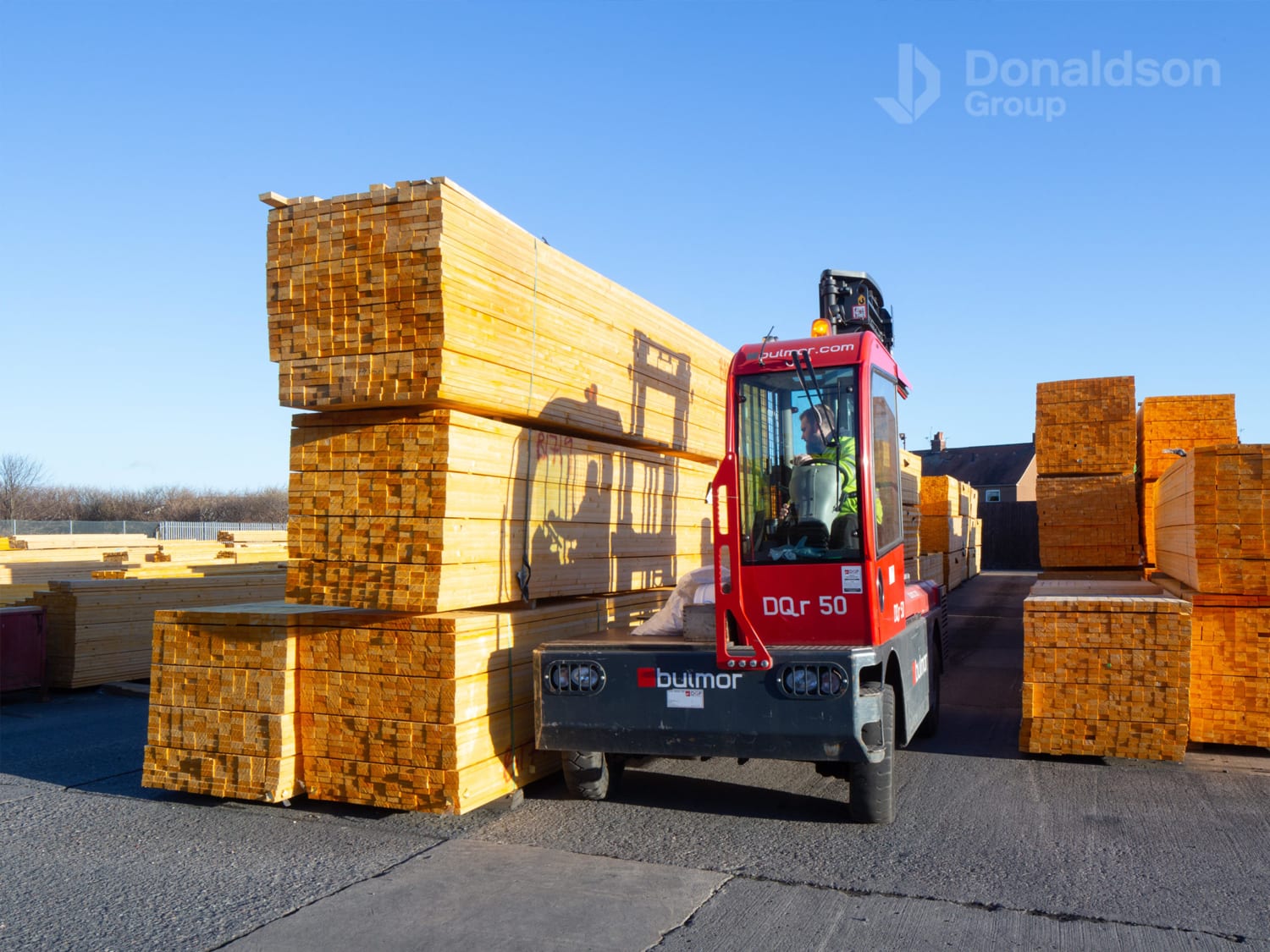
A timber merchant platform rebuilt around trade ordering, mobile engagement and customer experience.
Timber trading supported by stronger mobile activity, engagement and a clearer customer experience.
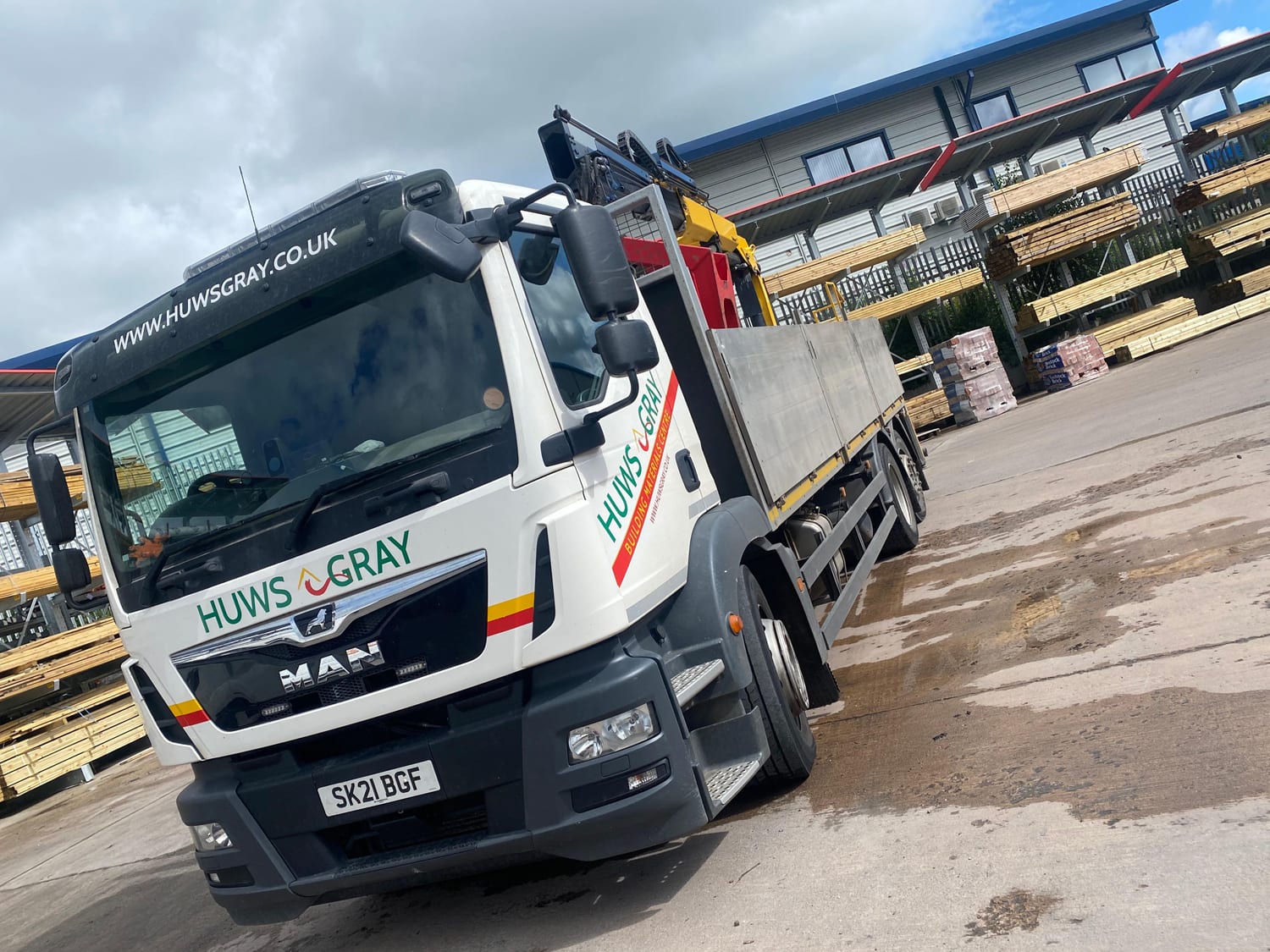
A builders' merchant platform built around online trade, account registration and fulfilment accuracy.
Merchant operations supported by stronger online sales, account activity and reduced manual fulfilment work.

An audio visual distributor platform built around trade customers, product depth and fulfilment.
Specialist AV trading supported by stronger mobile journeys and operational system traffic.