
What a Workato integration gives you.
iWeb establishes observability, exception queues and escalation paths so that integration failures surface immediately, not when the business notices missing data or broken checkout.
Orders, acknowledgements and dispatch confirmations flow through Workato without duplication, loss or transformation drift. iWeb ensures idempotency, retry logic and reconciliation gates keep the flow reliable.
Catalogue, pricing and stock updates flow from ERP or PIM through Workato to storefronts and marketplaces with clear scheduling, transformation and channel-specific routing rules.
Multi-stage workflows (procurement, budget, fulfillment) flow through Workato without losing context or approval state. iWeb ensures each stage knows what it owns and what it delegates.
Clear documentation, runbooks and escalation paths mean support, operations and integration teams know how to monitor, troubleshoot and change Workato recipes without breaking downstream systems.
Where a Workato integration earns its place.
If two or more of these are true, the integration usually pays for itself quickly.
Where off-the-shelf connectors fall short.
Vendor connectors are fine for simple cases. Here's where the real ones need more.
Workato recipes are easy to build but easy to leave unmonitored. Without clear ownership, SLAs and failure routing, integration failures can go undetected until the business notices missing stock, unprocessed orders or stale product data.
Recipes handle data mapping and logic, but without documented transformation rules and version control governance, changes can accumulate and break downstream systems or violate data rules that ERP, PIM or compliance teams expect.
by default retry behaviour may not match your operational risk tolerance. Duplicate orders, partial stock updates or missing acknowledgements can occur if retries are not carefully tuned and idempotent keys are not designed into each flow.
Workato stores API keys and credentials for every connected system. Without secrets rotation, audit logging and access control, credential drift can break integrations silently or create compliance risk.
Workato can handle high transaction volumes, but without pre-launch load testing and performance budgets, peak-season events or batch syncs can overwhelm queues, cause timeouts or create cascading delays across downstream systems.
Many teams use Workato to avoid building integrations, but without clear ownership boundaries and failure visibility, recipes quietly accumulate complexity and become the system no one owns.
Where this integration sits in your estate.
Workato holds the commercial record. The iWeb integration layer manages the rules, mappings, monitoring and exceptions. The commerce platform presents the customer-facing experience. The estate map helps agree ownership before anything is built.
One integration architecture, any storefront. Workato connects through the same governed layer whatever commerce core you run.
- Recipe definitions and workflow logic
- Connector credentials and API keys
- Transformation rules and data mapping
- Retry, idempotency and failure routing
- Customer accounts and sessions
- Cart and checkout
- Order capture and handoff trigger
- Product catalogue and storefront experience
Systems this integration usually sits next to.
Examples, not a closed list. iWeb is platform-agnostic on both sides: we wire this integration into whatever ecommerce platform and surrounding systems your estate already runs.
- Magento Open Source
- Adobe Commerce
- Shopify Plus
- BigCommerce
- Other storefronts
- ERP (SAP, Oracle, NetSuite, Sage)
- PIM (Salsify, Syndigo, inRiver)
- OMS (Blue Yonder, JDA, Manhattan)
- CRM (Salesforce, HubSpot)
- Marketing platforms (Marketo, Klaviyo)
- WMS (Manhattan, Blue Yonder)
- Payment processors (Stripe, PayPal)
- Data warehouses (Snowflake, BigQuery)
Not sure if this works with your stack?
Tell us what you’re using and what needs to connect. We’ll give you a straight view on what’s possible, what might be awkward, and the safest way to approach it.
The data flows we wire.
Each flow has a direction and an owner. We agree both before a line of code is written.
How iWeb configures the integration around your business.
Same method on every integration. The decisions come before the code.
- 01Design the integration layer and ownership boundaries
iWeb maps which data flows through Workato, which stays in source systems (ERP, PIM, commerce), and what happens when Workato is unavailable. This prevents Workato from becoming a hidden system of record.
- 02Build recipes with observability, monitoring and alerting
iWeb constructs Workato workflows with named error handlers, exception queues, audit logging and alerts routed to the right team. Failures are visible and actionable, not silent.
- 03Define transformation rules and data validation gates
iWeb documents how data is mapped, validated and transformed in each recipe. Validation rules catch bad data before it reaches downstream systems. Changes are version-controlled and tested.
- 04Tune retries, idempotency and performance thresholds
iWeb sets idempotent keys, retry counts, backoff strategies and throughput limits so that Workato can safely replay failed messages without creating duplicates or overwhelming ERP, OMS or commerce systems.
- 05Provide runbooks and operational handover
iWeb delivers runbooks, SLAs, escalation paths and training so that operations and support teams can troubleshoot, monitor and refresh Workato integrations without breaking the flows or losing data.
Who owns what.
The single most important table in any integration. One system owns each field; everything else reads it.
Built integration estates with Workato
iWeb has built and supported Workato integrations across retail, manufacturing and foodservice estates. We understand how Workato sits alongside ERP, PIM, OMS and payment systems, and how to keep it reliable without letting it become a hidden dependency.
What we test before launch.
Every one of these is rehearsed before a customer ever sees the integration.
Common risks and where they bite.
We name these on day one. A risk written down is a risk you can plan around.
Workato recipes are created without clear ownership, monitoring or SLAs. Failures go undetected. Orders get stuck, stock stops syncing, or customer data sits in dead-letter queues until someone notices the business impact.
Recipes are changed ad-hoc without documenting new transformation rules or testing downstream impact. ERP receives malformed orders, PIM gets truncated attributes, or storefronts show wrong prices because transformation rules silently changed.
Retry logic is not idempotent. A failed order is resent three times, creating three invoice lines in ERP. Stock updates get applied twice, leaving inventory counts mismatched between ecommerce and warehouse.
API keys and passwords for ERP, PIM, payment or CRM systems rotate, but Workato is not updated. Integrations silently fail, transactions get stuck in queues, and alerts do not fire.
Black Friday or seasonal peaks send thousands of orders through Workato without load testing. Recipes time out, queues back up, and fulfillment delays cascade. The team has no idea Workato was the bottleneck until after the event.
Over time, complex transformation logic, approval workflows and exception handling move into Workato recipes. The team loses sight of where data is owned, what happens if Workato is unavailable, and how to migrate off the platform.
Relevant services and sectors.
Common questions about Workato integrations.
When should Workato be the integration layer versus a direct connector?
Workato works well when you have multiple sources and destinations that need orchestration, conditional routing, or approval workflows (e.g. orders from multiple channels going to different fulfillment paths). For simple point-to-point flows (PIM to storefront), a direct connector or middleware may be simpler. iWeb assesses your estate and recommends the right approach.
How do we prevent Workato from becoming a hidden system of record?
iWeb designs clear ownership boundaries: define what Workato moves, what stays in source systems (ERP, PIM, commerce), and how Workato behaves when it is unavailable. Workato is a conduit with named failure modes, not a place where business truth lives.
How do you handle failures and retries without creating duplicate orders or stock?
iWeb builds idempotent workflows with unique keys (order ID, stock movement ID) so that replay does not create duplicates. Retry policies, backoff strategies and dead-letter queues are tuned to match your ERP and OMS tolerance. Failed messages are visible and actionable.
How does Workato handle peak-season volumes or batch syncs?
iWeb load-tests recipes before launch and sets throughput limits, queue depths and timeout budgets. During peak periods, Workato can queue messages and replay them at controlled rates so that downstream systems are not overwhelmed.
Who owns the Workato recipes once they are live?
iWeb hands over clear ownership: integration teams maintain recipes and credentials, operations teams monitor exceptions and SLAs, and business teams define new workflows and approval rules. Runbooks and escalation paths are documented.
How do we keep Workato transformation rules aligned with business requirements?
iWeb documents transformation logic, stores recipes in version control, and requires testing and approval before deployment. Changes to recipes are tracked, validated and communicated to the teams that depend on them.
What happens if Workato is unavailable or if we want to migrate off it?
iWeb designs Workato as a conduit, not a source of truth. If Workato goes down, source systems (ERP, commerce, PIM) continue to operate and can queue data for replay. If you migrate, data ownership and workflows are documented so the transition is clean.
How do we rotate API keys and credentials without breaking integrations?
iWeb implements credential rotation schedules and automated updates in Workato so that keys are refreshed without manual intervention. Workato alerts the team before keys expire.
Can Workato handle complex approval workflows across procurement, ERP and commerce?
Yes. iWeb designs multi-stage workflows where Workato routes requests through approvers, captures decisions, and triggers actions (order creation, fund release, fulfillment). Each approver knows their role and what they own.
How do we monitor and alert on Workato recipe health?
iWeb builds observability into recipes so that each step logs, errors are caught and routed to exception queues, and alerts fire to the operations team. Dashboards track throughput, latency and failure rates.
Can Workato sync product data from PIM to multiple storefronts with channel-specific rules?
Yes. iWeb builds recipes that pull product data from PIM, apply channel-specific transformations (pricing, attributes, media), and push to each storefront on a schedule. Recipes validate data readiness before publishing.
How do we ensure data quality and validation in Workato workflows?
iWeb builds validation rules into recipes so that bad data is caught before it reaches downstream systems. Failed records go to exception queues where humans can review and fix them, then replay.
What is the cost model for Workato and how does it scale with transaction volumes?
Workato charges based on recipe runs and data transfers. iWeb helps you forecast transaction volumes, understand the cost impact, and optimize recipes to avoid unnecessary runs or data movement.
Can Workato integrate with custom or legacy systems that do not have APIs?
Workato has connectors for many legacy systems (SAP, Oracle, Cobol, mainframe) via SFTP, ODBC, or custom connectors. iWeb assesses your systems and recommends the integration approach.
Projects with a similar shape.
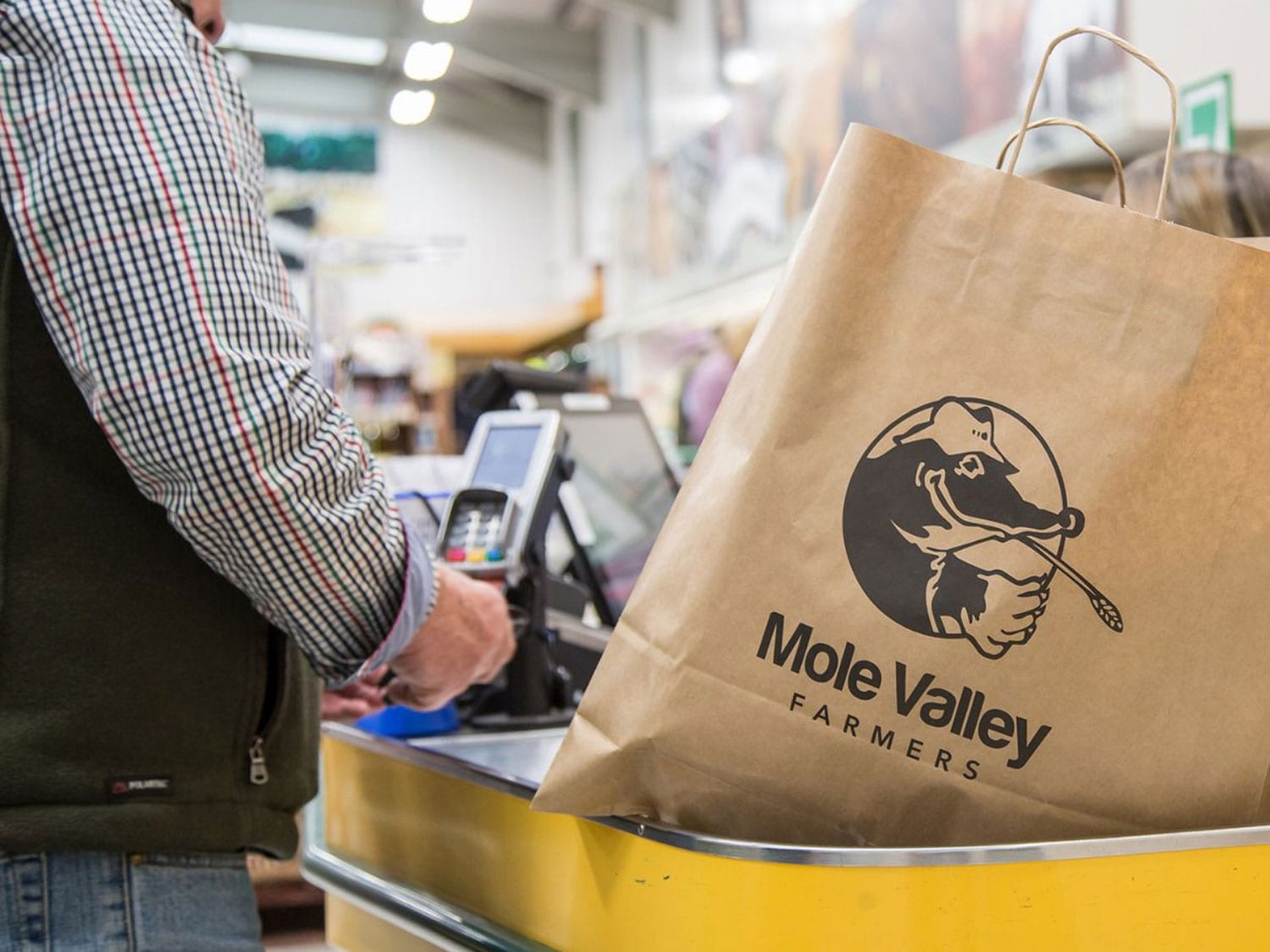
An agricultural retail platform built around rural trade customers and seasonal purchasing.
Agriculture and country retail commerce implementation.

A gardening commerce platform rebuilt around seasonal catalogue depth, search and checkout journeys.
Garden retail trading supported by stronger search activity and updated add-to-cart activity.

A VW camper parts platform rebuilt around catalogue depth, search and specialist ordering.
Specialist parts purchasing updated through deeper catalogue structure and stronger search journeys.