What a Zettle integration gives you.
Staff at the till can see online order history, account balances, trade limits and returns history for any customer. This reduces repeat questions, lets you honour payment terms and improves customer service without manual lookups.
Online orders for collection automatically reach the correct branch in Zettle so staff can pick, prepare and hand over orders on schedule. Customers see accurate collection status and staff reduce manual order entry.
Branch and ecommerce inventory allocations are coordinated so you do not oversell across channels. Stock movements sync back to your ERP in real time so finance and logistics have a single view of available inventory.
Trade account pricing, customer discounts and credit limits set in your ERP apply consistently at tills and online. Staff cannot accidentally override terms and customers experience the same pricing whether they order online or in-store.
Till transactions, customer trades, payments and refunds post automatically to your ERP. Month-end and period reconciliation require less manual correction because transaction data is complete and audit trails are clear.
Where a Zettle integration earns its place.
If two or more of these are true, the integration usually pays for itself quickly.
Where off-the-shelf connectors fall short.
Vendor connectors are fine for simple cases. Here's where the real ones need more.
Zettle does not automatically reserve stock across online and branch channels. Without integration, branch staff may oversell inventory that has already been allocated to an online order, or ecommerce may show stock that branches have already committed to in-store customers.
Zettle customer records are till-specific and do not natively link to your ecommerce customer accounts. Staff cannot easily look up online order history or honour trade credit limits established in your ERP.
Online orders for in-store pickup do not automatically appear in Zettle. Without an integration, staff must manually enter collection orders into the till, creating data-entry delays and risk of loss.
Zettle transactions do not automatically post to your ERP general ledger. Separate manual reconciliation is needed to match till records, customer trades and payments against accounting entries.
Customer-specific discounts and trade credit terms set in your ERP or pricing system do not flow to Zettle by default. Branch staff may apply incorrect discounts or accept orders that breach customer credit limits.
The hard problem is not moving data between till, ecommerce and ERP; it is deciding who owns inventory at each moment so oversell never happens and both channels can sell confidently.
Where this integration sits in your estate.
Zettle holds the commercial record. The iWeb integration layer manages the rules, mappings, monitoring and exceptions. The commerce platform presents the customer-facing experience. The estate map helps agree ownership before anything is built.
No platform lock-in. We integrate Zettle with the commerce core you already have, or the one you are moving to.
- Till transactions and receipts (until posted to ERP)
- In-store customer identification and trade applications
- Branch payment processing (card, cash, loyalty)
- Click-and-collect order queues at branch level
- Online customer accounts and order records
- Ecommerce checkout and collection order placement
- Online inventory and collection order visibility
- Customer communication on collection status
Systems this integration usually sits next to.
Examples, not a closed list. iWeb is platform-agnostic on both sides: we wire this integration into whatever ecommerce platform and surrounding systems your estate already runs.
- Magento Open Source
- Adobe Commerce
- Shopify Plus
- BigCommerce
- Other storefronts
- ERP (stock, pricing, customer accounts, general ledger)
- OMS (order routing and collection order visibility)
- Ecommerce platform (online orders, customer accounts, collection orders)
- Payment gateway (card and cash payment reconciliation)
- Customer data platform (unified customer identity and trade history)
Not sure if this works with your stack?
Tell us what you’re using and what needs to connect. We’ll give you a straight view on what’s possible, what might be awkward, and the safest way to approach it.
The data flows we wire.
Each flow has a direction and an owner. We agree both before a line of code is written.
How iWeb configures the integration around your business.
Same method on every integration. The decisions come before the code.
- 01Map customer account linking
We design how Zettle customer records match to your ecommerce customer accounts and ERP customer ledgers. This ensures till staff can see online history and customer service can see in-store transactions across a single unified view.
- 02Design stock allocation and reservation
We define which system reserves inventory at which point (online order, branch commitment, payment). This prevents oversell and ensures branch staff see accurate available stock, even during peak trading.
- 03Build click-and-collect routing
We integrate your ecommerce platform with Zettle so online collection orders automatically route to the nominated branch and appear in till workflows. Staff know when to pick and prepare, and collections are tracked through to handover.
- 04Connect pricing and trade terms
We pull customer-specific pricing, trade discounts and credit limits from your ERP or pricing system into Zettle at the till. Staff apply the correct price, and the system prevents orders that breach established credit limits.
- 05Build till-to-ERP financial posting
We design how Zettle transactions, payments, customer trades and refunds post to your ERP general ledger and customer ledgers. This eliminates manual bank and sales reconciliation and makes month-end close faster and more accurate.
- 06Monitor offline and exception handling
We set up monitoring so that when a till goes offline, orders are queued safely and replay reliably when Zettle reconnects. Integration failures and stuck transactions are surfaced so staff can take action before customers are affected.
Who owns what.
The single most important table in any integration. One system owns each field; everything else reads it.
Built this integration before
iWeb has integrated Zettle with ecommerce platforms, ERP systems and order management environments across retail, hospitality and trade businesses. We understand how branch tills, online inventory, customer accounts and financial records need to coexist without oversell, reconciliation gaps or manual recovery.
What we test before launch.
Every one of these is rehearsed before a customer ever sees the integration.
Common risks and where they bite.
We name these on day one. A risk written down is a risk you can plan around.
If stock is not reserved atomically when an online order is placed or a till transaction committed, the same inventory can be sold twice. This happens most often during peak trading when order volume spikes and reservation delays compound.
If the integration between ecommerce and Zettle fails silently, online collection orders do not reach the till. Staff have no visibility that an order is waiting to be picked, and customers arrive to collect orders that were never prepared.
When a till loses network connection, Zettle queues transactions locally. If the queue fills or the integration fails to replay queued transactions on reconnection, some till data can be lost or stuck, breaking financial reconciliation.
If trade account pricing or credit limits do not sync to Zettle before the till processes an order, staff may accept a trade sale that breaches the customer's established credit limit. The order reaches ERP and accounting has to reject it manually.
If customer-specific discounts in your ERP are not refreshed to Zettle on schedule, or if the same customer is assigned different prices on different branches, till staff may apply wrong pricing. This breaks margin and creates reconciliation disputes.
If till transactions, payments or refunds do not post to ERP reliably, the cash ledger, sales ledger and bank reconciliation begin to drift. Accounting staff spend time on manual reconciliation instead of closing on time.
Relevant services and sectors.
Common questions about Zettle integrations.
How do we prevent oversell when the same stock is available online and in-store?
The integration reserves stock atomically in your ERP when an online order is placed or a till transaction is committed. Available inventory flows to both channels from a single reserve pool, so branches and ecommerce see the same allocations in real time. This requires careful definition of when stock leaves the available pool (order placed vs payment captured), so we design that upfront.
How do online click-and-collect orders reach the branch?
When a customer selects a branch for collection, the ecommerce platform sends the order via the integration to Zettle. The order appears in the branch's till system with a unique collection number so staff can pick, prepare and hold it. When the customer arrives, staff mark it as handed over, and the status feeds back to the ecommerce system and customer app.
Can staff at the till see a customer's online order history?
Yes. The integration links Zettle customer records to your ecommerce customer accounts and ERP customer master. When a customer provides their email or phone at the till, staff can look up their online order history, trade account balance, credit limit and returns. This requires the same customer identity to exist in all three systems, which the integration maintains.
How do we make sure trade account pricing applies at the till?
Customer-specific pricing and trade discounts are defined in your ERP or pricing system. Before each trading day, the integration pushes the customer price list and credit terms to Zettle. When staff ring up a sale, Zettle applies the customer's correct price. If the order would exceed their credit limit, the till refuses it and staff must escalate to a manager.
What happens when a till goes offline or loses network connection?
Zettle queues till transactions locally while offline. When the connection returns, the integration replays the queued transactions to your ecommerce and ERP systems. We set up monitoring so that if the replay queue gets stuck or times out, an alert is sent to the operations team. This prevents silent data loss and ensures financial records stay complete.
How do till transactions post to the ERP general ledger?
The integration captures till receipts, customer trades, payments and refunds from Zettle and posts them to your ERP as debit and credit entries. Cash sales go to the bank/cash clearing account, customer trades go to the trade receivable ledger, and refunds reverse the original sale. This eliminates manual bank reconciliation and keeps the cash ledger current.
How do we handle returns and refunds across online and in-store channels?
Returns initiated at the till (in-store returns) or on the ecommerce platform (online returns) both feed into Zettle and then to your ERP. The integration tracks which channel the original order came from and which channel processed the return, so refund accounting is clear. If a customer returns an online order at a branch, the integration can attribute the refund to the correct original order.
Who owns the integration between Zettle, our ecommerce platform and ERP?
iWeb owns the design, build and operation of the integration. Your teams own the business rules (e.g. how stock is reserved, which customer fields sync, what pricing applies where). We define these rules upfront, build the integration to enforce them, and monitor so that failures are visible before they reach the shop floor or ERP.
How is stock visibility managed when orders are placed online but fulfilled from branches?
The integration coordinates stock across channels. When an online order is placed for in-store pickup at a nominated branch, the integration reserves stock at that branch in your ERP. Other branches see reduced available stock. When the order is picked and handed over at the till, the stock allocation moves from reserved to sold. This requires the integration to understand branch-level stock holds.
What happens to customer trades and credit accounts set up in Zettle?
Customer trade accounts are defined in your ERP, not in Zettle. The integration pulls trade account balances, credit limits and customer terms from the ERP into Zettle so staff have the current information. Trades made at the till post back to the ERP customer ledger automatically. No customer data lives only in Zettle.
Can we run a branch offline for an extended period and still process orders?
Yes, Zettle can operate offline and queue transactions. However, if the branch is offline for hours, online orders for that branch's collection cannot be routed to the till, and staff cannot access updated pricing or stock levels. The integration can be configured to buffer orders to a local queue or notify operations that manual intervention is needed.
How do we monitor integration health and catch failures before they affect customers?
We set up monitoring for key flows: stock sync completeness, pricing feed freshness, till transaction posting latency, click-and-collect order routing, and payment reconciliation. If a flow falls behind SLA or fails, an alert is sent to your operations team. We also build pre-launch testing so you know the integration works before you go live in stores.
What happens if a customer's account balance cannot be checked at the till?
If the integration or ERP is temporarily unavailable, the till can operate in a fallback mode. You decide in advance whether staff can ring up sales for that customer without checking balance (risky), require cash only, or suspend credit sales. We configure the fallback upfront and monitor so you know when the integration is not responsive.
Projects with a similar shape.

A vitamins and supplements platform rebuilt around repeat purchasing and product data.
Repeat health purchasing supported by cleaner product data and connected customer journeys.

A fashion PIM project built around product data quality, digital assets and retail channel activity.
Fashion product data updated across Shopify Plus, sales channels and internal catalogue workflows.
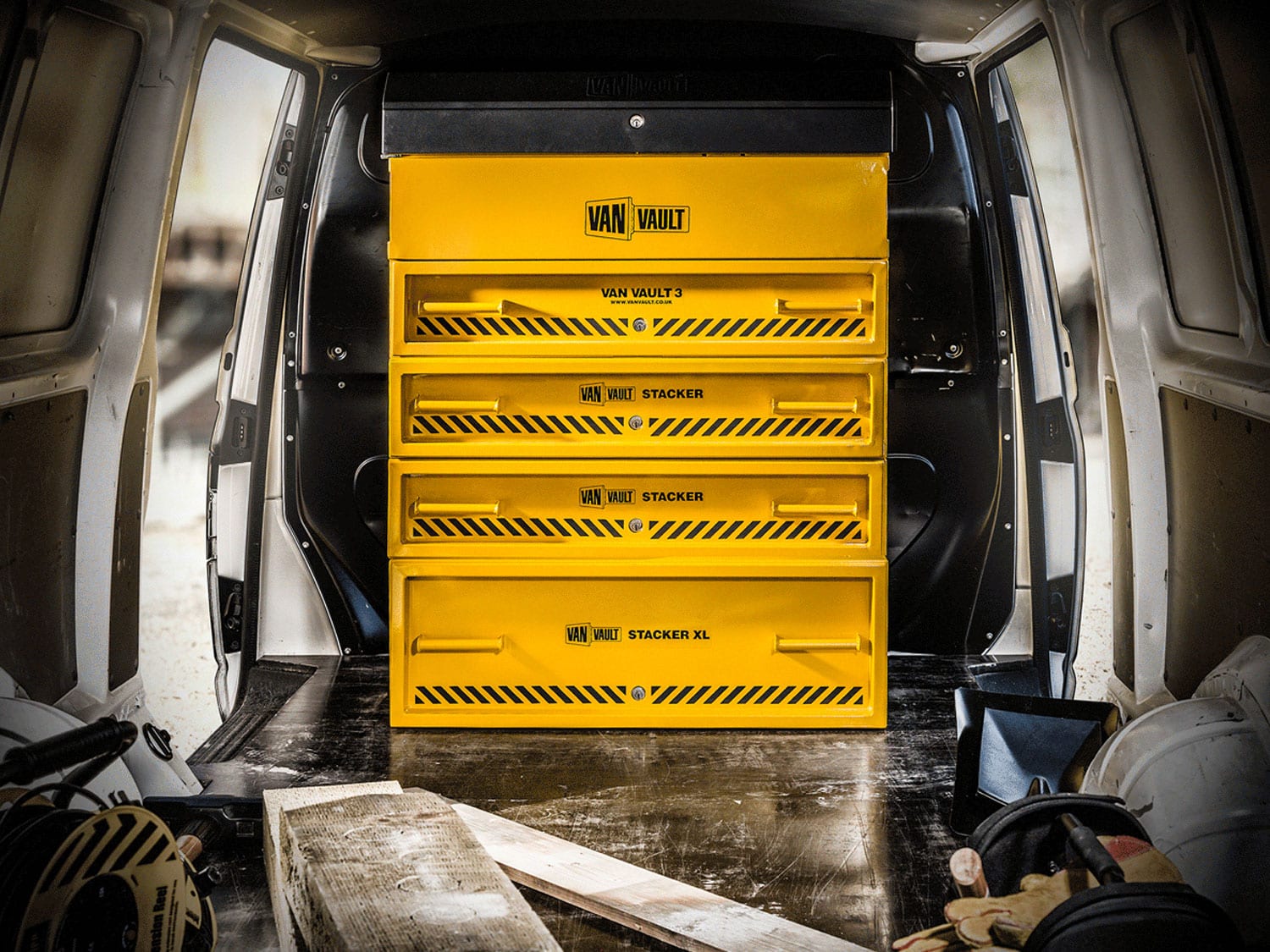
A tool storage D2C platform built around product discovery, mobile trading and checkout journeys.
Mobile-led product purchasing supported by stronger customer sessions and transaction activity.