What a BigCommerce integration gives you.
Product owners know what attributes, images and copy are complete and approved in PIM. When data lands on BigCommerce, it is traceable, versioned and backed by clear ownership rules across channels.
Ecommerce inventory is live-synced with ERP and branch stock. Pricing reflects base rates, promotions and trade-account rules without manual intervention. Oversell alerts, stock buffers and price governance prevent customer disappointment and margin leakage.
Web orders land in ERP with full context: customer account, shipping address, payment status. Order acknowledgement, dispatch and returns flow back to BigCommerce so customer service has end-to-end visibility without polling multiple systems.
Customer records, purchase history and consent rules move between storefront and CRM. Marketing teams can build campaigns on unified customer data. Support teams can see the full order history across online, branches and trade channels.
With product, stock and order flows governed, listing on new marketplaces, launching branches or adding B2B portals stays controllable. Inventory and pricing do not drift between channels because the integration is the single source of sync.
Where a BigCommerce integration earns its place.
If two or more of these are true, the integration usually pays for itself quickly.
Where off-the-shelf connectors fall short.
Vendor connectors are fine for simple cases. Here's where the real ones need more.
BigCommerce has basic product management tools, but no rich attribute model, taxonomy or asset governance. Without a PIM, product content and media governance live scattered across spreadsheets and the storefront, making multichannel publishing and enrichment hard to sustain.
Stock and pricing must be manually synced or pushed via API. Without a live integration to ERP, branches and trade counters do not see ecommerce inventory, and ecommerce can oversell if ERP stock changes are not captured fast enough.
BigCommerce can integrate with ERP and fulfilment systems, but without iWeb governance, order acknowledgement, despatch confirmation and returns often depend on manual export or fragile API logic that breaks silently after upgrades.
BigCommerce tracks storefront customer records but does not automatically link to ERP customer accounts, trade account permissions or CRM profiles. Multi-channel customer experience and trade account management rely on manual reconciliation.
BigCommerce includes search and recommendations, but without a PIM or search governance layer, facets, synonyms, ranking rules and zero-results handling stay implicit. Merchandising intent and search performance tuning are hard to observe and control.
The challenge is not connecting BigCommerce to ERP or PIM—it's deciding where each system owns the truth for product data, stock, pricing and orders, then keeping that boundary enforced as the business grows and APIs change.
Where this integration sits in your estate.
BigCommerce is the commerce platform - the customer-facing experience, catalogue, checkout and account area. The iWeb integration layer wires it into the ERP, PIM, OMS, WMS and payments systems it depends on. The estate map helps agree ownership before anything is built.
Built to trade, wired to the back office. BigCommerce moves orders, stock and customers between the storefront and the systems of record.
- Storefront catalogue display and search
- Shopping cart and checkout experience
- Customer session and account records
- Order placement and payment submission
- Customer communications and notifications
- PIM serves product attributes, content and media
- ERP serves stock, pricing, customer accounts and orders
- CRM serves customer engagement and marketing
- OMS and WMS serve fulfilment and dispatch
- Payments and tax services handle transactions
- Marketplaces and channels feed multi-channel orders
Systems this integration usually sits next to.
Examples, not a closed list. iWeb wires BigCommerce into whatever ERP, PIM, OMS, WMS, payments and operational systems your estate already runs.
- ERP (SAP, Sage, NetSuite, Microsoft Dynamics)
- PIM (Salsify, Syndigo, Informatica, Akeneo, Contentserv)
- OMS / order management (Blue Yonder, Flexport)
- WMS / fulfilment (3PLs, warehouse partners, Cin7, Fishbowl)
- CRM and marketing (Salesforce, Klaviyo, HubSpot, Adobe Experience Cloud)
- Search and merchandising (Algolia, Elastic, Klevu, Hawksearch)
- Marketplaces (Amazon, eBay, Etsy, Shopee, Alibaba, TikTok Shop)
- Payments (Adyen, Stripe, Worldpay, Square)
Not sure if this works with your stack?
Tell us what you’re using and what needs to connect. We’ll give you a straight view on what’s possible, what might be awkward, and the safest way to approach it.
The data flows we wire.
Each flow has a direction and an owner. We agree both before a line of code is written.
How iWeb configures the integration around your business.
Same method on every integration. The decisions come before the code.
- 01Map and design integration ownership
iWeb works with your teams to decide which system owns product attributes, stock, pricing, customer accounts and order status. This design work prevents silent conflicts and makes troubleshooting fast.
- 02Build and maintain connectors
iWeb builds the code to sync product catalogue, stock, pricing, orders and customer data between BigCommerce, ERP, PIM, fulfilment and CRM. We handle API changes, error queues and monitoring so syncs stay reliable.
- 03Monitor data health and exceptions
iWeb configures observability so you can see product sync status, stock latency, order acceptance, and customer record matching in real time. Exception queues surface failures before customers notice.
- 04Govern promotions and discounting
iWeb clarifies whether promotions live in BigCommerce, ERP price books or a third system, then enforces the rules so discounts and shipping charges are consistent and audit-ready.
- 05Plan and execute upgrades
iWeb builds replatforming roadmaps, tests integration behaviour on new BigCommerce versions, and co-executes upgrades so order flows, product syncs and customer data remain unbroken.
Who owns what.
The single most important table in any integration. One system owns each field; everything else reads it.
Built this before
iWeb understands how BigCommerce sits in a commerce estate and how to connect it to ERP, PIM, CRM, fulfilment and payments without silent failures. We have built connectors for multinational retailers, mid-market brands and B2B operations that rely on BigCommerce as their storefront.
What we test before launch.
Every one of these is rehearsed before a customer ever sees the integration.
Common risks and where they bite.
We name these on day one. A risk written down is a risk you can plan around.
Without a governed sync cadence or version control, product changes in PIM land late or incompletely on BigCommerce. Search indexes become stale, customer-facing copy lags, and multichannel listings conflict.
If stock sync latency is not monitored or if BigCommerce does not receive ERP stock changes in time, the storefront can accept orders that cannot be fulfilled. Buffer rules and real-time alerts are essential but often missing.
When the order-to-ERP API fails or when BigCommerce order payloads are malformed, orders sit unacknowledged in BigCommerce while invoicing and fulfilment queues remain empty. Silent failures in the integration layer are common.
If BigCommerce promotions, shipping rules and discounts are not aligned with ERP pricing governance, customers see inconsistent prices across channels and returns / disputes surge.
Without account linking rules, ecommerce customers are treated as strangers in ERP. Trade account rules, credit limits and purchase history do not flow back to the storefront, breaking B2B and account-based selling.
BigCommerce platform updates, API deprecations or webhook timeouts can break product syncs, order capture or stock updates without alerting the team. Integration testing and rollback plans are often weak.
Relevant services and sectors.
Common questions about BigCommerce integrations.
How does product data flow from PIM into BigCommerce?
iWeb builds a connector that listens to product changes in your PIM, maps attributes to BigCommerce product fields and custom attributes, uploads images and documents, and updates the storefront catalogue on a schedule or on-demand. The connector includes error handling so missing or mismatched data is logged and re-tried without blocking other products.
How do we prevent stock oversell when ecommerce and ERP are not in perfect sync?
iWeb implements stock buffers (a safety margin held in ERP, not offered on BigCommerce), real-time or near-real-time sync of available-to-sell quantities, and monitoring of sync latency so you know when the data is stale. If latency exceeds a threshold, the integration can alert or pause high-risk SKUs.
What happens if an order fails to reach the ERP?
iWeb sets up dead-letter queues and monitoring so failed orders are not silently lost. If the ERP API is down or rejects an order, the integration logs the failure with full order context, alerts your team, and can auto-retry when the ERP comes back online. You have a clear audit trail.
How do we manage promotions if we use both BigCommerce and an ERP price engine?
iWeb works with you to define clear ownership: either promotions live in BigCommerce and price rules in ERP (most common), or both sync from a single source. The integration then enforces that rule so discounts and shipping charges are consistent. Conflicts are logged.
Can customer accounts in BigCommerce link to trade accounts in the ERP?
Yes. iWeb builds account-linking logic that matches ecommerce customers to ERP customer records using email, customer number or other identifiers. Once linked, customer-specific pricing, credit limits and purchase history can sync from ERP and display on the storefront. Returns and refunds can also route correctly.
How does customer data flow to the CRM for campaigns?
iWeb connects BigCommerce to your CRM so customer records, purchase history, browsing events and email consent flow into the platform. Segments and suppression lists flow back to BigCommerce so campaigns respect unsubscribe and preference rules. Consent is tracked and audited.
What breaks when BigCommerce is upgraded or an API changes?
Webhook timeouts, API deprecations, field changes and new required parameters can break product syncs, order capture and stock updates. iWeb monitors API health, tests against BigCommerce release notes, and builds upgrade testing into your release calendar so breaks are caught before go-live.
How do we list products on marketplaces while keeping inventory in sync?
iWeb extends the integration so product catalogue, stock and pricing feed to marketplaces (Amazon, eBay, Etsy, Shopee, etc.) from a single ERP or PIM source. Orders from each marketplace flow back into BigCommerce and ERP via the same integration layer, and stock adjusts across all channels automatically.
Can orders from BigCommerce integrate with a separate OMS or fulfilment system?
Yes. Orders flow from BigCommerce into your ERP first, then iWeb can route them to an OMS (Order Management System) or WMS (Warehouse Management System) based on rules: by location, by product type or by customer account type. Dispatch and tracking flow back to BigCommerce and the customer.
How do branch or trade-counter orders integrate with ecommerce inventory?
iWeb extends the integration so in-store orders and adjustments feed into the same stock ledger as ecommerce. Both channels see unified inventory in real time. Click-and-collect orders are routed to the branch, and in-branch returns flow back through the ERP to reconcile correctly.
Who owns integration monitoring and alert response?
iWeb defines monitoring dashboards (sync latency, order acceptance rate, stock variance, customer record matches) and alert routing so your team knows when something breaks. We document the troubleshooting playbook and train your team so you can resolve common issues without escalating to iWeb every time.
What happens if we need to replatform away from BigCommerce in future?
iWeb designs integrations so the data flows and ownership rules are independent of BigCommerce. If you move to another platform, the same ERP, PIM, OMS and CRM connectors stay in place, and we re-point the storefront connection. Replatforming becomes a connectivity exercise, not a re-build.
How is customer data kept compliant with GDPR and privacy rules?
iWeb builds consent tracking, data-deletion workflows and audit logs so customer records can be deleted or anonymised on demand across BigCommerce, ERP and CRM. PII handling in logs and error queues is governed. Privacy rules are documented and tested before launch.
Can we run A/B tests or merchandising rules without breaking the integration?
Yes. BigCommerce search, recommendations and promotions can run independently. iWeb ensures that merchandising rules do not conflict with ERP pricing or PIM completeness rules. If you want to test a promotion or change category display, the integration stays stable and audit-ready.
Other commerce platforms integrations.
Adjacent integrations in the same category. Same shape of work, different vendor.
Projects with a similar shape.

A battery trade portal built around product recommendations, fitment data and repeat ordering.
Battery purchasing supported by stronger mobile journeys and more efficient pricing workflows.

A sports equipment PIM project built around product data, adoption and customer confidence.
Product information updated to reduce returns and support stronger team adoption.
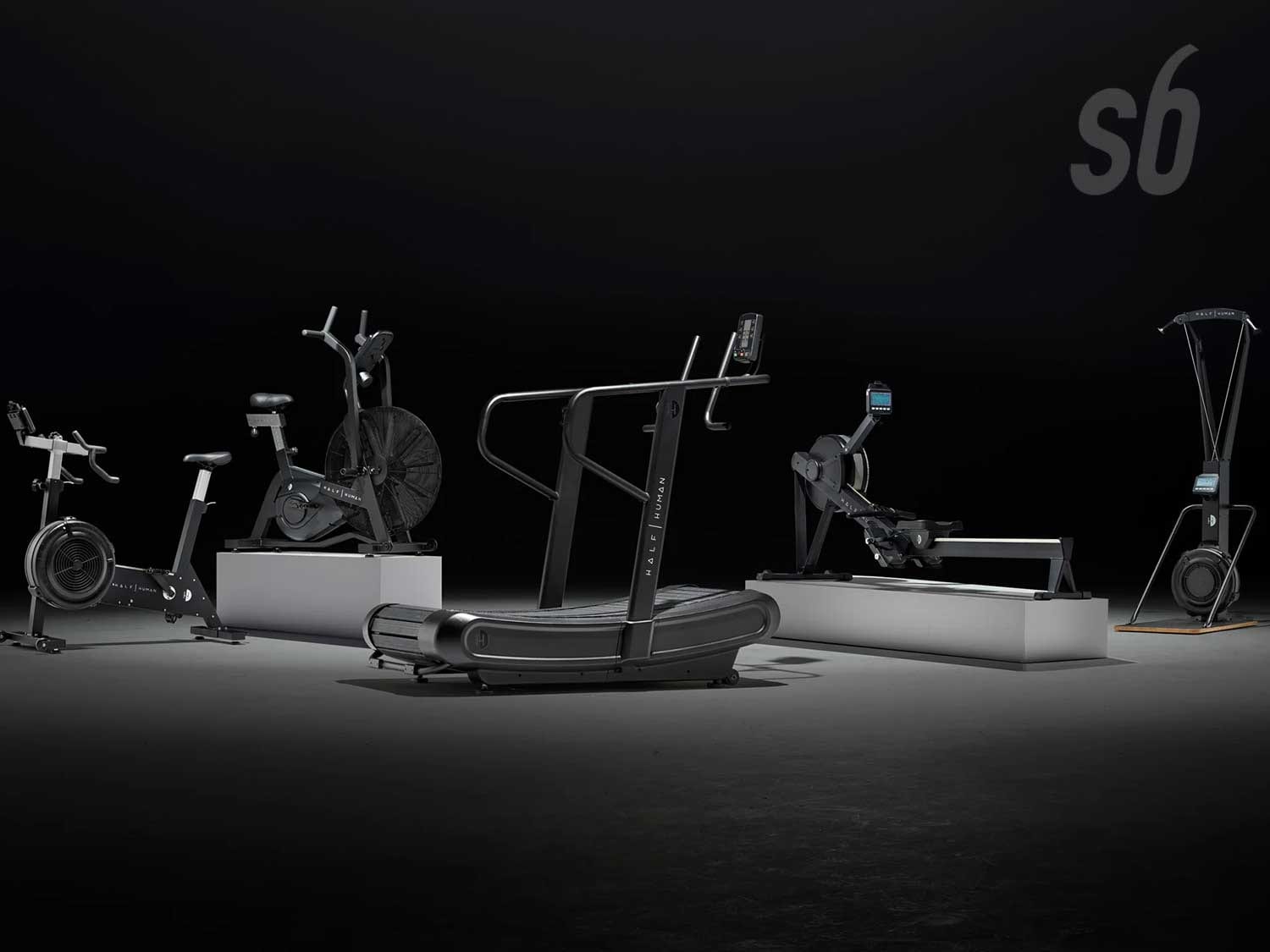
A sports equipment PIM project built around product data, launch speed and catalogue accuracy.
Product launches supported by cleaner data, better completeness and less manual product work.