
What a Lightspeed integration gives you.
Checkout logic reflects current branch capacity so customers see accurate availability and collection windows. Oversell incidents and collection delays drop.
Ecommerce orders route cleanly to branches with full customer and item detail. Branch staff confirm readiness without hunting for the order or customer record.
Daily till closures, refunds and payment movements post to the ERP automatically. Month-end reconciliation shifts from manual hunt-and-peck to variance review.
Customers see consistent pricing and account balance whether shopping in-store or online. Account holds, credit limits and discount rules apply uniformly.
Till staff and ecommerce service teams see the same customer record and purchase timeline, whether sales happened in-store or online.
Where a Lightspeed integration earns its place.
If two or more of these are true, the integration usually pays for itself quickly.
Where off-the-shelf connectors fall short.
Vendor connectors are fine for simple cases. Here's where the real ones need more.
Lightspeed's default stock export runs on a schedule. Ecommerce may not see branch availability updates for 15-60 minutes, creating windows where online checkout and branch capacity drift.
Lightspeed does not natively publish ready-for-collection status back to ecommerce or customer notification systems. Manual confirmation or third-party apps are often needed to close the loop.
Payment tenders, refunds and till-close discrepancies typically require manual review or custom reconciliation logic. Automatic posting to the ERP general ledger is not standard.
Lightspeed stores trade customer discounts and account rules locally. Syncing those rules to ecommerce pricing engines or checkout logic requires custom fields and mapping.
Lightspeed manages customers per location by default. Linking in-store customer records to a single ecommerce identity and loyalty account requires extra identity resolution and API work.
Till operations and ecommerce must stay separate until stock and customer identity are clearly owned; without that clarity, click-and-collect gets stuck in manual workarounds and oversell multiplies.
Where this integration sits in your estate.
Lightspeed holds the commercial record. The iWeb integration layer manages the rules, mappings, monitoring and exceptions. The commerce platform presents the customer-facing experience. The estate map helps agree ownership before anything is built.
Built for your platform, not a specific one. Lightspeed integrates with any ecommerce core through the same contract.
- Till transactions and end-of-day settlement
- Branch stock levels and reserves
- In-store customer lookups and loyalty
- Local pricing and trade-account rules cache
- Pick and readiness for click-and-collect orders
- Ecommerce customer master and orders
- Online checkout and cart
- Inventory visibility and availability messaging
- Click-and-collect order initiation
- Omnichannel customer identity and loyalty
Systems this integration usually sits next to.
Examples, not a closed list. iWeb is platform-agnostic on both sides: we wire this integration into whatever ecommerce platform and surrounding systems your estate already runs.
- Adobe Commerce
- Shopify Plus
- Magento Open Source
- BigCommerce
- Other storefronts
- ERP (NetSuite, Sage, SAP)
- OMS (order routing and fulfilment)
- PIM (trade-account pricing and rules)
- CRM (customer identity and loyalty)
- Payment systems (refund and settlement)
- Finance / general ledger
- Reporting and BI tools
Not sure if this works with your stack?
Tell us what you’re using and what needs to connect. We’ll give you a straight view on what’s possible, what might be awkward, and the safest way to approach it.
The data flows we wire.
Each flow has a direction and an owner. We agree both before a line of code is written.
How iWeb configures the integration around your business.
Same method on every integration. The decisions come before the code.
- 01Stock sync and allocation design
iWeb designs the polling frequency, reserve logic and fallback behaviour for branch stock feeds to ecommerce. We define which locations feed which checkout regions and how system downtime is handled.
- 02Click-and-collect order routing
iWeb builds the order-to-branch routing logic, handles order handoff into Lightspeed, monitors pick and readiness status, and triggers customer collection notifications.
- 03Till reconciliation and finance posting
iWeb maps till tenders, refunds, discounts and adjustments to ERP accounts. We build daily settlement feeds and exception queues so unposted or unmatched transactions surface for review.
- 04Trade-account pricing synchronisation
iWeb extracts trade-account discounts and local pricing from the ERP or PIM, formats them for Lightspeed upload, and keeps ecommerce checkout pricing in sync with branch pricing rules.
- 05Multi-location customer identity
iWeb designs the customer ID resolution so Lightspeed per-location records link to the ecommerce customer account. We handle loyalty lookups, account-balance checks and returns routing from either channel.
- 06Monitoring and exception handling
iWeb sets up observability for stock feeds, click-and-collect order status, till posting, and customer-record sync. Exception queues flag stock mismatches, unposted tills or orphaned orders for immediate review.
Who owns what.
The single most important table in any integration. One system owns each field; everything else reads it.
Built branch sync before
iWeb has designed and built Lightspeed integrations into ecommerce estates where branches, trade counters and click-and-collect matter. We understand how till operations, stock reserves, customer identity and pricing rules need to move between locations and the online storefront without manual handoff.
What we test before launch.
Every one of these is rehearsed before a customer ever sees the integration.
Common risks and where they bite.
We name these on day one. A risk written down is a risk you can plan around.
High-velocity sales on ecommerce or in-store can outpace stock sync. A branch may show stock available online while it sells the last unit at the till, or ecommerce oversells a branch location.
Ecommerce order routes to a branch but branch staff don't see it in Lightspeed, or pick and readiness status never routes back to ecommerce. Customer waits without knowing their order status.
End-of-day settlement files don't match till totals, or custom refund adjustments lack proper GL codes. Finance teams spend hours matching and manually posting.
A customer account's discount updates in ERP but Lightspeed terminals show the old price, or ecommerce checkout applies a different discount than the till. Customers complain or chargebacks arise.
An in-store return processes in Lightspeed but never becomes a credit note or refund in the ecommerce order record. Customer order history shows sale but no return.
Ecommerce stock lookups depend on Lightspeed availability. If a location goes offline, checkout may stall or show stale stock. No graceful fallback is defined.
Relevant services and sectors.
Common questions about Lightspeed integrations.
How often does branch stock sync to ecommerce?
Stock sync frequency is a design decision iWeb makes with you. Real-time polling is costly and not always necessary. Many retailers run 15-minute, 30-minute or hourly updates depending on velocity and channel separation. iWeb sets up fallback behaviour so ecommerce can reserve stock from a location even if the Lightspeed feed is temporarily slow.
What happens if a branch location is offline during a click-and-collect order?
iWeb designs a fallback: the order either routes to an alternate branch, queues for manual review, or the customer is notified that that location is unavailable at checkout. We define SLA and retry logic so orders are not silently lost.
How do till refunds and adjustments post to ERP and finance?
iWeb extracts the Lightspeed transaction file, maps payment tenders and refunds to the correct ERP GL codes, and posts daily or on demand. Discrepancies and manual adjustments queue for manual review. Till reconciliation becomes a variance check, not a data-entry marathon.
Can trade-account pricing from ERP automatically update Lightspeed tills?
Yes. iWeb designs a nightly or on-demand feed from ERP or PIM that uploads trade-account discounts and pricing to Lightspeed locations. Ecommerce checkout reads the same pricing source so both channels apply consistent discounts.
How do we link an in-store customer to the same ecommerce account?
iWeb designs customer ID resolution so Lightspeed per-location customer records match to the ecommerce customer ID. Lookups work via email, phone or loyalty number. Till staff can recall ecommerce purchase history and account balance.
What happens when a customer returns an item in-store that they bought online?
Lightspeed initiates the return. iWeb routes the return event to the ecommerce order record, OMS, payment system (to refund) and ERP (to post credit note). The customer's ecommerce order history reflects the return.
How do we handle oversell if ecommerce and a branch sell the same item at the same time?
iWeb designs stock-reservation logic. Either ecommerce or the branch can reserve units as they sell. Stock feeds to ecommerce show already-reserved units as unavailable. Sync frequency and reserve thresholds determine how tight the fit is.
Who owns the mapping between Lightspeed fields and ERP GL codes?
iWeb owns this mapping. We document which till tender types, refund categories and adjustments post to which GL accounts. Finance and IT review and approve before launch. Changes go through iWeb so the mapping stays consistent.
Can Lightspeed locations create orders directly in ecommerce checkout?
Lightspeed is primarily a retail till and stock system. Branch staff do not create ecommerce orders. Ecommerce customers place orders online; those orders route to branch for collection. Till staff can look up ecommerce orders in the Lightspeed customer screen.
How do we monitor if click-and-collect orders are stuck at a branch?
iWeb sets up alerting for orders that route to a branch but don't move to 'ready for collection' within a defined SLA. Exception reports flag unconfirmed orders so managers can follow up and resolve them.
What happens to till data if the ecommerce or ERP system is down?
Lightspeed is resilient. Till operations continue. iWeb queues till transactions and replays them into ERP and finance as soon as services are back. No sale is lost, but posting may be delayed a few hours.
Can branch managers see real-time ecommerce sales or customer activity?
Lightspeed is a till and stock tool, not an analytics platform. iWeb can export daily or hourly sales summaries to Lightspeed or a BI tool so branch managers see ecommerce trends. Real-time dashboards require a separate BI or reporting platform.
How do we handle local branch promotions that shouldn't appear online?
Lightspeed can hold local price overrides. iWeb isolates those overrides at the location level. Ecommerce reads central pricing from ERP or PIM, not local Lightspeed prices, so branch-only promotions stay in-store.
What if a trade customer's credit limit changes in ERP?
iWeb syncs credit limit and account status changes from ERP to Lightspeed daily or on demand. Till staff see updated account flags so they can flag unavailable credit. Ecommerce also reads the same account status for checkout rules.
Projects with a similar shape.

A product data platform shaped around catalogue accuracy and downstream commerce.
Heritage parts commerce built around specialist catalogues, vehicle fitment and enthusiast demand.
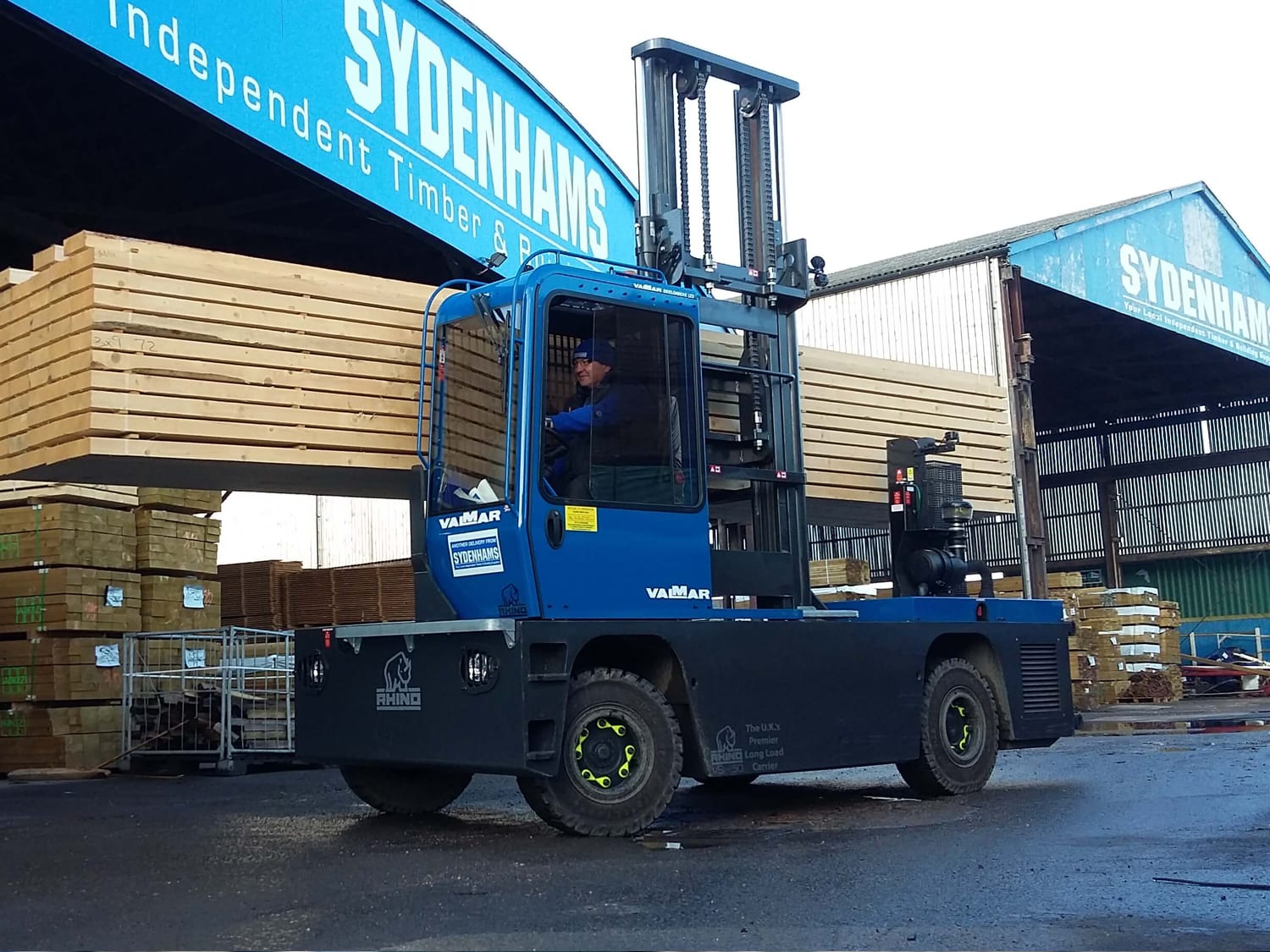
A builders and timber merchant platform built around search, stock and trade customer ordering.
Merchant trading supported by stronger search activity, mobile transactions and ongoing activity.

A lawnmower dealer network rebuilt around product availability, local stock and customer ordering.
Dealer commerce updated through stronger mobile purchasing, add-to-cart activity and fewer returns.